
Veo3.bot
Verified
Free AI Video Generator
Veo3.bot offers seamless, free access to Google Veo 3’s AI video generation suite — without regional restrictions.
Promoted
 KurodyneSell the tools from your AI side projects. Listing is free.
 Sidrune AI85% off. Stable Claude API for agent developers. Pay as you go. Invoices & refunds available.
 Pixmax.aiPixmax.ai is an all-in-one AI workspace for videos, visual stories, and marketing content.
 RewindType any X/Twitter handle. Get their year back as a narrated video story. Then ask it anything.
 SEOify - Improve your SEO & rankingsBuild links to rank in Google. Improve your DR with links you can start building now.Advertise here270,000+ people visit Dang.ai every month.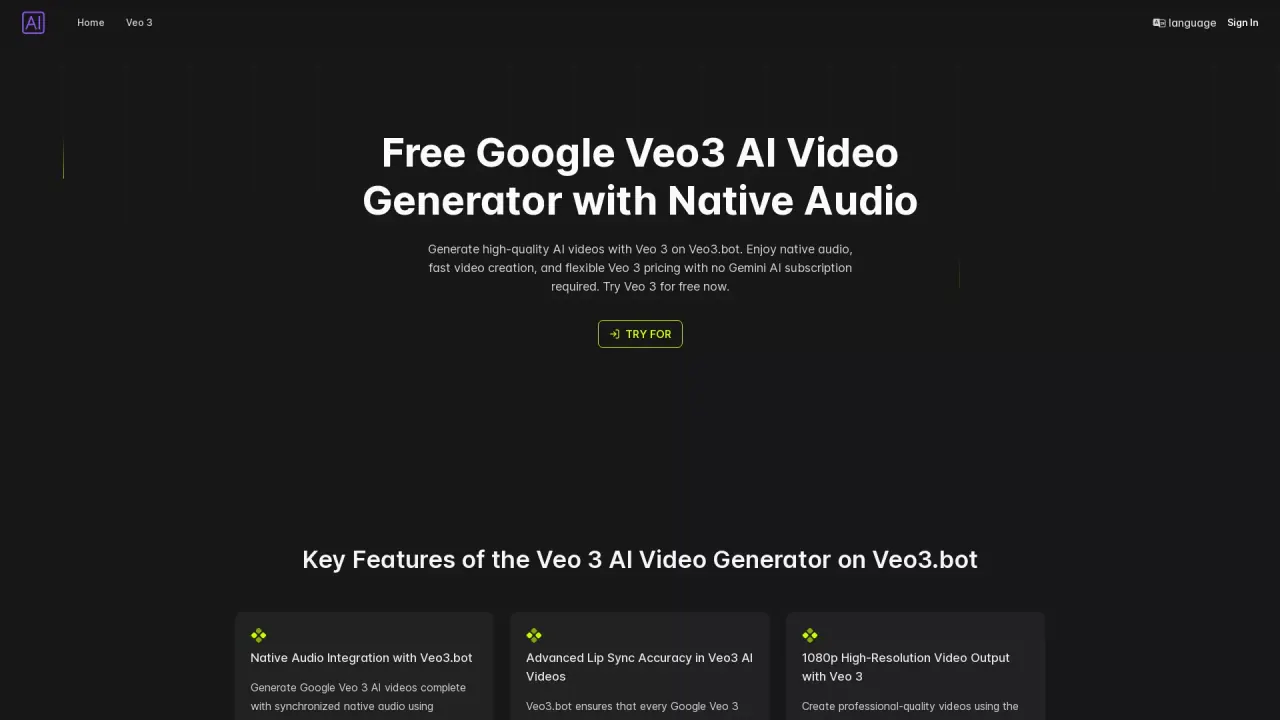
What does Veo3.bot do?
What video generation models does Veo3.bot support?
Veo3.bot provides access to Veo 3 and Veo 3 Fast video generation models, letting you choose between higher quality and faster processing.
What inputs can I use to create a video on Veo3.bot?
You can use text prompts (Text-to-Video) or upload an image (Image-to-Video). The tool supports both input types.
What features come with Veo3.bot generated videos?
Videos include native audio with synchronized lip-sync, immersive background effects and ambient sounds, 1080p high-resolution output, and realistic lighting, water effects, and motion physics powered by the Google Veo 3 engine.
What is the default video length, and can it be adjusted?
The default length is 8 seconds. You can adjust video settings when generating.
How do I create a Veo3 video on Veo3.bot?
Visit Veo3.bot, enter a text prompt or upload an image, choose between Veo 3 and Veo 3 Fast, configure settings (including length), click Generate, preview/refine, and then download your video.
Can I download my Veo3 videos?
Yes. After generation you can preview, refine, and download your video.
Who can benefit from using Veo3.bot?
Content creators, marketers, educators/trainers, and developers/startups can leverage Veo3.bot for high-quality AI video generation.
Does Veo3.bot offer an API for developers?
Yes. Veo3.bot provides the Veo 3 API for integrating video generation capabilities into your applications.
Can I use Veo3.bot without a Gemini subscription?
Yes. Veo3.bot can be used without a Gemini Pro subscription.
Is there a free trial or free access to Veo3.bot?
Yes. The site promotes a free trial/free access, including a Free Google Veo3 AI Video Generator with Native Audio and a “Try Veo3 for free now” option.
Is there a daily limit on video generation?
The site does not specify a daily generation limit. It describes the generation and download flow without stating limits.
This listing is claimed
Own Veo3.bot? Sign in with the email used to claim it to manage this listing, or upgrade to Pro for featured-first placement and a newsletter feature.