
Flux 3 AI
AI Image Generators from Text Tools
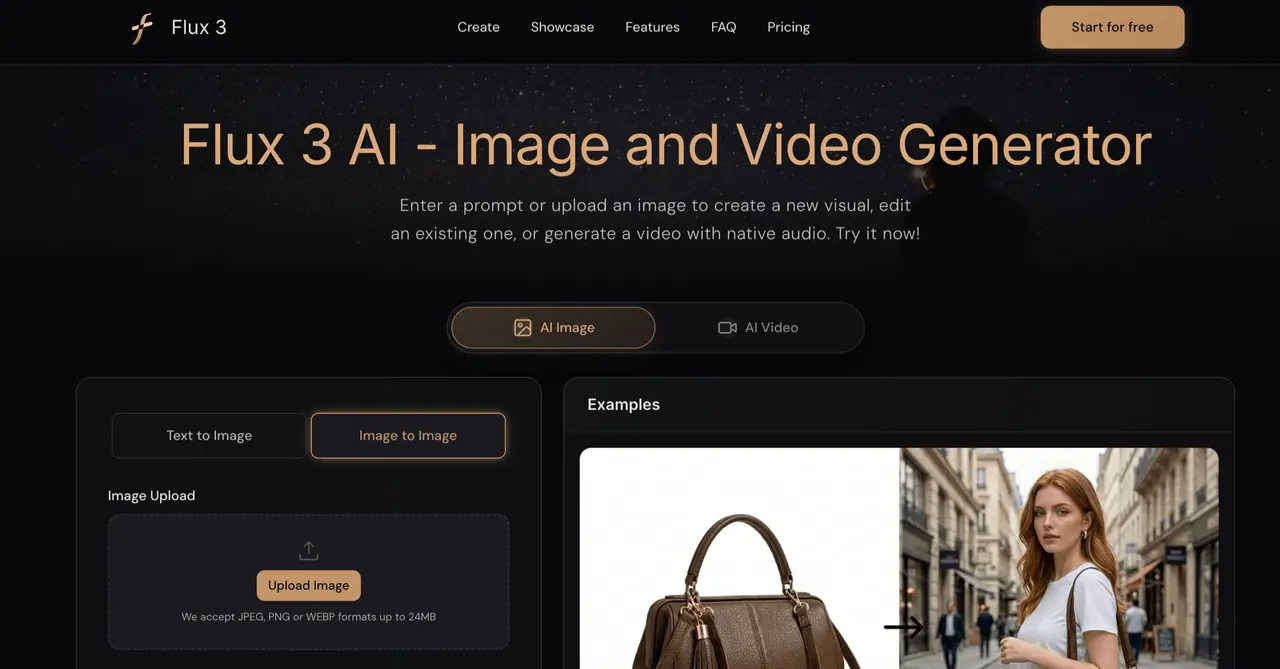
Use Flux 3 AI to generate images and videos, edit photos, and animate scenes with native audio using text or image references.
- Category
- Image
- Listed
- Oct 18, 2026
- Updated
- Oct 19, 2026
Promoted
 AI Checker PlusAI detector that highlights which passages AI wrote. Free check, no sign-up. Plagiarism too.
 RewindType any X/Twitter handle. Get their year back as a narrated video story. Then ask it anything.
 KurodyneSell the tools from your AI side projects. Listing is free.
 Sidrune AI85% off. Stable Claude API for agent developers. Pay as you go. Invoices & refunds available.
 Pixmax.aiPixmax.ai is an all-in-one AI workspace for videos, visual stories, and marketing content.
 SEOify - Improve your SEO & rankingsBuild links to rank in Google. Improve your DR with links you can start building now.Advertise here330,000+ people visit Dang.ai every month.
What does Flux 3 AI do?
Flux 3 AI is a unified multimodal generator from Black Forest Labs that brings images, video, and audio into one connected workflow. Instead of treating creation as separate tools, the model learns appearance, motion, and sound together so your prompts and references can carry through from a still frame to an audiovisual result.
Create in Image mode to generate new visuals from detailed prompts or to edit existing images using visual references. Build direction with subject, lighting, materials, layout, typography, and more—then refine results by reviewing outputs and updating instructions. When consistency matters (like a character, product shape, or logo placement), reference-led edits help keep key elements aligned across variations.
Use Video mode to generate motion from text, a still image, or source footage. Flux 3 AI supports keyframe control, visual references, and transformation of source clips to guide camera direction, continuity, and scene transitions. Videos can include native synchronized audio with dialogue and event-linked sound, and you can connect clips into longer sequences when needed.
Flux 3 AI is designed for creators, designers, and marketers who want one workspace for campaign assets, storyboards, and short-form video—without rebuilding the same concept across disconnected tools. Start for free and generate both images and videos in the browser.
What is Flux 3 AI used for?
Flux 3 AI helps you create and refine AI images and generate AI video with native audio. You can start from text, an image, or a source clip, then use references and motion controls to keep results consistent.
How do I use Flux 3 AI—Image mode or Video mode?
Use Image mode for text-to-image and image editing, including reference-guided transformations. Use Video mode for text-to-video, image-to-video, and video-to-video workflows, including keyframe and reference-based motion control.
What kinds of edits can I make with Flux 3 AI?
You can upload an image to transform it, or add visual references to guide subject, style, scene, and layout. This is useful for campaign variations, product concepts, and iterative design where certain elements must stay fixed.
What can Flux 3 AI generate with video?
Flux 3 AI generates videos from text, still frames, or source footage. You can direct motion, add multilingual dialogue, and include event-linked sound rendered alongside the visuals.
Does Flux 3 AI generate audio with video?
Yes. Flux 3 AI generates native synchronized audio with video, including dialogue and event-linked sound, in the same workflow.
Is Flux 3 AI free to use?
Flux 3 AI offers a free start, so you can begin generating images and videos without paying first.
This listing is claimed
Own Flux 3 AI? Sign in with the email used to claim it to manage this listing, or upgrade to Pro for featured-first placement and a newsletter feature.