
Flow AI Video
AI Video Maker Generators & Tools
Flow AI Video is a browser-based tool that turns text, images, and references into cinematic AI video clips using multiple models.
- Pricing
- Free
- Category
- Video
- Listed
- Sep 7, 2026
- Updated
- Nov 16, 2026
Promoted
 MuzieCreate professional AI music videos starring you. Bring a song or make one, done in minutes.
 AI Checker PlusAI detector that highlights which passages AI wrote. Free check, no sign-up. Plagiarism too.
 Pixmax.aiPixmax.ai is an all-in-one AI workspace for videos, visual stories, and marketing content.
 SEOify - Improve your SEO & rankingsBuild links to rank in Google. Improve your DR with links you can start building now.Advertise here330,000+ people visit Dang.ai every month.
What does Flow AI Video do?
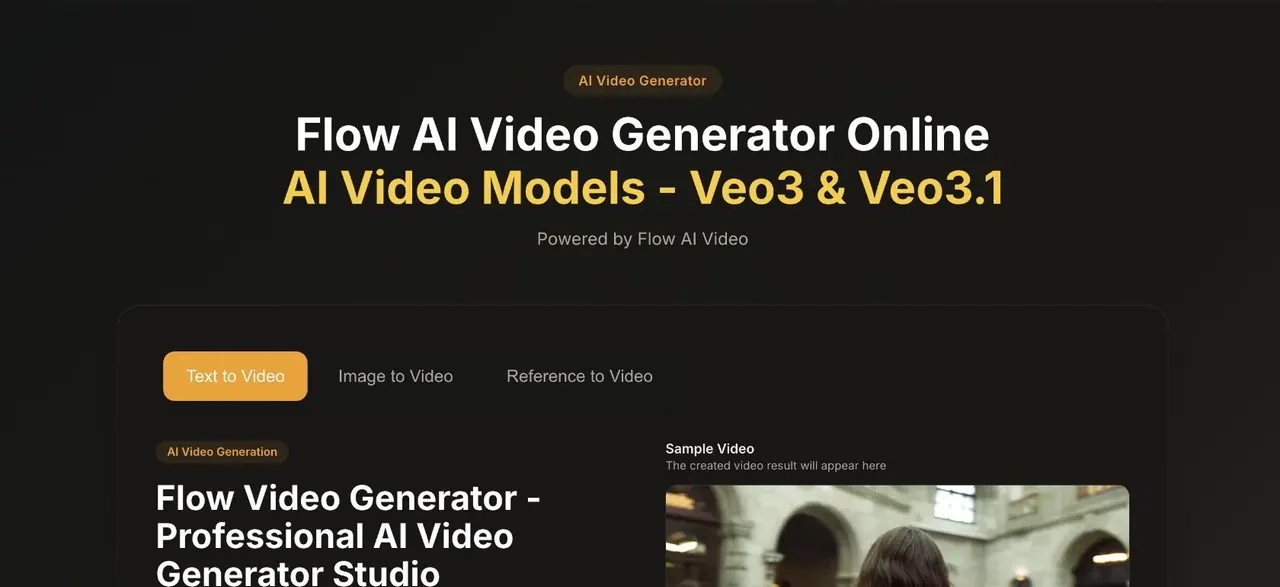
Flow AI Video is an online AI video generator that helps you create cinematic video clips directly in your browser. It supports text-to-video, image-to-video, and reference-to-video workflows, so you can go from an idea or visual reference to a finished clip without complex editing steps.
Choose an AI video model for your generation (including Veo 3.1 and Seedance 2.5, with additional options available in the model list). Set your aspect ratio and video quality (e.g., 720p HD or 1080p Full HD) and pick a short duration such as 4, 6, or 8 seconds. Generate, review the result, and download your video—while keeping a permanent generation history for your projects.
Flow AI Video is designed for creators, marketers, and creative teams who need fast, high-quality assets for social media, product clips, and campaign concepts. It also offers multi-shot storytelling features intended to maintain consistency in characters, visual style, and atmosphere across scene transitions.
Pricing uses a credit-based system. You start with free credits, and then can subscribe to plans with monthly credit allotments. Plans include Basic ($19.90/month, 800 credits/month), Pro ($39.90/month, 2,000 credits/month), and Enterprise ($99.90/month, 6,000 credits/month). Plans include options like unlimited downloads and a permanent video history, with other benefits varying by tier.
What can I create with Flow AI Video?
You can generate videos from text prompts, transform still images into video, and use reference-to-video inputs. You can also set aspect ratio, quality, and duration before generating.
Which generation settings can I adjust before I create a video?
You can choose the AI model, select an aspect ratio (including 16:9 and 9:16 or Auto), set video quality (720p HD or 1080p Full HD), and pick a duration (4, 6, or 8 seconds).
Do I need to install anything to use Flow AI Video?
No—Flow AI Video is browser-based. You can sign in from major browsers to generate and download videos.
How does the credit system work?
Flow AI Video uses credits for generation. Free users start with initial credits, and subscription plans provide monthly credits; you can generate videos as long as you have remaining credits.
What format can I download after generating a video?
Generated videos are available for download in MP4 format.
What plans and monthly credit amounts are available?
Basic ($19.90/month) includes 800 credits/month, Pro ($39.90/month) includes 2,000 credits/month, and Enterprise ($99.90/month) includes 6,000 credits/month. Each plan also includes monthly limits on the number of videos you can generate.
This listing is claimed
Own Flow AI Video? Sign in with the email used to claim it to manage this listing, or upgrade to Pro for featured-first placement and a newsletter feature.