
FixMP4
AI Video Maker Generators & Tools
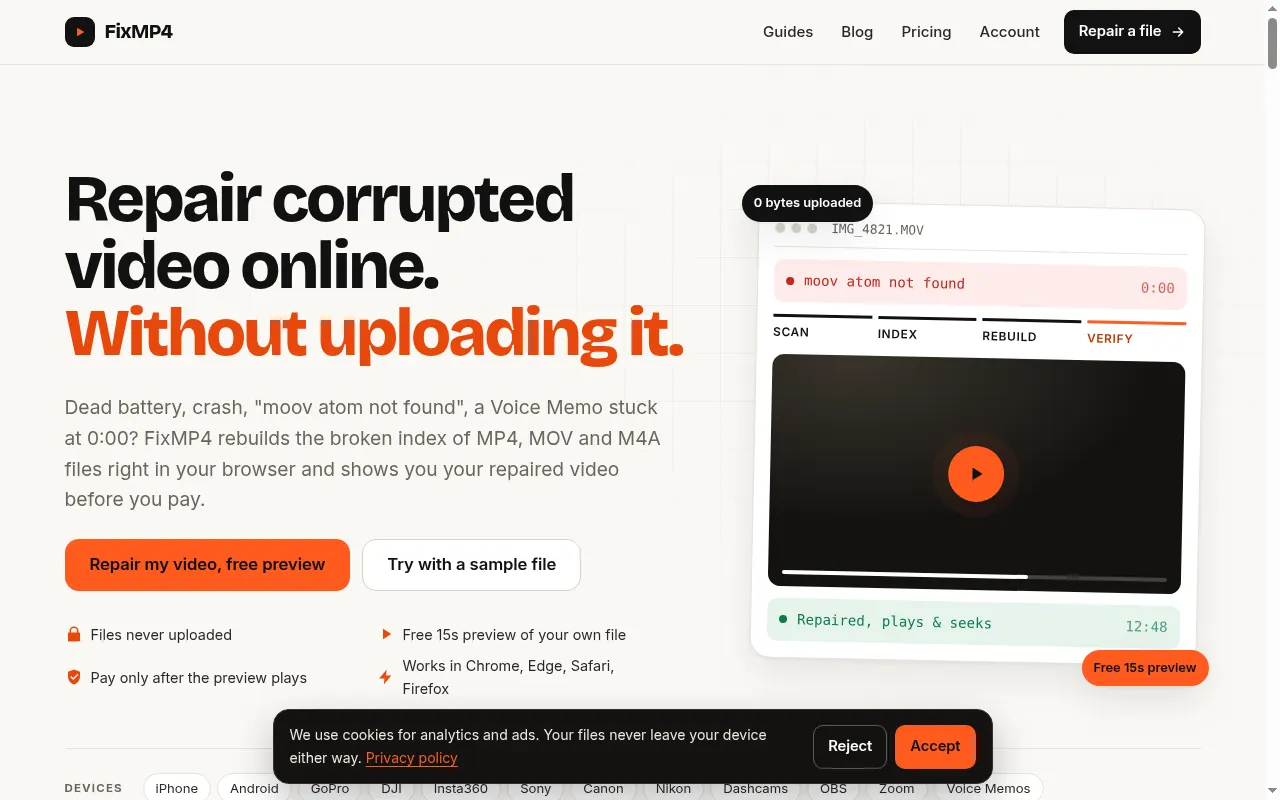
FixMP4 repairs corrupted MP4, MOV, and M4A videos in your browser, rebuilding missing indexes without uploading your file.
Promoted
 AI Checker PlusAI detector that highlights which passages AI wrote. Free check, no sign-up. Plagiarism too.
 RewindType any X/Twitter handle. Get their year back as a narrated video story. Then ask it anything.
 KurodyneSell the tools from your AI side projects. Listing is free.
 Sidrune AI85% off. Stable Claude API for agent developers. Pay as you go. Invoices & refunds available.
 Pixmax.aiPixmax.ai is an all-in-one AI workspace for videos, visual stories, and marketing content.
 SEOify - Improve your SEO & rankingsBuild links to rank in Google. Improve your DR with links you can start building now.Advertise here270,000+ people visit Dang.ai every month.
What does FixMP4 do?
FixMP4 helps you recover MP4, MOV, and M4A files that won’t play due to missing or broken indexes—common after a dead battery, crash, cut-off save, or an interrupted recording. If your player shows errors like “moov atom not found”, refuses the file, or displays a 0:00 duration, the footage is often still on disk; FixMP4 rebuilds the missing index so media players can locate the frames again.
The repair runs in your browser on your device, so your file isn’t uploaded. When you drop a file, FixMP4 diagnoses what’s wrong and (for video) you can add a short reference clip recorded with the same camera and settings. The tool uses that reference to match the codec settings while it scans the corrupted file, then rebuilds the index frame by frame.
Before committing, FixMP4 provides a free 15-second preview cut from the repaired output. You only move forward to export/download when the preview plays properly, helping you confirm that the repair worked for your specific file. Supported formats include MP4, MOV, M4A, M4V, and 3GP with H.264/HEVC video and AAC audio, including common recordings from iPhones, Android phones, GoPro, DJI, Insta360, Sony/Canon/Nikon cameras, dashcams, OBS, Zoom, and iPhone Voice Memos.
Pricing is available for full-length exports: $9/month or $29/year (unlimited repairs). Diagnosis and the 15-second preview are free, and you can cancel anytime from your account.
Can FixMP4 repair a video that fails with “moov atom not found”?
Yes. This error usually means the index (moov atom) wasn’t written even though media frames are still present, and FixMP4 rebuilds the missing index so the file can play and seek.
Does FixMP4 upload my video to a server?
No. The repair engine runs in your browser and reads the file locally, and the repaired file is assembled without sending your media off your device.
Why do I need to add a reference clip for video repair?
A usable index often contains codec settings (like SPS/PPS for H.264/HEVC) that may be missing from the broken file. A short reference clip from the same camera and settings lets FixMP4 match those settings while rebuilding the index.
How do I know the repair worked before exporting the full file?
FixMP4 shows a free 15-second preview of your own repaired video. If the preview plays correctly, you can download the full-length output; otherwise, you can stop without paying for that export.
What file types and devices are supported?
It supports MP4, MOV, M4A, M4V, and 3GP with H.264 or HEVC video and AAC audio, including common recordings from iPhones, Android phones, GoPro, DJI, Insta360, Sony, Canon, Nikon, dashcams, OBS, Zoom, and iPhone Voice Memos.
Is there a free option if the full repair doesn’t work for my file?
Yes. Diagnosis plus the 15-second preview are free, and payment is only offered if the preview plays. This helps you evaluate the outcome before exporting the full file.
This listing is claimed
Own FixMP4? Sign in with the email used to claim it to manage this listing, or upgrade to Pro for featured-first placement and a newsletter feature.