
Fix Pixelated Videos
AI Video Maker Generators & Tools
Fix Pixelated Videos restores blocky, blurry clips online with a free 15-second preview before you pay for the full HD download.
Promoted
 AI Checker PlusAI detector that highlights which passages AI wrote. Free check, no sign-up. Plagiarism too.
 RewindType any X/Twitter handle. Get their year back as a narrated video story. Then ask it anything.
 KurodyneSell the tools from your AI side projects. Listing is free.
 Pixmax.aiPixmax.ai is an all-in-one AI workspace for videos, visual stories, and marketing content.
 SEOify - Improve your SEO & rankingsBuild links to rank in Google. Improve your DR with links you can start building now.Advertise here330,000+ people visit Dang.ai every month.
What does Fix Pixelated Videos do?
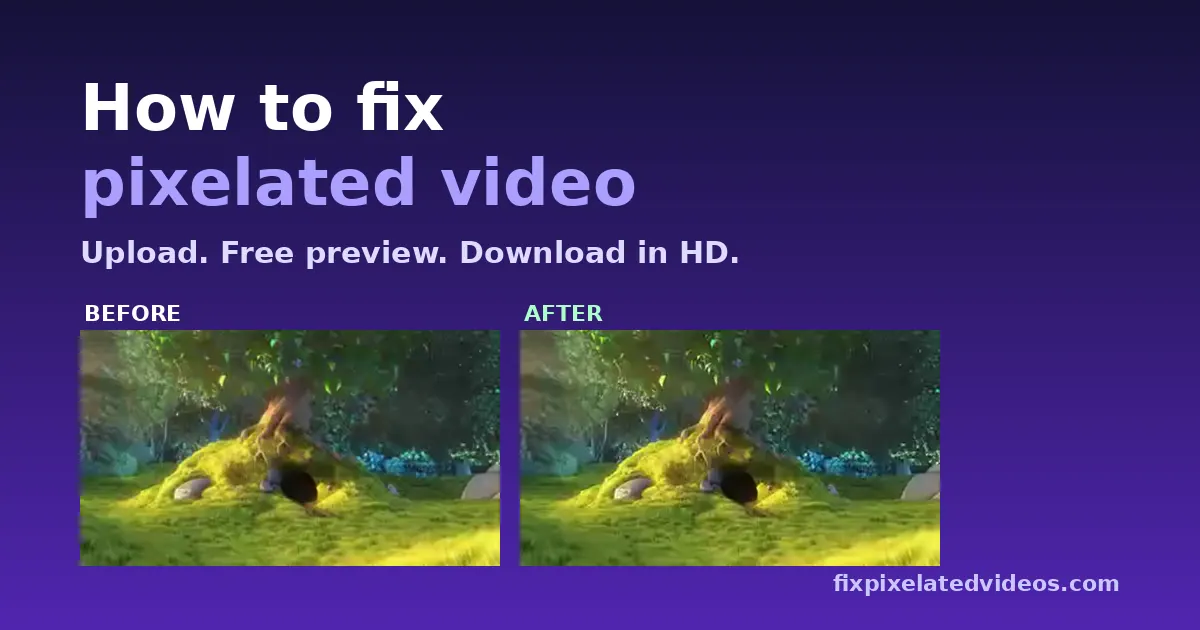
Fix Pixelated Videos is an online AI video restoration tool that helps rescue low-quality footage—think blocky, pixelated, blurry, noisy, or over-compressed clips. Upload your video, then get a free 15-second AI preview so you can see a real before-and-after result from your own file before committing.
The restoration process focuses on rebuilding detail that compression removes, not just applying a sharpen filter. It helps reduce compression “blocks” and artifacts, cleans noise and smearing, and upscales small, soft footage up to 1080p (maximum HD). If your file has issues like broken indexes, truncated recordings, or glitchy frames, an automatic repair attempt runs before restoration.
Your audio is kept untouched, and the full restored video downloads without a watermark. To keep things private, uploads and results are automatically deleted after 24 hours, and you don’t need an account to try the preview.
Pricing is pay-once or subscription-based: a single video download costs $9.99, a 3-video pack is $19.99, and there’s a monthly plan for $14.99/month (up to 30 videos a month, with AI restoration on clips up to 2 minutes and videos up to 10 minutes each). The full video also includes a 7-day refund guarantee if the final isn’t clearly better than the preview.
How do I fix a pixelated video?
Upload your video for a free 15-second AI preview. If the restoration looks clearly better, pay for the full-length HD download.
Is the preview really free and does it use my footage?
Yes—your upload is restored for a real preview. You can compare before/after using the slider, then decide whether to purchase.
What video formats and size limits are supported?
MP4, MOV, WebM, AVI, 3GP, and MKV are supported, with uploads up to 500 MB.
Does it upscale to 4K?
No. Output is capped at up to 1080p maximum HD.
What happens to my uploaded video after I upload it?
Uploads, previews, and results are deleted automatically after 24 hours.
What are the prices and how does the refund work?
A single video is $9.99, a 3-video pack is $19.99, and the monthly plan is $14.99/month (up to 30 videos/month). There’s a 7-day refund guarantee if the full video isn’t clearly better than the preview.
This listing is claimed
Own Fix Pixelated Videos? Sign in with the email used to claim it to manage this listing, or upgrade to Pro for featured-first placement and a newsletter feature.