
FastMoro AI
AI Video Maker Generators & Tools
FastMoro AI is an all-in-one studio to turn prompts, photos, and references into AI videos and images.
- Pricing
- Free
- Category
- Video
- Listed
- Jun 8, 2026
- Updated
- Jun 8, 2026
Promoted
 Pixmax.aiPixmax.ai is an all-in-one AI workspace for videos, visual stories, and marketing content.
 RewindType any X/Twitter handle. Get their year back as a narrated video story. Then ask it anything.
 KurodyneSell the tools from your AI side projects. Listing is free.
 Sidrune AI85% off. Stable Claude API for agent developers. Pay as you go. Invoices & refunds available.
 SEOify - Improve your SEO & rankingsBuild links to rank in Google. Improve your DR with links you can start building now.Advertise here270,000+ people visit Dang.ai every month.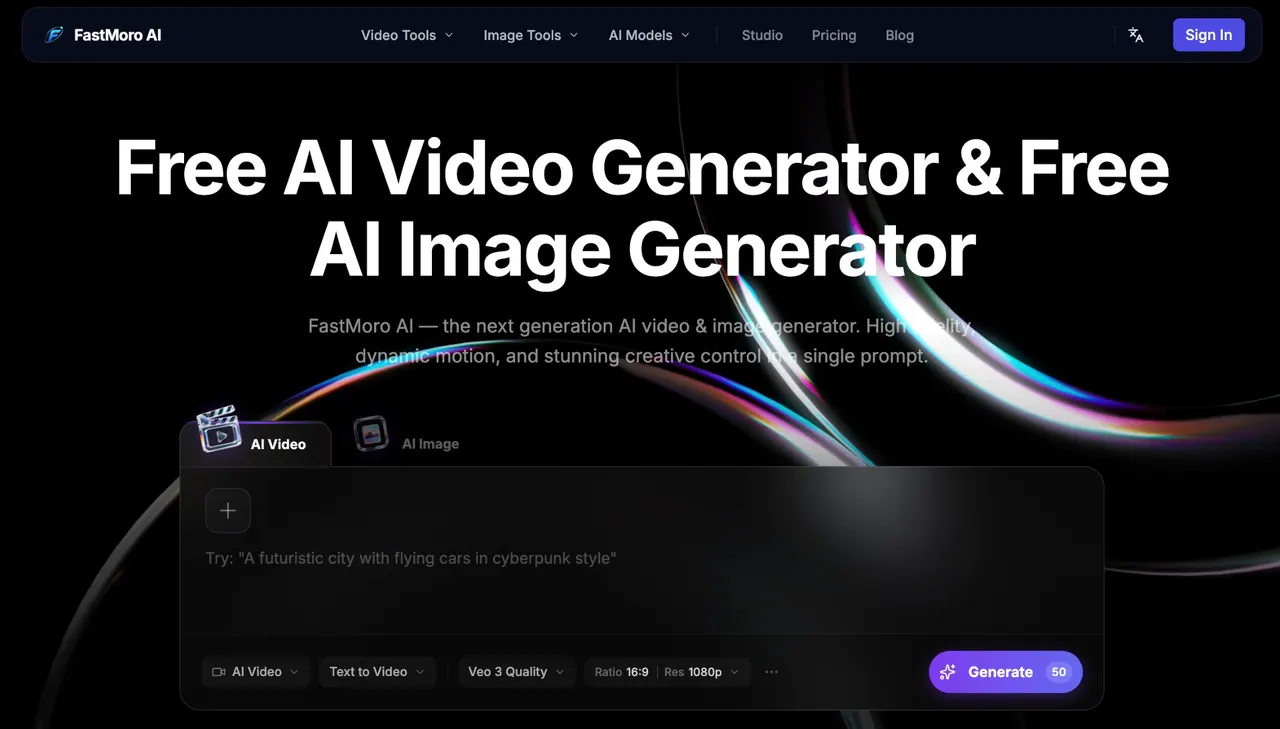
What does FastMoro AI do?
FastMoro AI is a curated, all-in-one AI creative studio for generating both AI videos and AI images. Use text-to-video, image-to-video, and reference-to-video workflows to create cinematic sequences, or generate high-resolution images from prompts and references.
Create videos from words or from a starting image, then refine results with controls like aspect ratio and duration. For closer creative alignment, use reference to guide color grades, camera angles, and artistic style so your output stays consistent with your vision.
For images, generate from text, or transform existing photos with AI image editing—swapping backgrounds, enhancing quality, changing styles, or removing objects using simple instructions. Choose from multiple models inside the studio and iterate until you get the look you want.
What can I generate with FastMoro AI?
You can generate AI videos and AI images. Video creation supports text to video, image to video, and reference to video, while image creation includes text-to-image and AI image editing.
What inputs can I use to make an AI video?
You can start from a text prompt, upload an image as a starting frame, or provide reference materials to guide style, color, and camera angles.
Can I control how my video looks (style, framing, and color)?
Yes—reference-based creation helps control aesthetic consistency, including color grades, camera angles, and artistic style. You can also adjust settings like aspect ratio and duration.
Which AI models are available for video and image generation?
Available models include Grok Imagine Video 1.5, Gemini Omni, Veo 3.1, Seedance 2.0, ChatGPT Image 2.0, and Happy Horse 1.0.
Is FastMoro AI free to use?
FastMoro AI offers free generation (including a free try option for the AI image to video generator). For detailed limits and credits, check the credits/FAQ area in your session.
How do I generate a video or image in the studio?
Add your vision (prompt and/or reference), tweak settings such as aspect ratio, duration, and model choice, then generate and download your result after previewing and iterating.
This listing is claimed
Own FastMoro AI? Sign in with the email used to claim it to manage this listing, or upgrade to Pro for featured-first placement and a newsletter feature.