
FaceSwapVideo.ai
Verified
AI Video Maker Generators & Tools
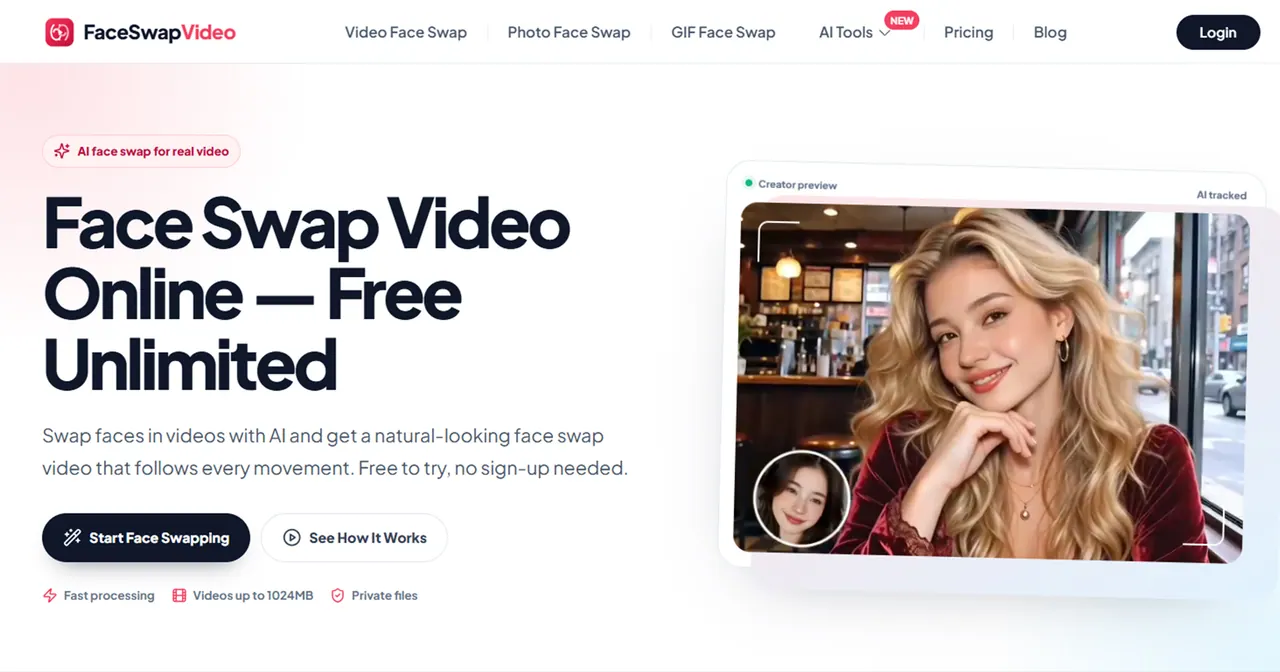
FaceSwapVideo.ai is a free, browser-based AI face swap tool for videos, photos, and GIFs with no sign-up and no watermark.
- Category
- Video
- Listed
- Nov 21, 2026
- Updated
- Nov 21, 2026
Promoted
 AI Checker PlusAI detector that highlights which passages AI wrote. Free check, no sign-up. Plagiarism too.
 RewindType any X/Twitter handle. Get their year back as a narrated video story. Then ask it anything.
 KurodyneSell the tools from your AI side projects. Listing is free.
 Pixmax.aiPixmax.ai is an all-in-one AI workspace for videos, visual stories, and marketing content.
 SEOify - Improve your SEO & rankingsBuild links to rank in Google. Improve your DR with links you can start building now.Advertise here330,000+ people visit Dang.ai every month.
What does FaceSwapVideo.ai do?
FaceSwapVideo.ai is a free online AI tool that swaps faces in real videos, photos, and GIFs directly in your browser. You upload an origin video (MP4 or MOV) and a target face photo (JPG, PNG, or WebP), then the AI generates a face swap video that follows facial movement across frames.
The workflow is built to be fast and simple: pick your mode (single face or multiple faces), upload your media, generate, and then preview and download the result. The tool includes AI tracking to help keep the face replacement consistent as the scene changes—matching shifting light and skin tone for a more natural look from the first frame to the last.
FaceSwapVideo.ai supports longer clips too, as long as the upload stays within the supported limit (up to 1024MB per video file). For multiple people, you can use the multiple-faces mode, letting you choose which faces to replace and leaving others unchanged.
Privacy is a core focus: uploads are kept private until you download your results, and the tool does not train AI models on your files. Face swaps are available for free with no sign-up or login required, and the finished output is provided without a watermark.
Do I need to create an account to swap faces on FaceSwapVideo.ai?
No—FaceSwapVideo.ai is free to try without signing up or logging in. Just upload your video and a target face photo and start the swap.
How does FaceSwapVideo.ai keep the face swap looking consistent in a video?
It uses AI tracking to follow the face through every frame. It also matches scene lighting and skin tone as they change to maintain a consistent result.
What video length can I upload for a face swap?
You can use short clips or longer videos as a single file, as long as it fits the supported upload limit of up to 1024MB. A free account can handle videos up to about 60 minutes when they fit within that limit.
What file formats are supported for the origin video and the target face photo?
The origin video can be MP4 or MOV, up to 1024MB. The target face photo can be JPG, PNG, or WebP with a maximum size of 30MB.
Can I swap multiple faces within the same video?
Yes. The tool supports multiple face swapping in one video and can detect faces in your footage. You can upload different replacement photos for each person and choose which faces to replace.
Will the downloaded face-swapped result include a watermark?
No. Your finished video, photo, or GIF download is provided without a watermark overlay.
This listing is claimed
Own FaceSwapVideo.ai? Sign in with the email used to claim it to manage this listing, or upgrade to Pro for featured-first placement and a newsletter feature.