
Ezier AI
Verified
AI Art Generator & Creator Tools
Ezier AI is a single workspace to generate and edit images, videos, and audio using top AI models and creative tools.
Promoted
 Sidrune AI85% off. Stable Claude API for agent developers. Pay as you go. Invoices & refunds available.
 Pixmax.aiPixmax.ai is an all-in-one AI workspace for videos, visual stories, and marketing content.
 RewindType any X/Twitter handle. Get their year back as a narrated video story. Then ask it anything.
 KurodyneSell the tools from your AI side projects. Listing is free.
 SEOify - Improve your SEO & rankingsBuild links to rank in Google. Improve your DR with links you can start building now.Advertise here270,000+ people visit Dang.ai every month.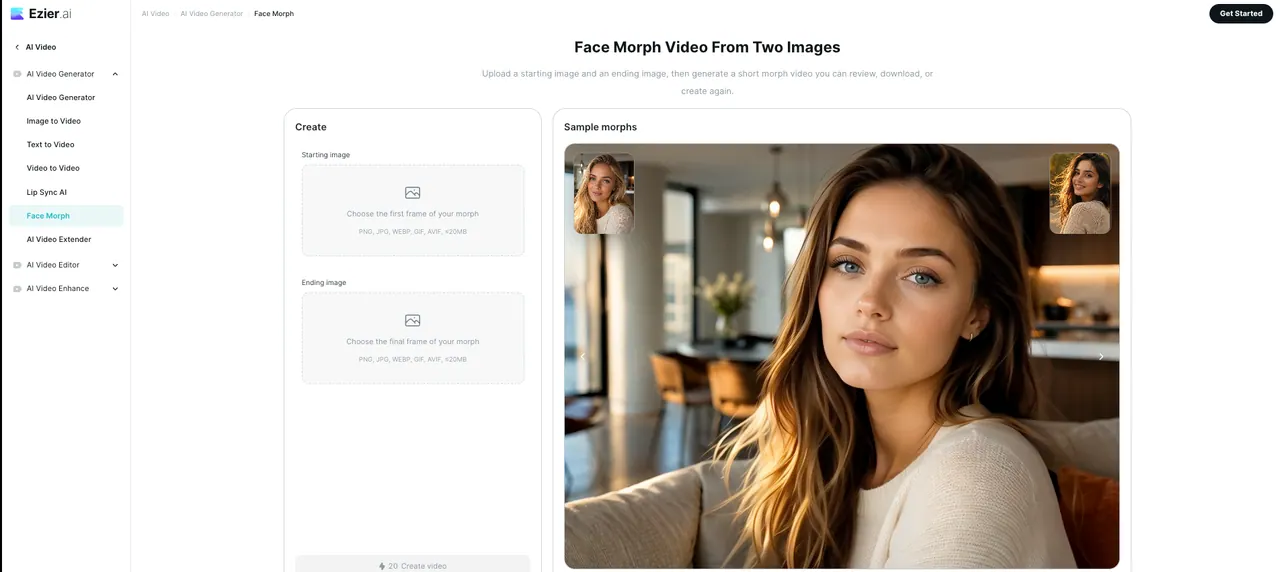
What does Ezier AI do?
Ezier is an all-in-one AI creative workspace for producing campaign-ready assets from prompts, references, and product inputs. Create images, videos, and audio in one place, then refine results with editing and enhancement tools designed to keep creative work moving.
Work across common creative workflows like social post graphics, clean source stills, ad clip generation, and e-commerce product demos. Use agents and auto-guided workflows to help choose the right process and AI models, while keeping prompts, references, and edits connected so one idea can expand into multiple variations.
Generate and refine visuals with 20+ leading image models and choose video models suited to different scenes and styles, from text-to-video and image-to-video to video editing, lip sync, extension, upscaling, and enhancement. Ezier also supports credits-based testing, so you can compare outputs and spend more only on assets that are worth finishing.
What can I create in Ezier AI?
You can create images, videos, and audio, plus campaign-ready assets. Use prompts and references to generate first drafts, then refine them with built-in editing and enhancement tools.
Is Ezier only for AI images?
No—Ezier covers AI image generation and also includes AI video tools and video editing features. You can generate scenes, animate stills, and enhance or extend clips in the same workspace.
How does Ezier decide which workflow and AI model to use?
Use Agent or Auto: describe what you want to create, and Ezier selects workflows, tools, and AI models based on the creative task. You can also choose models directly depending on needs like text accuracy, product detail, motion, speed, or style.
Does Ezier let me use multiple AI models for different jobs?
Yes. Ezier supports access to multiple image and video models (for example GPT Image 2, Nano Banana, Qwen Image, Veo, Kling, Seedance, and Hailuo), letting you pick what fits each output.
What image tools are available for editing and cleanup?
You can generate and refine images with tools like image editing, enhancement, upscaling, background removal, object removal, and unblur. There are also options for extending or transforming references via image-to-image workflows.
How do Ezier credits work for testing outputs?
You can test image, video, and cleanup workflows with credits, compare results, and then spend more on the specific asset that deserves finishing. This helps you iterate without committing to multiple separate model subscriptions.
This listing is claimed
Own Ezier AI? Sign in with the email used to claim it to manage this listing, or upgrade to Pro for featured-first placement and a newsletter feature.