
EzAiRapVideo
AI Video Maker Generators & Tools
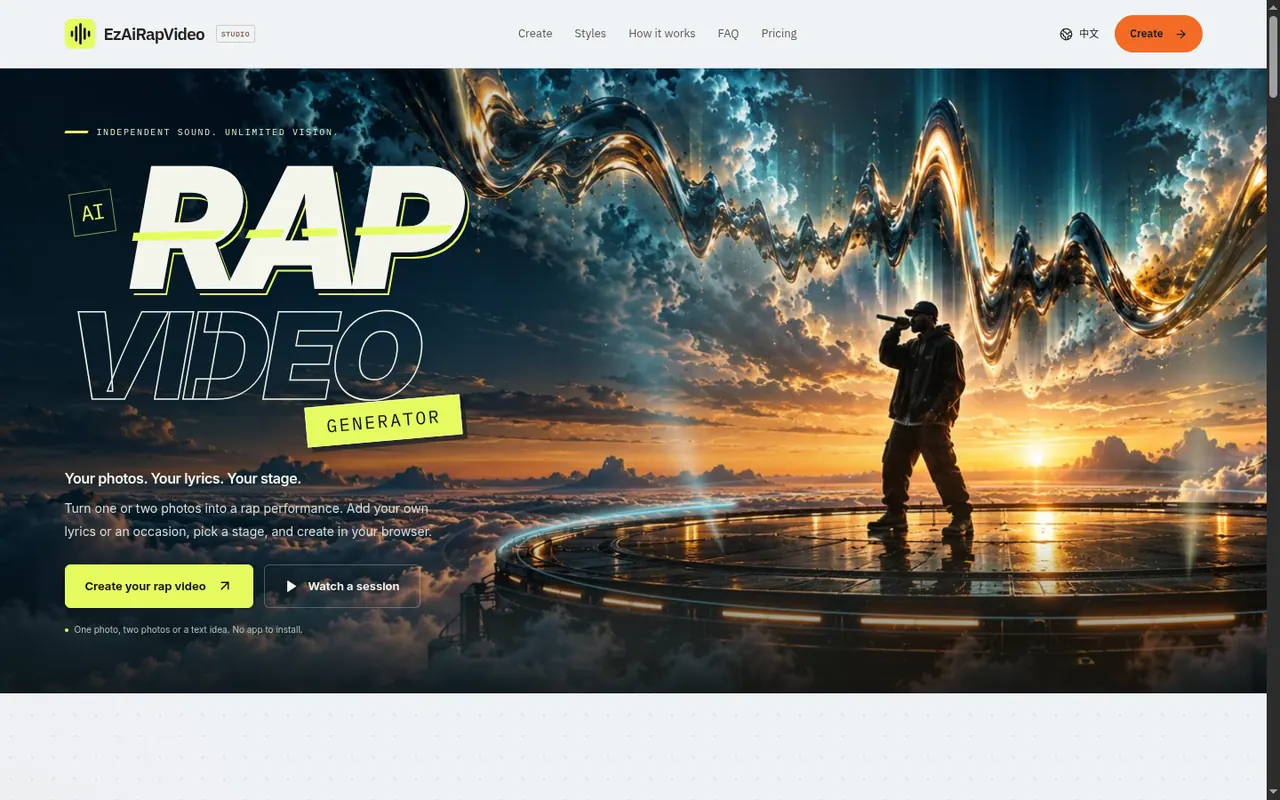
Create an HD AI rap music video from one or two photos and your lyrics, choosing a stage, model, quality, and length in your browser.
Promoted
 Pixmax.aiPixmax.ai is an all-in-one AI workspace for videos, visual stories, and marketing content.
 AI Checker PlusAI detector that highlights which passages AI wrote. Free check, no sign-up. Plagiarism too.
 RewindType any X/Twitter handle. Get their year back as a narrated video story. Then ask it anything.
 KurodyneSell the tools from your AI side projects. Listing is free.
 SEOify - Improve your SEO & rankingsBuild links to rank in Google. Improve your DR with links you can start building now.Advertise here330,000+ people visit Dang.ai every month.
What does EzAiRapVideo do?
EzAiRapVideo is an AI rap video generator that turns one or two photos into a short rap performance. Start solo with a portrait, create a duo with two people (each from separate photos if you want), or begin from a text idea. You can write your own lyrics or select an occasion like a birthday, anniversary, or “best friends,” and let the generator create the rap for the chosen length.
Pick a stage to set the visual direction: Orange Studio (warm tones, one mic, duo energy), Street Cypher (after-dark crowd vibe), Neon Rap MV (late-night main-character mood), Funny Rap (unexpected, high-energy twist), or a Custom stage. Then set the framing, duration, aspect ratio, and the generation model and resolution. For a standard preset, videos are HD (720p) and 12 seconds.
To generate, upload one or two photos (JPG, PNG, or WebP up to 20 MB each) and review the credit quote in the studio before you create. Each generation requires credits, and you can also download and share your finished video. Results vary based on your photos, lyrics, and the settings you choose.
Plans are credit-based: you can buy one-time credit packs (credits never expire) or subscribe monthly or yearly (monthly credits expire at the end of the billing month; annual credits arrive upfront and never expire). Videos are downloaded with no watermark, and failed generations return the credits used.
What do I need to start an EzAiRapVideo?
You can start with one photo or two photos (for a duo), or begin with a text idea. Choose a stage, add your lyrics or an occasion, then set model, resolution, length, and framing before generating.
Can I upload two photos to make a duo rap video?
Yes—upload a portrait for each person (either as one combined photo or two separate photos). Then pick a duo-friendly stage like Orange Studio or use a custom stage for your own look.
How do credits work for generating a video?
A generation uses credits, and the required amount depends on the model, resolution, length, and other settings. Review the credit quote in the studio before you create, and credits are returned if a generation is confirmed as failed.
What video settings can I change?
You can choose the generation model, video quality (resolution), length, and aspect ratio/framing. Standard presets include 720p and a 12-second duration at a defined credit cost.
Can I create vertical videos for social media?
Yes—choose the aspect ratio/framing you want in the studio. Each aspect ratio costs the same for a given 12-second setup.
Are there subscriptions, or can I buy credits once?
Both options are available. You can buy one-time credit packs that never expire, or subscribe monthly/yearly—monthly credits expire at the end of the billing month, while yearly credits never expire.
This listing is claimed
Own EzAiRapVideo? Sign in with the email used to claim it to manage this listing, or upgrade to Pro for featured-first placement and a newsletter feature.