Everygen AI
AI Video Maker Generators & Tools
Create multi-scene videos, images, music, and voiceovers in one browser workspace with EveryGen AI’s AI director.
Promoted
 Sidrune AI85% off. Stable Claude API for agent developers. Pay as you go. Invoices & refunds available.
 Pixmax.aiPixmax.ai is an all-in-one AI workspace for videos, visual stories, and marketing content.
 SEOify - Improve your SEO & rankingsBuild links to rank in Google. Improve your DR with links you can start building now.Advertise here270,000+ people visit Dang.ai every month.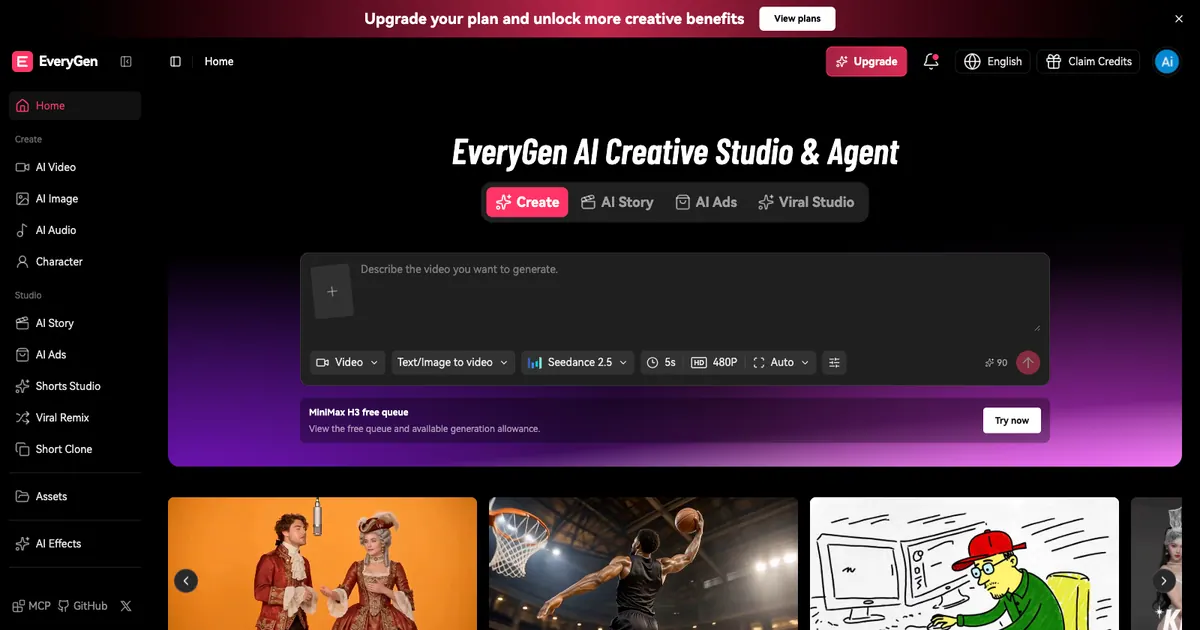
What does Everygen AI do?
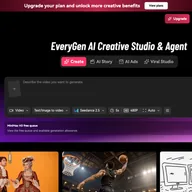
EveryGen AI is an all-in-one creative studio that brings AI video generation, AI image generation/editing, AI music, and AI voiceover together in a single browser workflow. Instead of juggling separate tools, you describe what you want and build your project step by step—then review, refine, and export a complete cut.
The EveryGen video generator supports multiple creation modes, including text-to-video, image-to-video, and reference-based generation to help you keep characters and products consistent across shots. You can also refine results with an AI video editor workflow, start from templates, and convert longer content into short clips for formats like TikTok, YouTube Shorts, and Instagram Reels.
For assets beyond video, EveryGen AI includes an image studio for creating characters, product visuals, and scene references (which you can reuse as inputs when you’re ready to animate). It also provides AI audio creation for voiceovers/dialogue, music and full songs, plus sound effects and ambience layers that you can align to your scenes.
For multi-scene projects, the AI director (EveryGen Studio) helps plan the storyboard, generate the required assets, and assemble your project so you can continue later. EveryGen AI is freemium: start free and upgrade when you need more capacity. Generation settings and allowances can vary by model and creation mode.
What can I create with EveryGen AI?
You can generate AI videos (text-to-video, image-to-video, and reference-based), create and edit AI images, generate music and sound effects, and add narration/voiceover and dialogue.
How does the AI director (EveryGen Studio) help with multi-scene videos?
You describe the project (purpose, audience, style, and references), then the director proposes a scene plan and assembles a full cut by generating the scenes and corresponding media. You can review the assembled result and revise by editing or regenerating parts.
Can EveryGen AI keep my characters and products consistent across shots?
Yes—use reference images and reference-focused generation so the same characters/products and styles carry across scenes. You can also reuse assets you created in the image studio when building video clips.
What video formats can I make for social media?
You can create short clips from longer footage and generate versions intended for TikTok, YouTube Shorts, and Instagram Reels.
Does EveryGen AI generate audio and music?
Yes. Add voiceovers and dialogue, generate music and full songs, and include ambience and sound effects. You can then align these audio layers with your video clips.
Is EveryGen AI free?
EveryGen AI is freemium: you can start free, then upgrade when you need more capacity for additional generation.
This listing is claimed
Own Everygen AI? Sign in with the email used to claim it to manage this listing, or upgrade to Pro for featured-first placement and a newsletter feature.