
EasyVideoAI
AI Video Maker Generators & Tools
Create AI videos from your portrait photos using trending templates and download private MP4s after paid credits.
Promoted
 KurodyneSell the tools from your AI side projects. Listing is free.
 Sidrune AI85% off. Stable Claude API for agent developers. Pay as you go. Invoices & refunds available.
 Pixmax.aiPixmax.ai is an all-in-one AI workspace for videos, visual stories, and marketing content.
 AI Checker PlusAI detector that highlights which passages AI wrote. Free check, no sign-up. Plagiarism too.
 RewindType any X/Twitter handle. Get their year back as a narrated video story. Then ask it anything.
 SEOify - Improve your SEO & rankingsBuild links to rank in Google. Improve your DR with links you can start building now.Advertise here330,000+ people visit Dang.ai every month.
What does EasyVideoAI do?
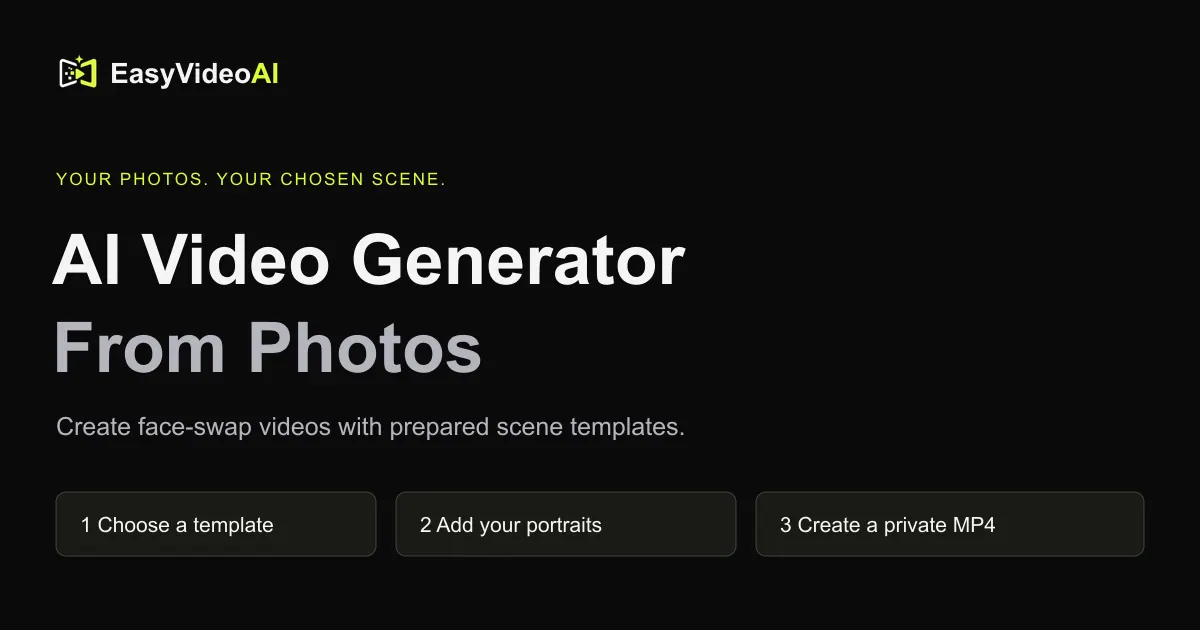
EasyVideoAI is a browser-based AI video generator that lets you make personalized videos from your own portrait photos. Start by choosing a trending template (for example, dance, football, meme, transition, and prank-style scenes). Each template defines which portrait roles you need, along with the clip length options and a credit quote for the creation.
In the studio, you upload clear photos for each role required by the template and then review your generation settings. You can choose an available duration and a resolution option where the template provides them. Before generating, you see the exact credit cost, so you know what you’re spending.
Once created, you can download a private MP4 that includes audio restored from the source. Public previews are available for free, while creating personal videos uses paid credits. Make sure you use photos you have permission to edit, and have consent for the people shown in your portraits.
EasyVideoAI is a good fit if you want a guided, template-based photo-to-video workflow rather than writing prompts from scratch. It’s also designed for experimenting with different scenes using your own images, while keeping your generated downloads private.
What can I make with EasyVideoAI?
You can make AI videos by using a selected template and uploading portrait photos that match the template’s required roles.
How many photos do I need for a template?
It depends on the template. Each template lists how many portrait roles it needs (for example, 1 portrait, 2 portraits, or in some cases a 1–5 portrait set).
Can I upload my own photos?
Yes—upload clear portrait photos that you have permission to edit, and only use images for which you have consent for creation and editing.
How much does an EasyVideoAI video cost?
Personal video generation uses paid credits, and the studio shows the exact credit quote before you generate.
Are my portraits and videos public?
Public previews may be available, but your created download is private (a private MP4). You should still upload only photos you’re allowed to use and edit.
What do I download after generation?
You download a private MP4, with the source audio restored.
This listing is claimed
Own EasyVideoAI? Sign in with the email used to claim it to manage this listing, or upgrade to Pro for featured-first placement and a newsletter feature.