DomoAI
AI Video Maker Generators & Tools
DomoAI creates animated AI videos from text, images, or footage—featuring talking avatars, lip sync, reference-driven style transfer, and upscaling.
- Category
- Video
- Listed
- Nov 23, 2026
- Updated
- Nov 23, 2026
Promoted
 Pixmax.aiPixmax.ai is an all-in-one AI workspace for videos, visual stories, and marketing content.
 AI Checker PlusAI detector that highlights which passages AI wrote. Free check, no sign-up. Plagiarism too.
 RewindType any X/Twitter handle. Get their year back as a narrated video story. Then ask it anything.
 SEOify - Improve your SEO & rankingsBuild links to rank in Google. Improve your DR with links you can start building now.Advertise here330,000+ people visit Dang.ai every month.
What does DomoAI do?
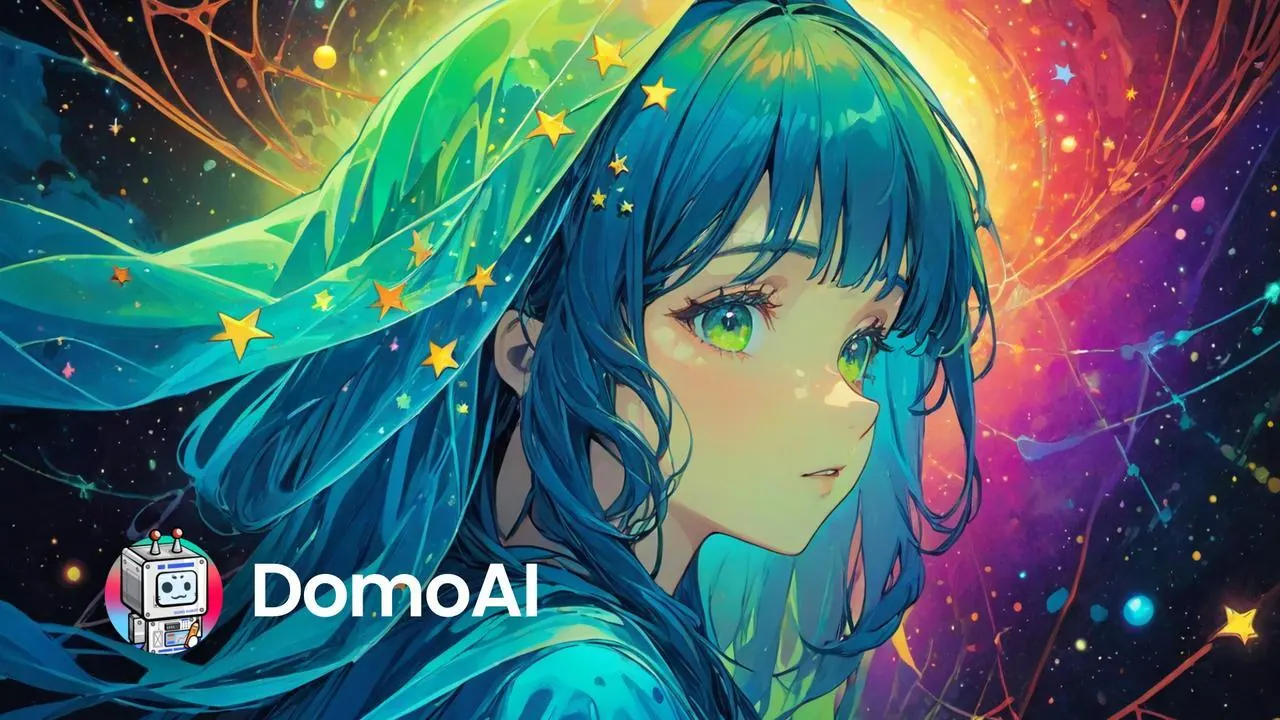
DomoAI is an AI video generator for turning concepts, styles, and story ideas into finished animated clips. You can create videos from text prompts, convert static images into motion, animate sequences from frames, or transform existing footage with reference guidance.
For character and dialogue workflows, DomoAI supports talking avatars that speak your script with realistic speech, plus lip sync auto-matching to align audio with talking-head and character animations. You can also bring characters to life by uploading motion video to specify actions like walking, jumping, or dancing.
DomoAI includes smart editing tools that handle key steps such as upscaling, background replacement, lip sync, and motion control. Backgrounds can be removed without a green screen using screen keying or subject-only controls, and you can swap faces to remix on-screen subjects quickly. Use AI video style transfer to apply art styles to video based on text or image reference.
If you want more consistent results, Omni Reference blends image, video, and audio references into a single unified output. For getting started, ready-to-use creative suites and templates help you jump into common stylized workflows. DomoAI offers a free plan with credits, plus paid subscription plans with more credits and advanced features; API & MCP options are available if you want to automate creation through your own pipelines.
What can I create with DomoAI?
You can generate AI videos from text prompts, images, 2–8 frames, or existing footage. You can also create talking avatars and animated characters.
How do I make talking avatars speak with lip sync?
DomoAI generates talking-avatar-style video from your script and uses lip sync auto-matching to synchronize speech with the character’s mouth movement.
Can I remove backgrounds without a green screen?
Yes. Use screen keying or subject-only controls to separate the subject from the background without requiring a green screen.
What is Omni Reference and when should I use it?
Omni Reference blends image, video, and audio references into one consistent video. It’s useful when you need continuity across multiple reference types rather than relying on a single prompt.
Can DomoAI transform existing footage into a new style?
Yes. Use video-to-video transformation and AI video style transfer to change your footage into styles like anime or other referenced looks.
Does DomoAI have a free plan?
Yes. There’s a free plan with credits so you can try creating AI videos and images before upgrading.
Is this your tool?
Claim DomoAI to manage this listing, or upgrade to Pro for featured-first placement and a newsletter feature.