
Dola AI
AI Video Maker Generators & Tools
Create watermark-free AI videos from text prompts or uploaded photos, plus AI image editing and text-to-image in one browser tool.
- Pricing
- Free
- Category
- Video
- Listed
- Sep 7, 2026
- Updated
- Sep 8, 2026
What does Dola AI do?
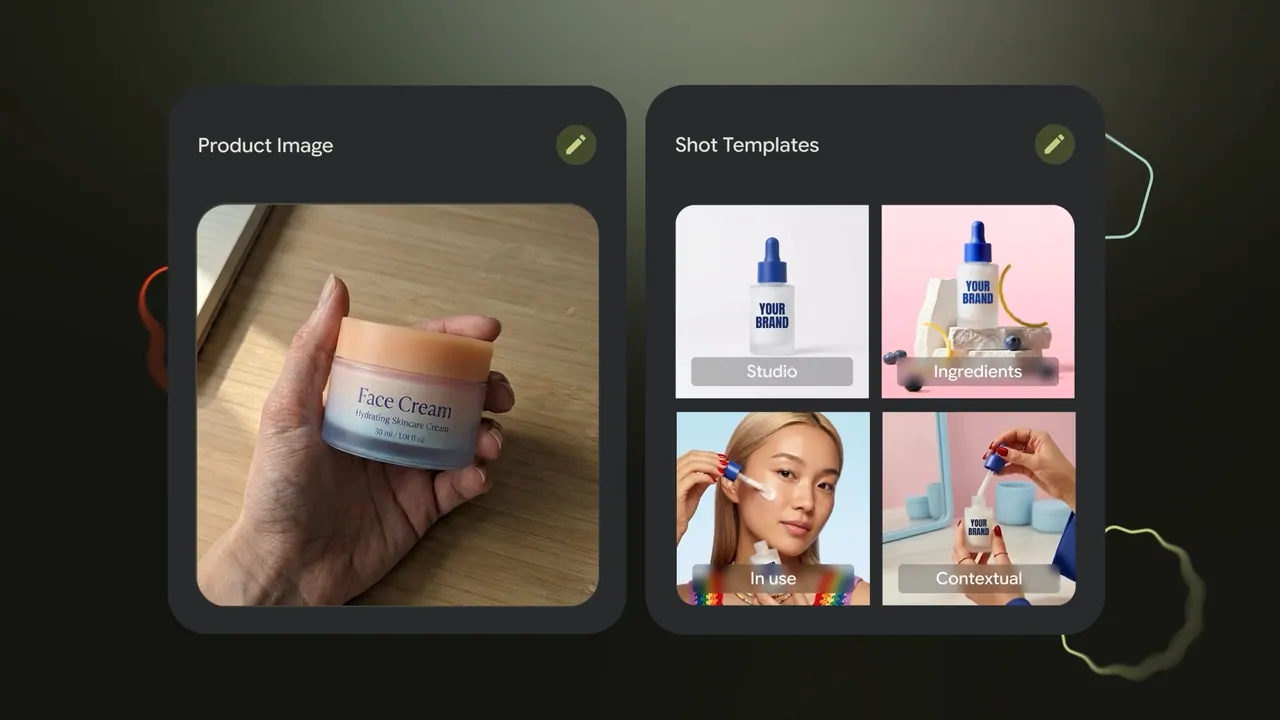
Dola AI is a browser-based creative studio that turns text and reference images into short AI videos, and also generates/edit images. Start by typing a prompt (or uploading a photo), then choose a style, aspect ratio, and clip duration before generating your video.
For video creation, you can use Text to Video, Image to Video, or animate a photo into a share-ready clip. The workflow also includes adjustable video quality and options to add an optional audio reference (MP3, MPEG, or WAV up to 10 MB).
Dola AI also supports AI image creation (text to image) and an AI image editor, letting you refine visuals without switching tools. Use it to prototype product clips, create social content for Reels/Shorts, and explore different styles quickly—then download and share your results anywhere.
What can I create with Dola AI?
You can generate short videos from text prompts (Text to Video) or from uploaded photos (Image to Video). You can also create images from text and edit images with AI.
How do I make a video?
Enter a prompt or upload a photo, pick a style and format (aspect ratio), choose a duration and quality, then generate and download your clip.
What video settings can I control?
You can set aspect ratio (e.g., 16:9, 9:16, 1:1, 4:3, 3:4, 21:9), choose a video duration (4s–15s, with common presets), and select video quality (480p or 720p).
Can I add audio to my generated video?
Yes—Dola AI supports an optional audio reference where you can upload MP3, MPEG, or WAV files (up to 10 MB).
Are downloads watermarked?
Downloads are watermark-free, so you can post or share your clips directly.
Do I need design or technical skills to use Dola AI?
No. You can describe what you want in plain language and let the tool handle the generation, styling, and formatting.
This listing is claimed
Own Dola AI? Sign in with the email used to claim it to manage this listing, or upgrade to Pro for featured-first placement and a newsletter feature.