AvatarForgeAI
AI Avatar Video Generator
AvatarForge AI turns a photo and voice sample into a reusable digital avatar and generates talking avatar videos from your script.
Promoted
 AI Checker PlusAI detector that highlights which passages AI wrote. Free check, no sign-up. Plagiarism too.
 RewindType any X/Twitter handle. Get their year back as a narrated video story. Then ask it anything.
 KurodyneSell the tools from your AI side projects. Listing is free.
 Sidrune AI85% off. Stable Claude API for agent developers. Pay as you go. Invoices & refunds available.
 Pixmax.aiPixmax.ai is an all-in-one AI workspace for videos, visual stories, and marketing content.
 SEOify - Improve your SEO & rankingsBuild links to rank in Google. Improve your DR with links you can start building now.Advertise here330,000+ people visit Dang.ai every month.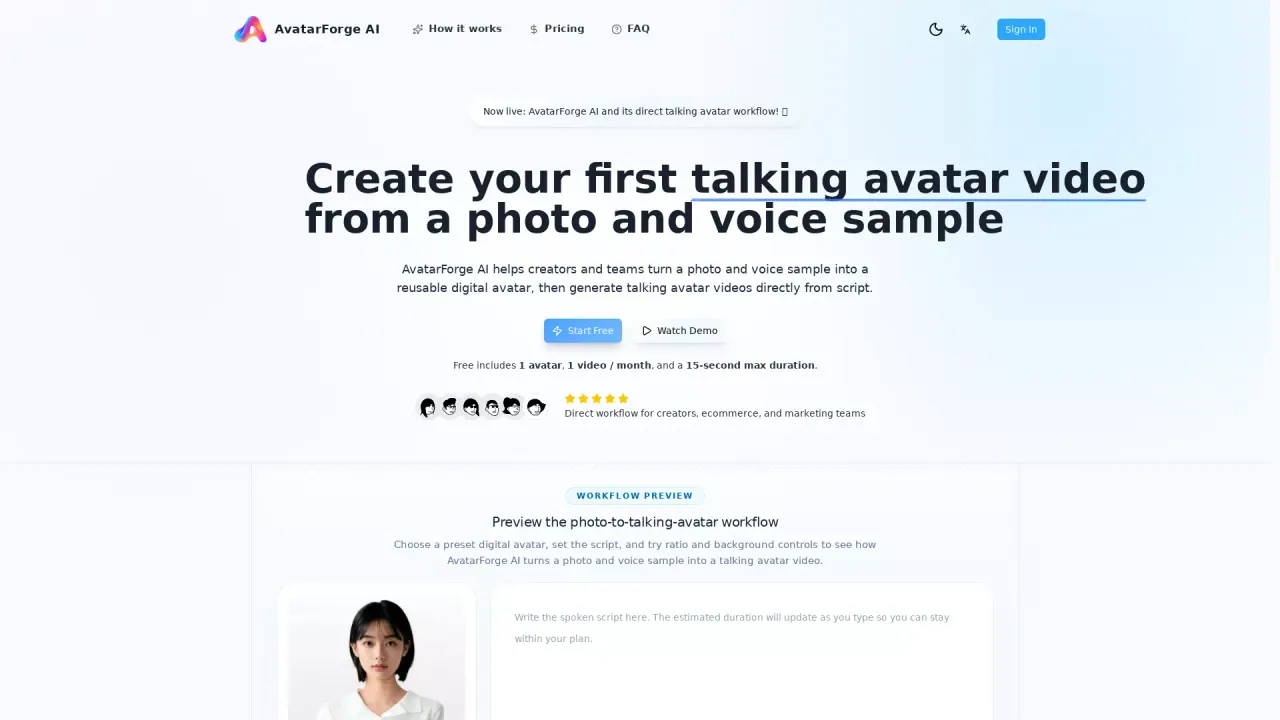
What does AvatarForgeAI do?
AvatarForge AI is a photo-to-talking-avatar video tool that helps you create a reusable digital avatar from a photo and voice sample, then turn scripts into talking avatar videos.
The workflow is designed to be simple and repeatable: upload a photo and voice sample to create a digital avatar, save that avatar to your library for future use, then enter a spoken script and choose output options. You can generate a portrait or landscape video and add an optional background so your results fit different publishing scenarios from the start.
AvatarForge AI also includes a video library where you can manage completed videos. After generation, you can review, download, and share your videos directly from the library—so you’re not rebuilding assets or going through extra preview steps for each new script.
It’s built for creators and teams—like ecommerce and marketing groups—who need a reusable avatar workflow, faster script-to-video production, and outputs that match common formats. Free and paid plans are available, with the free plan including one active avatar, one video per month, and up to a 15-second maximum duration.
What can I create with AvatarForge AI?
You can create a reusable digital avatar from a photo and voice sample, then generate talking avatar videos from a written script.
How does the script-to-video workflow work?
Create and save your digital avatar first, then enter your spoken script and choose output settings (portrait/landscape and optional background) before generating the final talking avatar video.
Can I reuse the same avatar for multiple videos?
Yes. Once your digital avatar is created, it’s saved to your library so you can select it again for future videos.
Does it support both portrait and landscape formats?
Yes. You can set portrait or landscape output when generating your talking avatar video.
Can I add a background before generating the video?
Yes. You can add an optional background as part of the output options before generation.
What’s included in the free plan?
The free plan includes 1 active avatar, 1 video per month, and a 15-second maximum duration, with video download and share included.
This listing is claimed
Own AvatarForgeAI? Sign in with the email used to claim it to manage this listing, or upgrade to Pro for featured-first placement and a newsletter feature.