
XGrokImagine
AI Video And Image Generator
X Grok Imagine turns text into cinematic images and videos, plus supports image-to-video and video editing.
Promoted
 AI Checker PlusAI detector that highlights which passages AI wrote. Free check, no sign-up. Plagiarism too.
 RewindType any X/Twitter handle. Get their year back as a narrated video story. Then ask it anything.
 KurodyneSell the tools from your AI side projects. Listing is free.
 Sidrune AI85% off. Stable Claude API for agent developers. Pay as you go. Invoices & refunds available.
 Pixmax.aiPixmax.ai is an all-in-one AI workspace for videos, visual stories, and marketing content.
 SEOify - Improve your SEO & rankingsBuild links to rank in Google. Improve your DR with links you can start building now.Advertise here330,000+ people visit Dang.ai every month.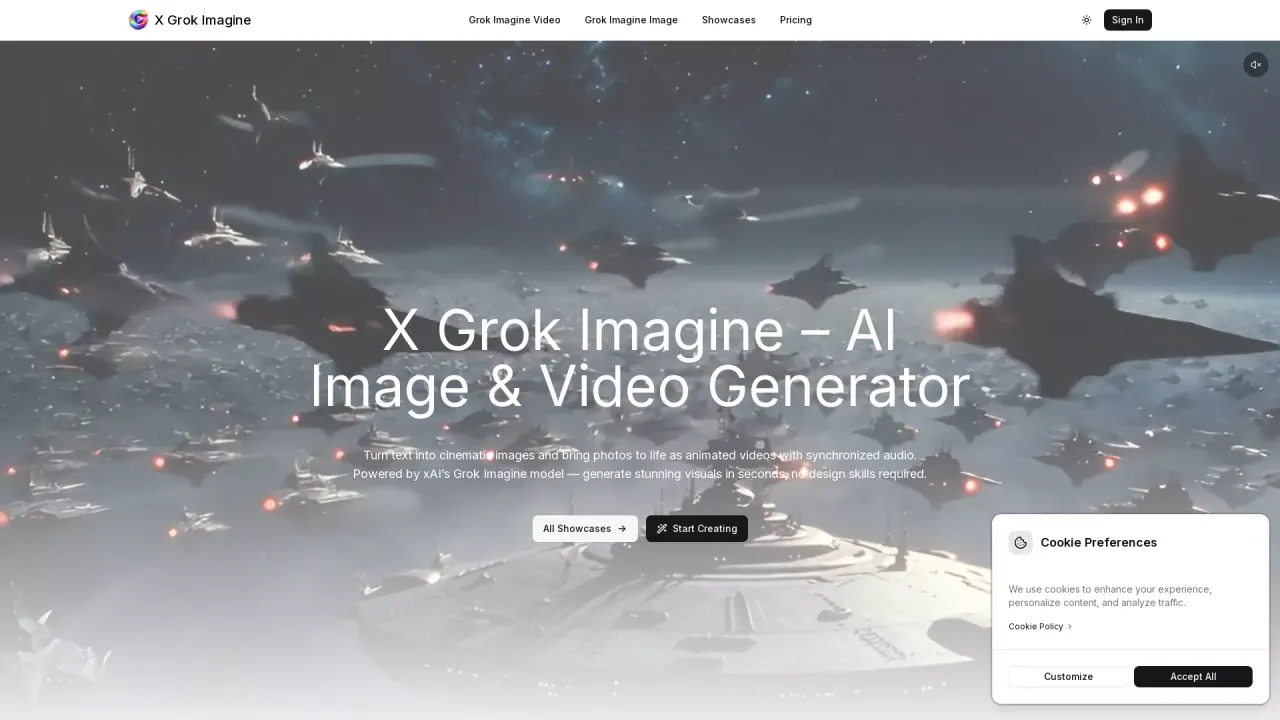
What does XGrokImagine do?
X Grok Imagine is a web-based AI creator for generating cinematic visuals from prompts. You can make both images and short motion videos, including text-to-video and image-to-video workflows. It’s built for quick iteration—so you can move from concept to visual assets faster and explore multiple directions.
Core features include text-to-image and text-to-video generation, image-to-video creation, and an editing workflow for refining your video outputs. For video, you can choose settings like aspect ratio (including options like 16:9, 9:16, 4:3, and more), resolution (such as 720p or 480p), and duration (with examples shown as short clips). The generator supports audio with short video generations.
X Grok Imagine is “made for everyone who creates,” including creators who want professional-looking results without design skills or software installation. It also supports commercial usage—use generated images and videos in ads, products, social media, or client work.
Plans are credit-based and include monthly, yearly, and one-time credits options. Credits refresh monthly on subscriptions, with features that vary by plan (Plus, Pro, and Max). Higher tiers offer more credits, longer video limits, and longer file retention, along with priority processing and support. Payment uses Stripe checkout, and there is a 30-day money-back guarantee with refund terms tied to whether paid credits have been used.
What can I create with X Grok Imagine?
You can generate cinematic images and create short videos using text-to-video and image-to-video workflows. There’s also a video editing option for refining results.
How do I generate a video?
Choose the video workflow (text to video or image to video), enter your prompt or source image, and adjust options like aspect ratio, resolution, and duration. Then start generating and preview your creation.
What formats and settings can I choose for video?
You can select aspect ratio (including 16:9, 9:16, 4:3, 3:4, 3:2, 2:3, and 1:1), resolution (e.g., 720p or 480p), and duration (short clips are shown on the page).
Is my content private?
Your prompts and generated assets stay private and are not shared with third parties.
Can I use generated images and videos commercially?
Yes. You can use generated images and videos in ads, products, social media, or client work.
How do the plans and credits work?
Plans are credit-based (Plus, Pro, Max) and credits refresh monthly. You get limits for images, video time, and tool runs, plus different file retention periods and processing queues by tier.
This listing is claimed
Own XGrokImagine? Sign in with the email used to claim it to manage this listing, or upgrade to Pro for featured-first placement and a newsletter feature.