
#1 Flux AI
AI Image Editing Tool
Create and edit images with AI that truly gets the context.
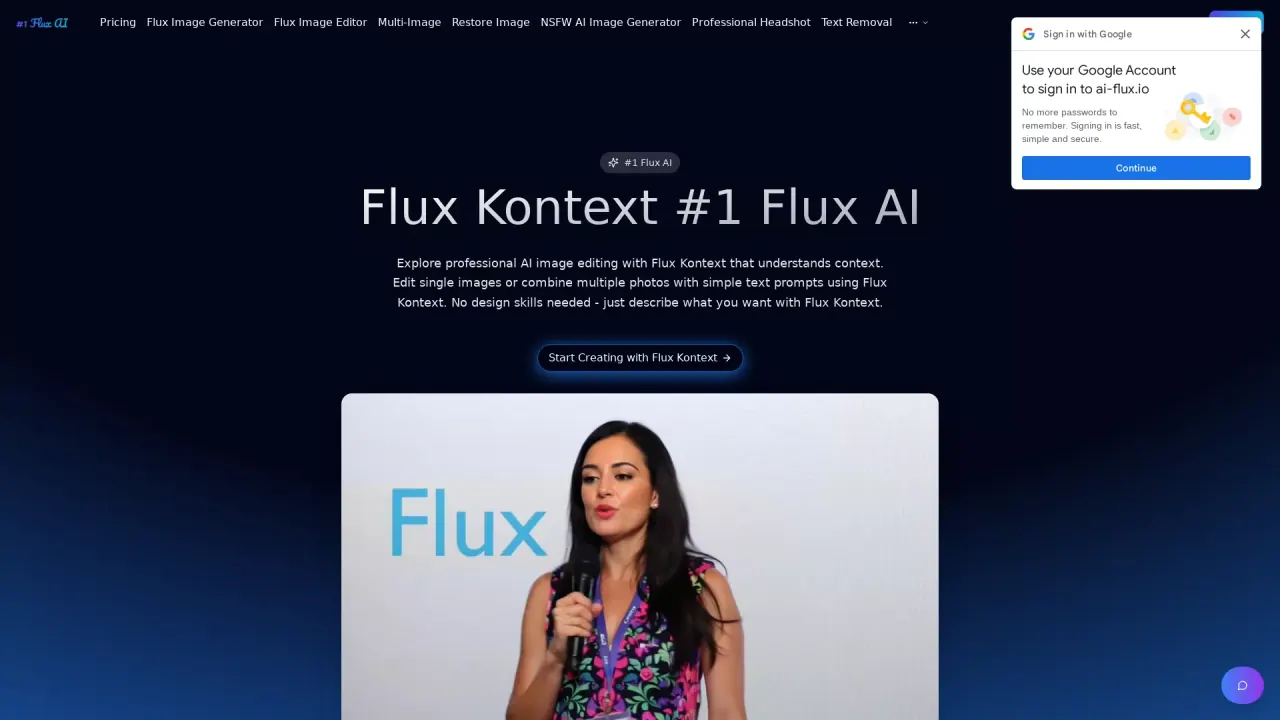
What does #1 Flux AI do?
What makes Nano Banana Pro different from other AI image editors?
Nano Banana Pro uses advanced context-aware AI that understands spatial relationships, lighting, and style consistency to deliver natural, professional-looking edits. It includes two tools that understand context: Single-image Kontext editing and Multi-Image Kontext Pro, enabling edits on a single image or combinations of multiple photos with simple prompts—no design skills required.
What are the two main AI tools included in Nano Banana Pro?
The two tools are Single-image Kontext editing for context-aware edits on one image, and Multi-Image Kontext Pro for editing and combining multiple photos using simple prompts.
How long does Nano Banana Pro image processing take?
Most edits are completed in 10-30 seconds. The AI pipeline is optimized to be up to 8x faster than competing platforms while maintaining high quality.
What file formats does Nano Banana Pro support for input and export?
- Input formats: JPG, PNG, and WEBP
- Exports: PNG or JPG
- Maximum file size per image: 5MB
How do credits work, and is there a starter offer?
- Each single image edit costs 10 credits.
- Multi-image fusion also costs 10 credits.
- You can perform unlimited edits as long as you have credits.
- Start with 30 free credits to try Nano Banana Pro (no credit card required).
Can I use Nano Banana Pro images for commercial purposes?
Yes. All images created with Nano Banana Pro include full commercial usage rights.
How secure are my uploaded images?
Your images are processed securely and stored with enterprise-grade protection. Only you have access to your images in Nano Banana Pro.
How do I start using Nano Banana Pro today?
Start creating for free with 30 starter credits—no credit card required to try Nano Banana Pro.
Is this your tool?
Claim #1 Flux AI to manage this listing, or upgrade to Pro for featured-first placement and a newsletter feature.