
CleanWhiteBG
AI Image Generators from Text Tools
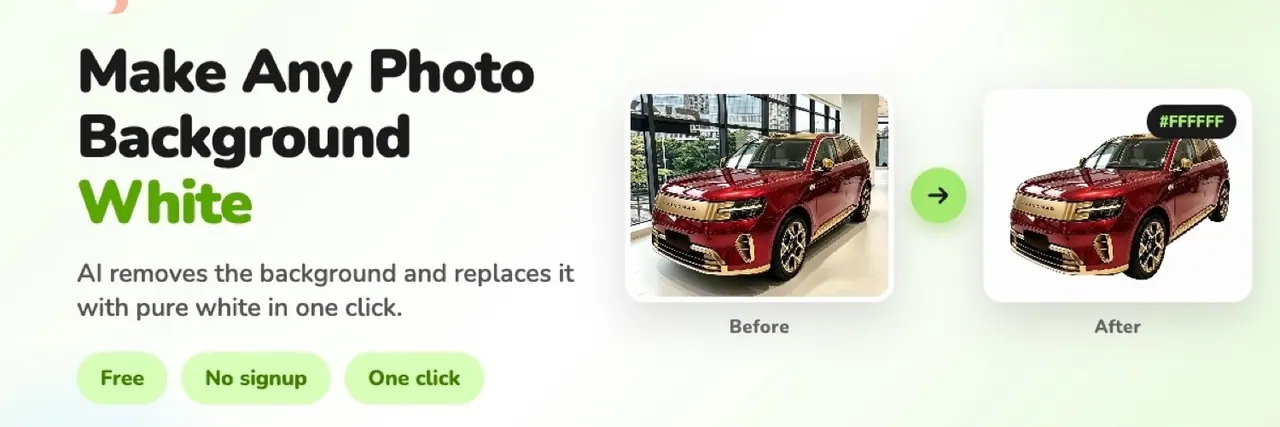
CleanWhiteBG turns any photo’s background into pure white in one click, with free in-browser previews and higher-quality downloads via credits.
- Pricing
- Free
- Category
- Image
- Listed
- Sep 24, 2026
- Updated
- Sep 26, 2026
Promoted
 Sidrune AI85% off. Stable Claude API for agent developers. Pay as you go. Invoices & refunds available.
 Pixmax.aiPixmax.ai is an all-in-one AI workspace for videos, visual stories, and marketing content.
 AI Checker PlusAI detector that highlights which passages AI wrote. Free check, no sign-up. Plagiarism too.
 RewindType any X/Twitter handle. Get their year back as a narrated video story. Then ask it anything.
 KurodyneSell the tools from your AI side projects. Listing is free.
 SEOify - Improve your SEO & rankingsBuild links to rank in Google. Improve your DR with links you can start building now.Advertise here270,000+ people visit Dang.ai every month.
What does CleanWhiteBG do?
CleanWhiteBG is an online AI background remover that replaces your photo’s background with pure white. It’s built for clean, consistent product and portrait images—upload a JPG, PNG, or WebP and get a ready-to-download result.
Choose Standard for quick, automatic background removal (up to 720p) or Precision/Quality for more complex edges like hair strands and jewelry, with results up to 2K. Free downloads are available as previews (up to 480px), while full-resolution outputs use credits.
For batch workflows, you can upload a ZIP or process multiple images (batch up to 50; each up to 10MB). Uploaded images are deleted from the servers within 2 hours, and the service does not share, store, or train on your photos.
How do I make a photo background white?
Upload a JPG, PNG, or WebP, choose Standard or Quality, and run the one-click AI transform. Download the result with a white background.
Can I get a transparent background instead of white?
CleanWhiteBG focuses on replacing backgrounds with white. If you need transparency, this tool isn’t the intended option based on its current output.
Is changing the background to white free?
You can use the tool with free, no-signup preview downloads (up to 480px). Full-resolution downloads require credits.
What’s the difference between Standard and Quality (Precision) mode?
Standard is optimized for automatic background removal up to 720p. Quality targets more complex edges (like hair and jewelry) for cleaner results up to 2K.
What image formats and sizes are supported?
Upload JPG, PNG, or WebP. Batch uploads allow up to 50 images, with a maximum of 10MB per image.
How is my privacy handled after I upload photos?
Every uploaded image is automatically deleted from the servers within 2 hours, and the service doesn’t share, store, or train on your photos.
This listing is claimed
Own CleanWhiteBG? Sign in with the email used to claim it to manage this listing, or upgrade to Pro for featured-first placement and a newsletter feature.