
circlecropimage.dev
AI Image Generators from Text Tools
Circlecropimage.dev is a free, private online circle cropper that turns photos into perfect 1024×1024 circular profile images with PNG or JPG download.
- Pricing
- Free
- Category
- Image
- Listed
- Sep 17, 2026
- Updated
- Oct 23, 2026
Promoted
 Pixmax.aiPixmax.ai is an all-in-one AI workspace for videos, visual stories, and marketing content.
 RewindType any X/Twitter handle. Get their year back as a narrated video story. Then ask it anything.
 KurodyneSell the tools from your AI side projects. Listing is free.
 Sidrune AI85% off. Stable Claude API for agent developers. Pay as you go. Invoices & refunds available.
 SEOify - Improve your SEO & rankingsBuild links to rank in Google. Improve your DR with links you can start building now.Advertise here270,000+ people visit Dang.ai every month.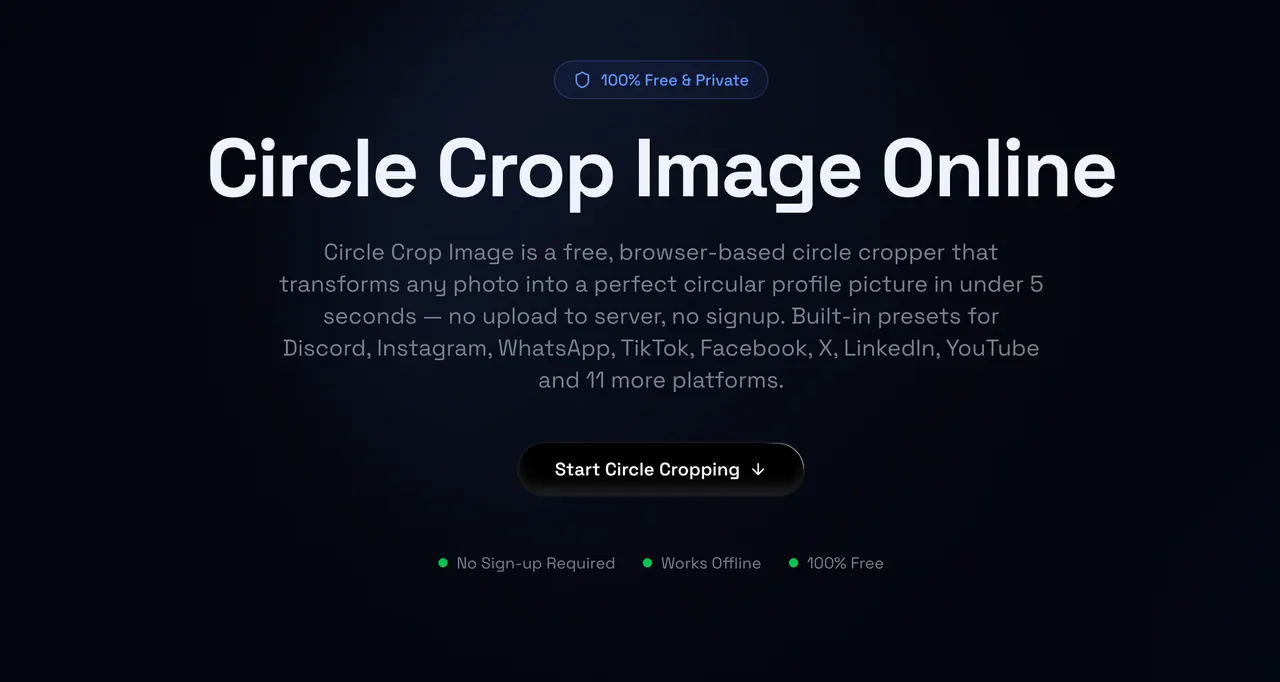
What does circlecropimage.dev do?
Circlecropimage.dev is a free, browser-based circle cropper that transforms any photo into a perfect circular profile picture in under 5 seconds. It’s built for fast, focused cropping—so you can frame exactly what appears inside the circle and download a ready-to-use avatar.
Cropping happens locally in your browser, with no sign-up required and no server upload of your images. Just drag and drop an image (or browse to upload), then use the zoom and drag controls to position your subject within the circular crop overlay. A real-time preview helps you adjust before you download.
Export your result as either PNG with a transparent background or JPG with a white background. The downloaded circular image is provided at 1024×1024 resolution for crisp, professional-looking avatars.
This tool is ideal if you need consistent circular profile pictures for social media, or if you’re creating round assets like logos, badges, and stickers. Use it on desktop, tablet, or mobile—once the page is loaded, it can even work offline.
Do I need to create an account to crop an image into a circle?
No. You can start cropping immediately without signing up.
Are my images uploaded to a server?
No. The circle crop is processed locally in your browser, so your photos stay on your device.
What image formats are supported for circle cropping?
You can upload JPG, PNG, GIF, and WEBP files.
Can I download a circular image with a transparent background?
Yes. Download as PNG to keep a transparent background.
Can I export the circular crop as JPG instead?
Yes. Download as JPG with a white background.
What resolution will I get when I download my circular image?
Your download is provided as a 1024×1024 circular image.
This listing is claimed
Own circlecropimage.dev? Sign in with the email used to claim it to manage this listing, or upgrade to Pro for featured-first placement and a newsletter feature.