
CinLink
Verified
AI Video Maker Generators & Tools
CinLink helps you create, edit, translate, dub, and repurpose images and videos using natural-language instructions in a local-first workflow.
Promoted
 KurodyneSell the tools from your AI side projects. Listing is free.
 Sidrune AI85% off. Stable Claude API for agent developers. Pay as you go. Invoices & refunds available.
 Pixmax.aiPixmax.ai is an all-in-one AI workspace for videos, visual stories, and marketing content.
 RewindType any X/Twitter handle. Get their year back as a narrated video story. Then ask it anything.
 SEOify - Improve your SEO & rankingsBuild links to rank in Google. Improve your DR with links you can start building now.Advertise here270,000+ people visit Dang.ai every month.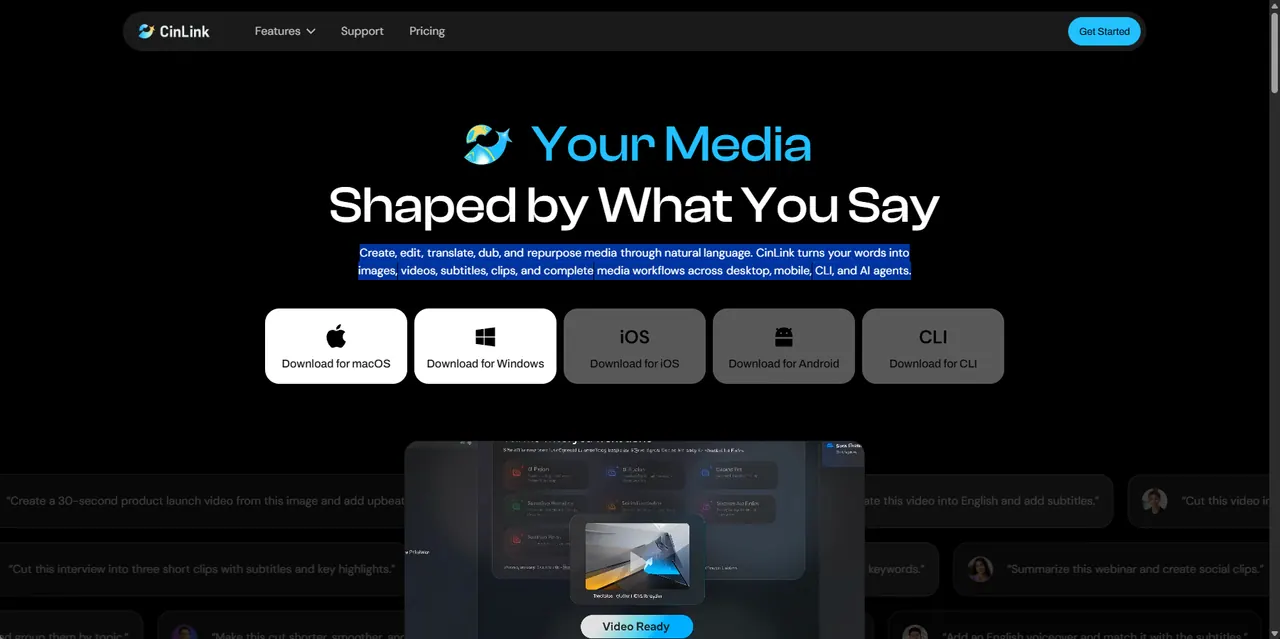
What does CinLink do?
CinLink is a natural-language workspace for creating and transforming media—from generating images and videos to editing footage, adding and translating subtitles, and localizing dialogue with multilingual voiceovers.
Tell CinLink what you want in plain language, and it connects the right media steps for the job. Use natural-language search to find specific clips, then trim, rearrange, summarize, restyle, subtitle, and transform your footage as you refine the result.
CinLink is built to keep your media on your device with local-first processing, helping reduce unnecessary cloud uploads. Work across desktop and mobile, use the command line for automation and batch processing, or connect CinLink capabilities as an agent skill inside your own AI workflows.
What can I do in CinLink with one set of natural-language instructions?
You can generate images and videos, edit footage, find clips, add subtitles, translate and localize dialogue, dub into multiple languages, repurpose long videos into short clips, and export or keep refining the work.
Does CinLink require uploading my media to the cloud?
CinLink uses local-first processing so your media stays on your device, reducing unnecessary cloud uploads.
How does subtitle translation and dubbing work in CinLink?
You can translate subtitles and localize dialogue, then generate multilingual voiceovers so your video is ready for global audiences.
Can I search and edit clips from a local folder?
Yes—use natural-language search to find the parts you need, then subtitle, cut, and repurpose selected footage from your local media.
What platforms can I use CinLink on?
CinLink is available for desktop and mobile (including iOS), supports command line usage for automated/batch workflows, and can be used as a skill inside your own AI agent workflows.
Can I export my results or continue iterating?
You can review the output, export a ready-to-use file, or keep refining with follow-up instructions in the same conversational flow.
This listing is claimed
Own CinLink? Sign in with the email used to claim it to manage this listing, or upgrade to Pro for featured-first placement and a newsletter feature.