
Cinelyo
AI Video Maker Generators & Tools
Cinelyo turns text prompts, image references, and optional audio/video references into polished cinematic AI videos.
- Pricing
- Free
- Category
- Video
- Listed
- Sep 5, 2026
- Updated
- Sep 5, 2026
Promoted
 Pixmax.aiPixmax.ai is an all-in-one AI workspace for videos, visual stories, and marketing content.
 AI Checker PlusAI detector that highlights which passages AI wrote. Free check, no sign-up. Plagiarism too.
 RewindType any X/Twitter handle. Get their year back as a narrated video story. Then ask it anything.
 KurodyneSell the tools from your AI side projects. Listing is free.
 Sidrune AI85% off. Stable Claude API for agent developers. Pay as you go. Invoices & refunds available.
 SEOify - Improve your SEO & rankingsBuild links to rank in Google. Improve your DR with links you can start building now.Advertise here270,000+ people visit Dang.ai every month.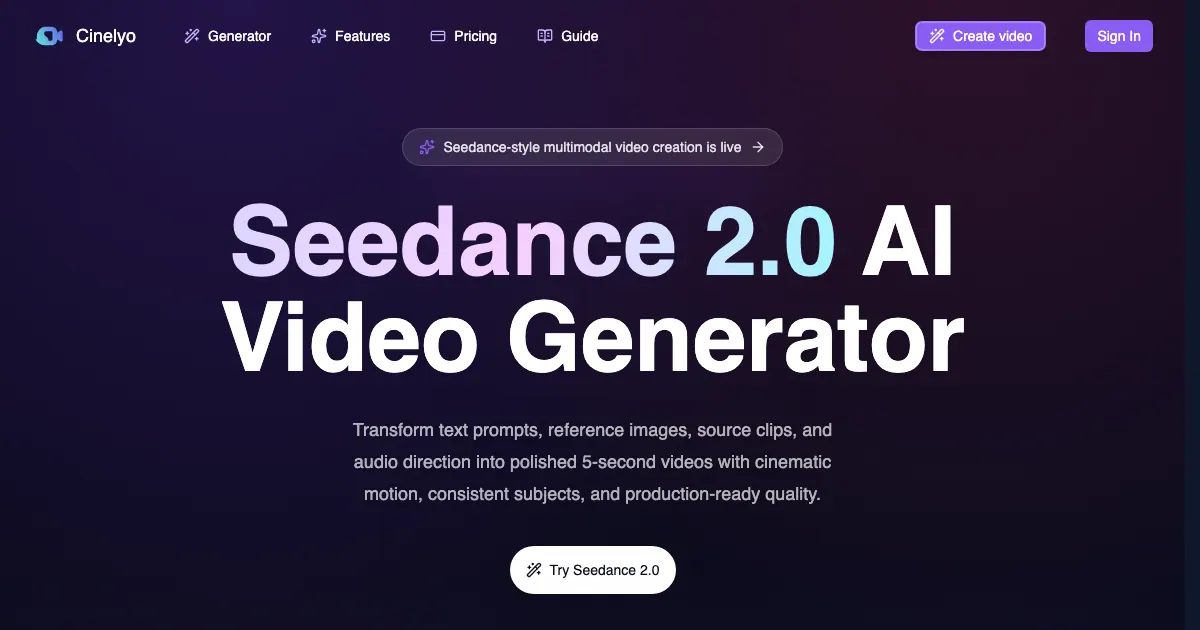
What does Cinelyo do?
Cinelyo is an AI video generator built for cinematic, reference-driven workflows. You can create short videos from natural-language prompts, animate an uploaded image, or combine multiple references to guide character identity, product appearance, camera motion, visual style, timing, rhythm, and sound direction.
Choose how you want to generate: Text-to-Video lets you define the subject, scene, action, camera movement, lighting, and style in one prompt. Image-to-Video animates product images, character designs, storyboard frames, and other visual concepts while your prompt controls movement, camera direction, lighting, and atmosphere.
For tighter creative control, Multi-Reference generation lets you use up to 9 image references, up to 3 video references, and up to 3 audio references in a single run. Cinelyo also supports Seedance-style model options (Seedance 2.5, Seedance 2.0, Seedance 2.0 Fast, and Seedance 2.0 Mini), with model selection, resolution (including up to 4K on Seedance 2.0), duration, aspect ratio, and other settings configured before you generate.
What kinds of inputs can I use in Cinelyo?
You can start from a text prompt, upload an image for image-to-video, and optionally add multiple reference types (up to 9 image references, up to 3 video references, and up to 3 audio references) for multi-reference generation.
How does Text-to-Video work?
Describe the subject, environment, action, camera movement, lighting, and visual style in natural language. Cinelyo generates a short AI video based on that description.
Can I generate videos with audio or sound direction?
Yes. You can include audio references and also choose an audio option during generation so the output can be sound-aware. You can switch audio off for silent visual workflows.
What model should I choose in Cinelyo?
Use Seedance 2.5 for longer controlled video concepts, Seedance 2.0 Fast for rapid iteration, Seedance 2.0 for maximum quality range (up to 4K), and Seedance 2.0 Mini for lower-cost drafts.
Does resolution and duration affect generation settings and cost?
Yes. The generator updates final cost based on your chosen model, quality, duration, and reference inputs; you can review how changes impact cost before creating.
Will my video generation keep running if I leave the page?
Yes. Submitted generation tasks continue in the background, and you can check status and play completed results from your account history.
This listing is claimed
Own Cinelyo? Sign in with the email used to claim it to manage this listing, or upgrade to Pro for featured-first placement and a newsletter feature.