
Cartoonize
AI Profile Picture Generator Tools
Turn your photos into cartoons, sketches, and artwork in one click using AI effects and an all-in-one photo editor.
- Pricing
- Free
- Category
- Profile picture
- Listed
- Jul 25, 2026
- Updated
- Jul 31, 2026
Promoted
 Sidrune AI85% off. Stable Claude API for agent developers. Pay as you go. Invoices & refunds available.
 Pixmax.aiPixmax.ai is an all-in-one AI workspace for videos, visual stories, and marketing content.
 SEOify - Improve your SEO & rankingsBuild links to rank in Google. Improve your DR with links you can start building now.Advertise here270,000+ people visit Dang.ai every month.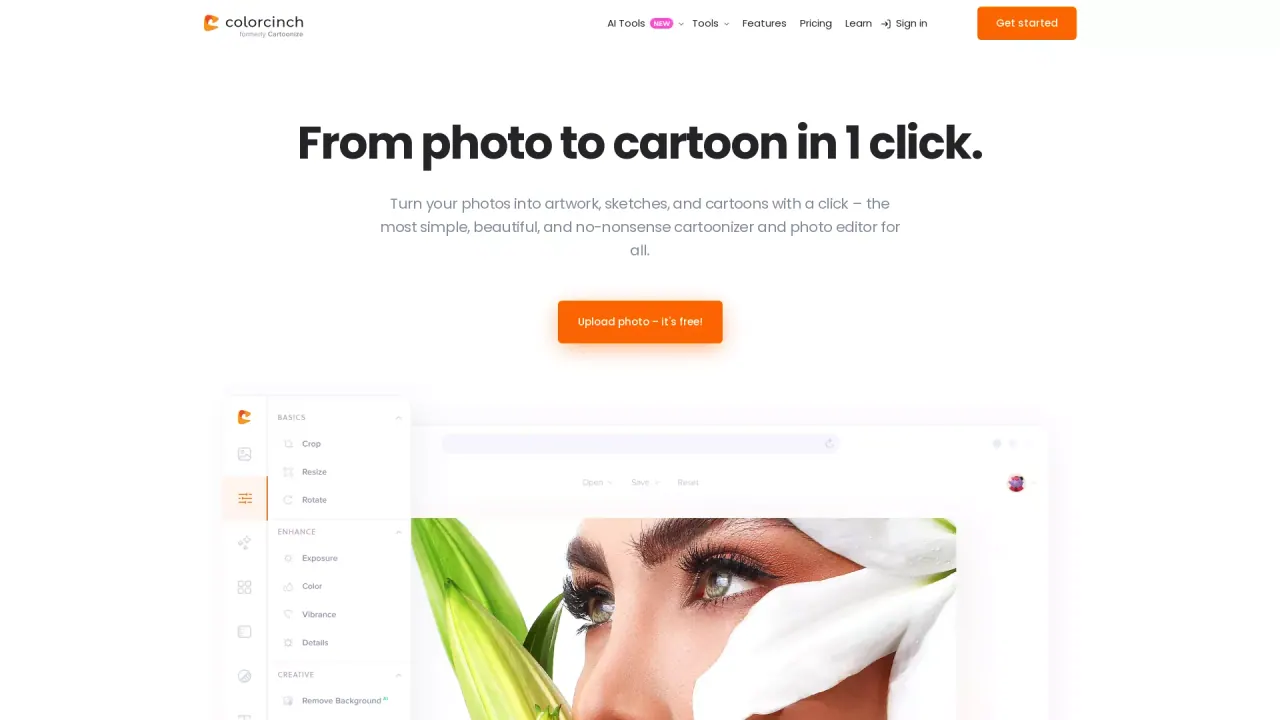
What does Cartoonize do?
Cartoonize helps you transform photos into cartoons, sketches, and other creative artwork with one-click AI effects. Upload an image and quickly apply cartoonizer, sketcher, and specialty filters designed for an easy, no-fuss workflow.
Beyond the stylization, the built-in photo editor makes it simple to prepare your images before (or after) applying effects. Remove backgrounds with one click, crop and resize, adjust color, and refine clarity with controls for blur and sharpness.
You can also enhance creative output with tools like overlays, artistic masks, and frames. Cartoonize supports compressing and converting images between common formats and lets you organize work using layers for more customized results.
What can I create with Cartoonize?
You can turn photos into cartoons and sketches, then refine the result with a variety of filters, effects, and creative styling options.
How do I turn a photo into a cartoon?
Upload your photo and apply a one-click cartoonizer effect to generate an illustrated look.
Does Cartoonize include photo editing tools besides cartoon effects?
Yes—features include background removal, cropping/resizing, exposure and color adjustments, and clarity controls like blur and sharpness.
Can I use overlays, masks, and frames?
Yes. You can add scenes with overlays, embed photos using artistic masks, and apply custom or premade frames for additional styling.
What image formats and export options are supported?
You can compress and convert images to and from JPG and PNG, and export for print quality up to 400 DPI.
Is this your tool?
Claim Cartoonize to manage this listing, or upgrade to Pro for featured-first placement and a newsletter feature.