
Captions Generator
AI Video Maker Generators & Tools
Generate word-timed captions and subtitles in 100+ languages for any video or audio—no sign-up—with free exports and Pro upgrades.
Promoted
 MuzieCreate professional AI music videos starring you. Bring a song or make one, done in minutes.
 AI Checker PlusAI detector that highlights which passages AI wrote. Free check, no sign-up. Plagiarism too.
 Pixmax.aiPixmax.ai is an all-in-one AI workspace for videos, visual stories, and marketing content.
 SEOify - Improve your SEO & rankingsBuild links to rank in Google. Improve your DR with links you can start building now.Advertise here330,000+ people visit Dang.ai every month.
What does Captions Generator do?
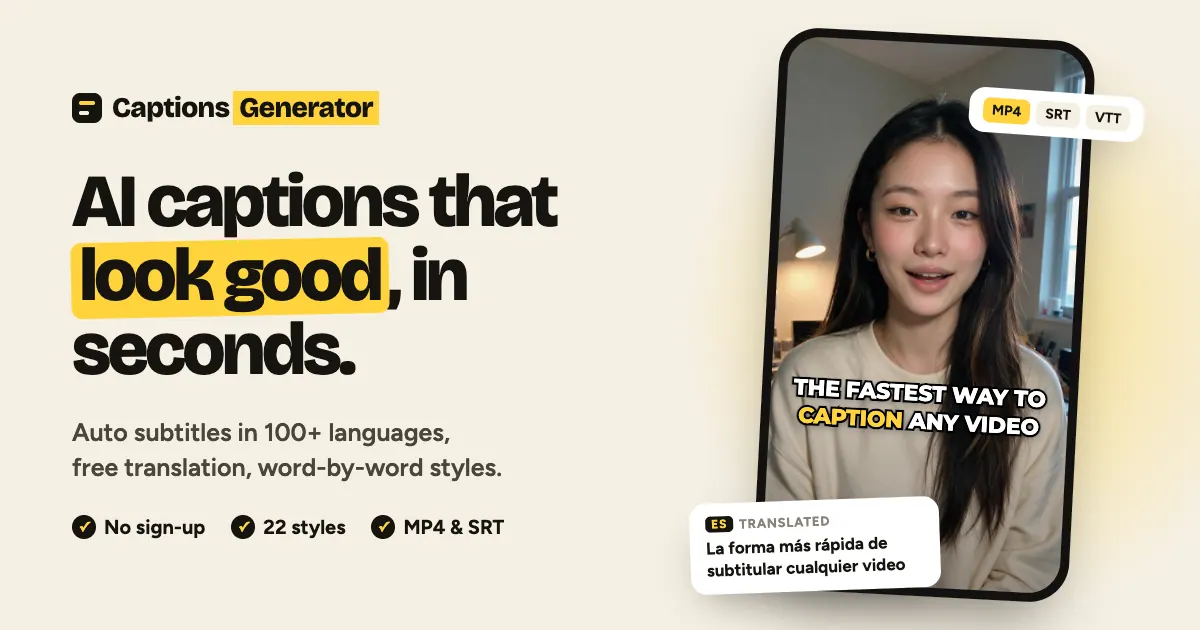
Captions Generator turns your video or audio into word-timed captions in seconds, running directly in your browser with no sign-up. Upload a file (or drop in an existing SRT), then edit individual words, choose from multiple caption styles, and translate subtitles when you need multilingual output.
Get captions that appear exactly when they’re spoken: the tool automatically transcribes speech and aligns each word to the audio timing. You can fix any word, import your own SRT for editing, and convert the result into subtitle files for common workflows.
For visuals, Captions Generator offers a set of caption styles and word animations (including options like highlight and karaoke-style effects). Styles preview exactly how the exported captions will look, so you can dial in readability and presentation before downloading.
Export captioned video or subtitle files in multiple formats. The free plan supports videos/subtitle files up to 30 minutes each with 1080p MP4 export (with a small watermark) plus SRT/VTT/TXT downloads. Pro ($59/year billed; or $4.92/month) removes the watermark, increases limits to up to 90 minutes per video, enables 4K export, and adds features like karaoke/word animations, bilingual captions, AI keyword highlights, and custom fonts, plus a 14-day money-back guarantee.
How do I add subtitles to a video automatically?
Upload a video, audio file, or an SRT file. The tool transcribes speech and generates word-timed captions, then you can edit words, apply a style, and export.
Is Captions Generator free, and do I need to sign up?
Yes—there’s a free plan and no sign-up is required. You can generate captions and download SRT/VTT/TXT and a 1080p MP4 (with a small watermark) for up to 30 minutes per file.
What can I export after generating captions?
You can download a captioned MP4, or export subtitle files in SRT, VTT, and TXT formats. The available video quality and limits depend on whether you’re on Free or Pro.
How private is my video?
Your video stays on your device; only the audio is sent for transcription. This helps keep the original media from leaving your device.
Can I translate captions into other languages?
Yes. You can translate captions into 100+ languages, including options for bilingual captions. You can also translate your own SRT files.
Can I use my own SRT file and keep my preferred timing?
Yes. You can drop in your SRT file, then edit and export captions from there. You can also apply caption styles and translate if needed.
This listing is claimed
Own Captions Generator? Sign in with the email used to claim it to manage this listing, or upgrade to Pro for featured-first placement and a newsletter feature.