
Burning Bridges AI
AI Video Maker Generators & Tools
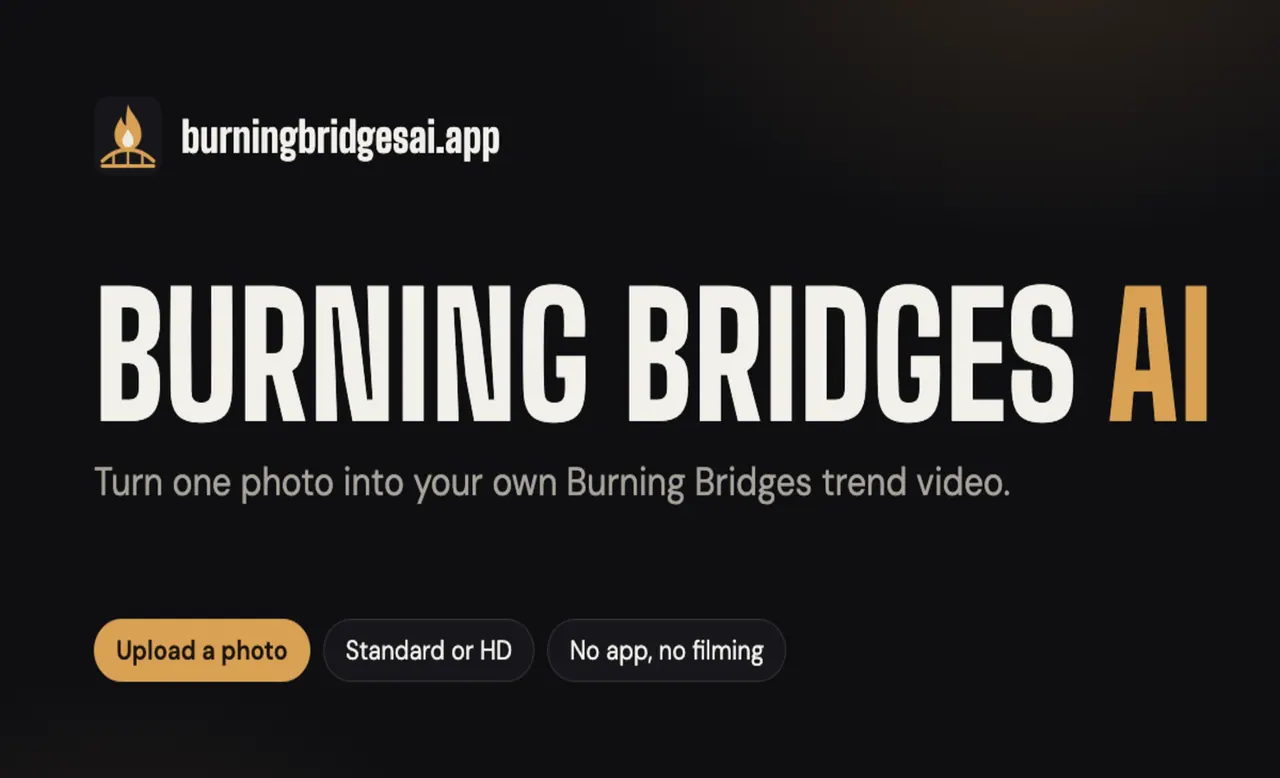
Turn one clear photo into a ready-to-download Burning Bridges trend video with built-in motion—no filming or editing.
- Category
- Video
- Listed
- Oct 16, 2026
- Updated
- Oct 17, 2026
Promoted
 AI Checker PlusAI detector that highlights which passages AI wrote. Free check, no sign-up. Plagiarism too.
 RewindType any X/Twitter handle. Get their year back as a narrated video story. Then ask it anything.
 KurodyneSell the tools from your AI side projects. Listing is free.
 Sidrune AI85% off. Stable Claude API for agent developers. Pay as you go. Invoices & refunds available.
 Pixmax.aiPixmax.ai is an all-in-one AI workspace for videos, visual stories, and marketing content.
 SEOify - Improve your SEO & rankingsBuild links to rank in Google. Improve your DR with links you can start building now.Advertise here270,000+ people visit Dang.ai every month.
What does Burning Bridges AI do?
Burning Bridges AI is an AI video generator that recreates the viral “Burning Bridges” trend using just a single photo. Upload one person photo (or a pet photo), pick a length (16s or 28s) and a quality (Standard 480p, HD 720p, or Full HD 1080p), and the AI performs the signature motion and “where she at?” finish from the trend clip—without you needing to film, learn choreography, write prompts, or edit anything.
Each generated video follows the trend’s built-in beats, with your photo taking the lead role. You can optionally add up to 3 friends (or pets) for the crowd, and you can include a background scene if you want. Videos are designed to be posted right away to platforms like TikTok, Instagram Reels, YouTube Shorts, and more.
For best results, use a clear shot with the subject facing the camera, head to waist (or full body), with even lighting and no heavy filters or sunglasses. Only adults who agreed to appear are supported—minors and celebrities aren’t allowed. Photos can be JPG, PNG, or WebP.
Burning Bridges AI uses a pay-per-video credit system (no subscription). Render times take a few minutes, and failed videos are refunded. Credits are valid for 12 months and can be used on any tool within that year.
What does Burning Bridges AI do?
It turns one clear photo into a Burning Bridges trend video by applying built-in motion and the “where she at?” finish, with your photo as the star.
Do I need to film myself or learn the routine?
No—upload a photo and the motion is built in. There’s no filming, learning the routine, prompt writing, or video editing required.
Can I use a group photo?
No. Each photo needs to contain one person (or one pet). You can add up to 3 friends or pets as separate optional additions, but group photos won’t work.
What photos work best for the generated video?
Use a clear, evenly lit image with the face visible (no sunglasses or heavy filters). The subject should be head-to-waist in frame (or full body), facing the camera, and use JPG/PNG/WebP.
How long does it take to get my video?
Rendering takes a few minutes. You can close the tab while it processes, and the finished video is ready afterward in your studio.
How does pricing work?
You pay per video with credits and there’s no subscription. Credits are purchased once, remain valid for 12 months, and failed videos are refunded automatically.
This listing is claimed
Own Burning Bridges AI? Sign in with the email used to claim it to manage this listing, or upgrade to Pro for featured-first placement and a newsletter feature.