
BulkGen
AI Content Generation
BulkGen bulk-creates and edits up to 200 AI images per batch using Google Drive assets and GPT or Gemini image models.
Promoted
 RewindType any X/Twitter handle. Get their year back as a narrated video story. Then ask it anything.
 KurodyneSell the tools from your AI side projects. Listing is free.
 Sidrune AI85% off. Stable Claude API for agent developers. Pay as you go. Invoices & refunds available.
 Pixmax.aiPixmax.ai is an all-in-one AI workspace for videos, visual stories, and marketing content.
 SEOify - Improve your SEO & rankingsBuild links to rank in Google. Improve your DR with links you can start building now.Advertise here270,000+ people visit Dang.ai every month.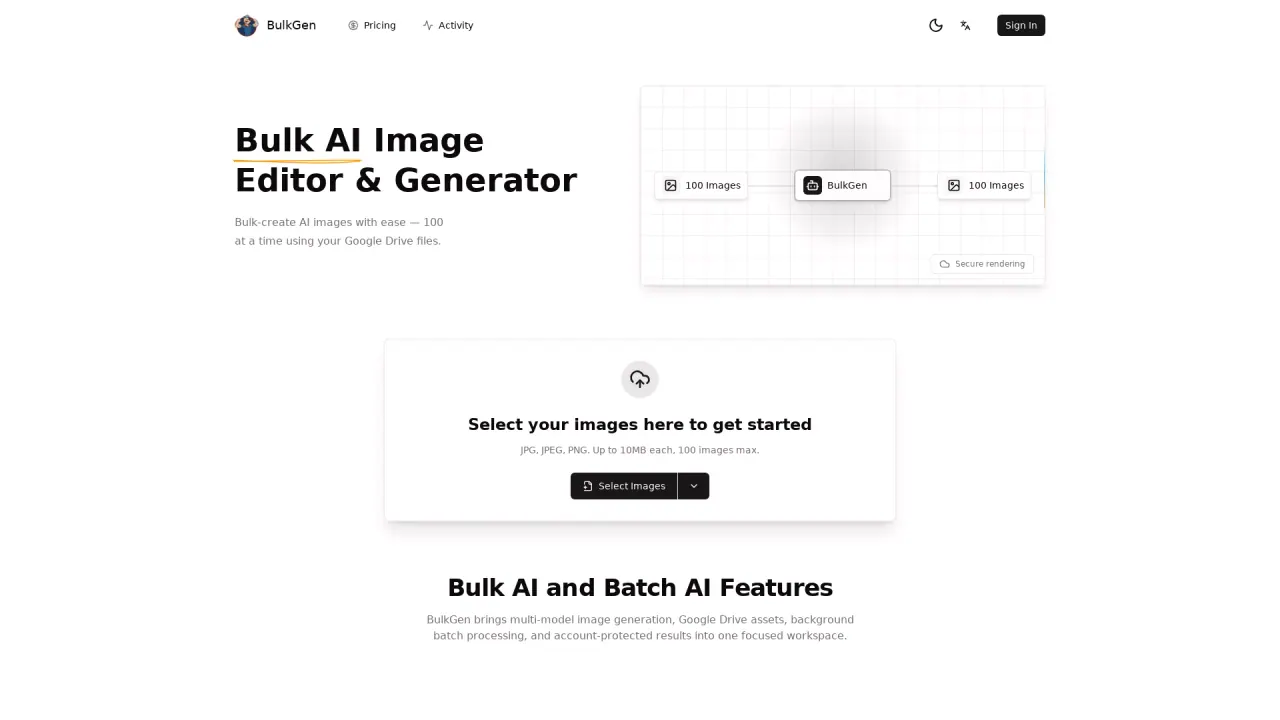
What does BulkGen do?
BulkGen is a bulk AI image editor & generator built for creating more than one-off images. Instead of generating images one at a time, you can run batch jobs that turn selected inputs into many outputs quickly—ideal when you need volume, consistency, and a faster workflow.
BulkGen supports multi-model image generation, including GPT image models and Gemini image models. Available options include gpt-image-1, gpt-image-1.5, gpt-image-2, nano banana 2, and nano banana pro, giving you flexibility depending on the style or output you’re aiming for.
Work with your assets from your computer or directly from Google Drive. You can upload JPG, JPEG, or PNG files, with each image up to 10MB and up to 200 images per batch. BulkGen’s background processing lets you start a batch and keep working while results are generated, with progress tracking plus the ability to retry or cancel tasks.
When your batch is done, download outputs from your account-protected workspace. BulkGen is best for creators and businesses that need bulk image generation and batch processing rather than single-image creation.
How many images can I generate in one batch with BulkGen?
You can process up to 200 images per batch.
What image file types and sizes does BulkGen support?
BulkGen accepts JPG, JPEG, and PNG files. Each image can be up to 10MB.
Can I use images from Google Drive instead of uploading from my computer?
Yes. You can select images from your computer or upload JPG/JPEG/PNG files from Google Drive to run your batch.
Which AI image models are available in BulkGen?
BulkGen offers GPT image models and Gemini image models, including gpt-image-1, gpt-image-1.5, gpt-image-2, nano banana 2, and nano banana pro.
Does BulkGen run image generation in the background?
Yes. Start a batch and let BulkGen process it in the background, with progress tracking and options to retry or cancel.
Where do I access and download the generated results?
Results are available in your account-protected workspace, where you can download them after processing completes.
This listing is claimed
Own BulkGen? Sign in with the email used to claim it to manage this listing, or upgrade to Pro for featured-first placement and a newsletter feature.