
Bulin 47 AI
AI Video Maker Generators & Tools
Create a vertical Bulin 47–style freestyle AI video from one portrait, then preview and download it as an MP4 in 6s or 15s at 480p or 720p.
Promoted
 Pixmax.aiPixmax.ai is an all-in-one AI workspace for videos, visual stories, and marketing content.
 AI Checker PlusAI detector that highlights which passages AI wrote. Free check, no sign-up. Plagiarism too.
 RewindType any X/Twitter handle. Get their year back as a narrated video story. Then ask it anything.
 KurodyneSell the tools from your AI side projects. Listing is free.
 Sidrune AI85% off. Stable Claude API for agent developers. Pay as you go. Invoices & refunds available.
 SEOify - Improve your SEO & rankingsBuild links to rank in Google. Improve your DR with links you can start building now.Advertise here270,000+ people visit Dang.ai every month.
What does Bulin 47 AI do?
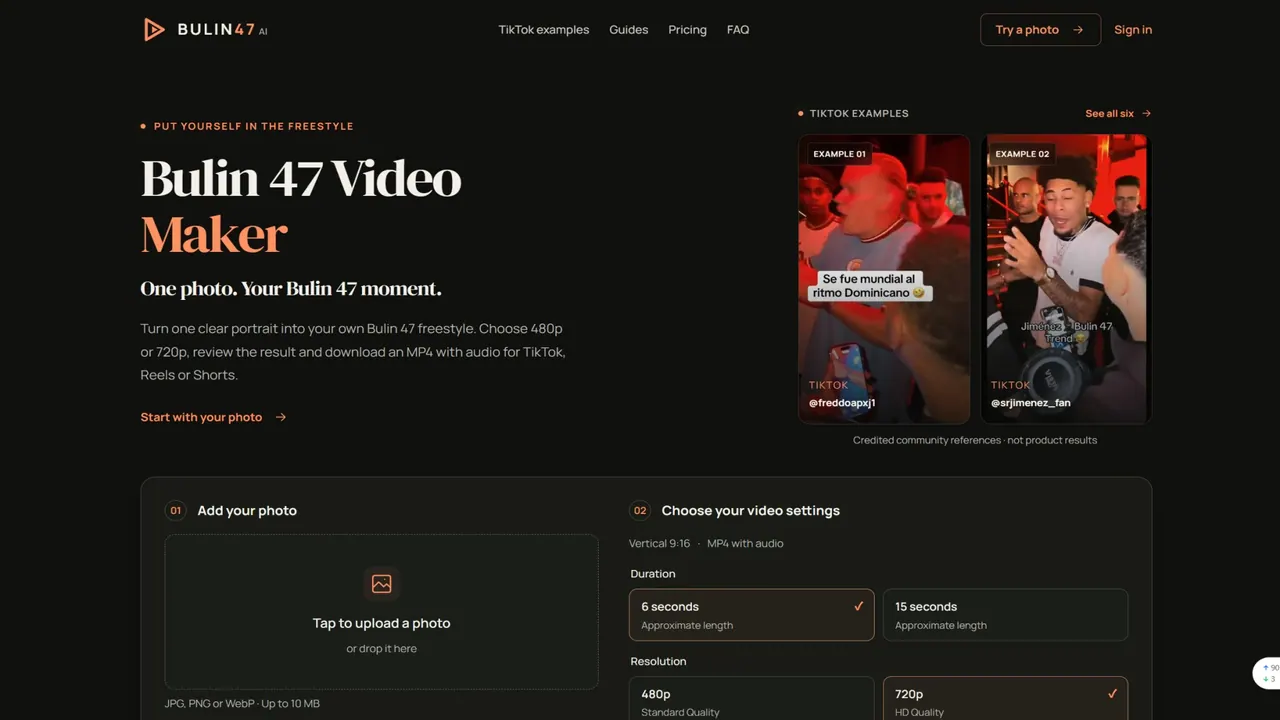
Bulin 47 AI turns a single portrait into a vertical “Bulin 47”–style freestyle video. Upload a photo of yourself (or a consenting adult), choose an approximate duration of 6 or 15 seconds and a resolution of 480p or 720p, then generate and download your result as an MP4.
The tool is built for quick creation without writing prompts or doing video editing. Your photo acts as the visual starting point, while a prepared scene guides the recognizable freestyle look, movement, and camera feel. Your output is AI-generated entertainment—not footage of the person in your photo performing the original routine.
For best results, use one clear, front-facing portrait with good light and one visible person. Avoid sunglasses, heavy filters, and tight face crops. Keep the face unobstructed with visible eyes, hair, and shoulders. Some details—like facial likeness, gestures, timing, crowd elements, or exact frames—may not match perfectly, so review the finished MP4 before sharing.
Pricing is credit-based. One-time credit packs start at $9.99 with no subscription, and generation cost depends on your chosen settings. Examples include 10 credits for 6 seconds at 480p, 20 credits for 6 seconds at 720p, 25 credits for 15 seconds at 480p, and 50 credits for 15 seconds at 720p. Selecting and previewing your photo uses no generation credits; credits are spent when you generate the video.
What does Bulin 47 AI create from my photo?
It generates a vertical Bulin 47–style freestyle AI video using your portrait as the starting reference and a prepared scene to guide the movement and camera look. The result is AI-generated entertainment, not a real recording of the person in your photo performing the routine.
What photo should I upload for the best results?
Upload one clear, front-facing portrait with good light and one visible person. Avoid sunglasses, heavy filters, and anything that hides the face; visible eyes, hair, and shoulders help the model use more identity information.
Can I choose the video length and quality?
Yes. Choose approximately 6 or 15 seconds and select 480p (standard) or 720p (HD). Your output is generated as a vertical 9:16 MP4.
How much does a Bulin 47 AI video cost?
Pricing is credit-based and depends on your selected settings. For example: 6 seconds at 480p costs 10 credits, 6 seconds at 720p costs 20 credits, 15 seconds at 480p costs 25 credits, and 15 seconds at 720p costs 50 credits.
Does the generated video include the original song from the viral freestyle?
The original song, voice, and exact words are not guaranteed. Always review the completed MP4 before posting.
Does uploading my photo send it to the server immediately?
Your photo uploads only after you choose Generate. Selecting and previewing the photo does not use generation credits.
This listing is claimed
Own Bulin 47 AI? Sign in with the email used to claim it to manage this listing, or upgrade to Pro for featured-first placement and a newsletter feature.