Bulin 47 AI
AI Video Maker Generators & Tools
Turn one consenting adult portrait into a ~23-second Bulin 47 freestyle MP4 with original sound, choosing Original or Custom crowd and 480p/720p quality.
Promoted
 RewindType any X/Twitter handle. Get their year back as a narrated video story. Then ask it anything.
 KurodyneSell the tools from your AI side projects. Listing is free.
 Pixmax.aiPixmax.ai is an all-in-one AI workspace for videos, visual stories, and marketing content.
 AI Checker PlusAI detector that highlights which passages AI wrote. Free check, no sign-up. Plagiarism too.
 SEOify - Improve your SEO & rankingsBuild links to rank in Google. Improve your DR with links you can start building now.Advertise here330,000+ people visit Dang.ai every month.
What does Bulin 47 AI do?
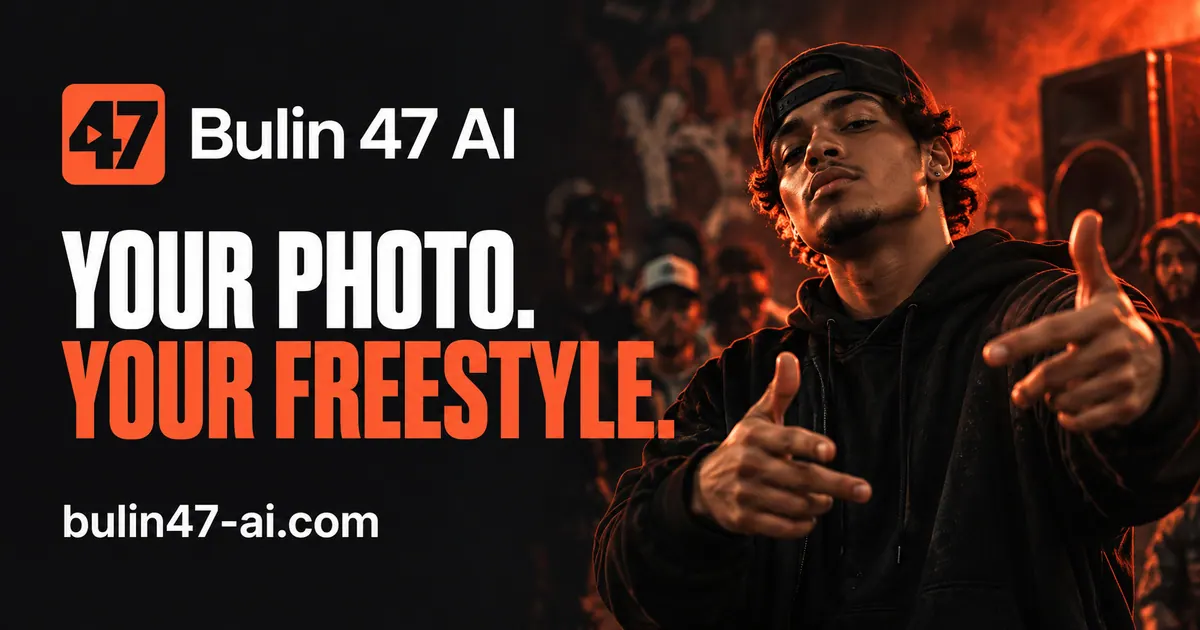
Bulin 47 AI turns a single input photo into an approximately 23-second vertical freestyle video using the original freestyle sound. Your uploaded portrait becomes the lead performer, matching visible face, hair, and outfit as closely as possible, while a prepared reference freestyle guides the movement and camera timing.
The workflow is designed to be simple: upload one clear adult portrait, pick who appears via the crowd mode, choose your output quality, then generate. You can watch the completed video with sound and download it as an MP4. Results are an AI-generated adaptation for entertainment rather than a real performance recorded from the person in your photo.
You can choose between Original crowd and Custom crowd. Original keeps the street crowd. Custom replaces up to 4 additional people alongside the lead (the video still has one lead), letting you assign photos to specific crowd roles. In Custom mode, details may shift between frames as people move across the scene, so it’s important to review what appears before sharing.
Resolution and credit cost depend on quality: Standard is 480p and uses 10 credits, while HD is 720p and uses 22 credits for a ~23-second video. There’s no subscription—credit packs are one-time purchases starting at USD 9.99 for 1 HD video. If a render fails or is blocked, reserved credits are returned to your available balance, and purchased credits do not expire.
What does Bulin 47 AI generate from my photo?
It creates an approximately 23-second vertical MP4 freestyle video using the original freestyle sound, based on one consenting adult portrait as the lead performer.
Do I need to write a prompt to generate a video?
No. Upload your photo, choose the crowd mode and quality, then generate and download the MP4.
What’s the difference between Original crowd and Custom crowd?
Original keeps the street crowd. Custom replaces up to 4 additional people alongside the lead; you assign photos to crowd roles and can review what appears as people move.
What photo requirements should I follow?
Use one person per photo with face, hair, and upper body visible (JPG, PNG, WebP, or HEIC/HEIF up to 10 MB). Avoid sunglasses, heavy filters, and covered faces, and include the clothing you want referenced.
How many credits does each quality option use, and what does it cost?
Standard (480p) uses 10 credits; HD (720p) uses 22 credits per ~23-second video. One-time HD credit packs start at USD 9.99 (with options for 1, 3, or 10 HD videos).
What happens if generation fails or is blocked?
Reserved credits are automatically returned to your available balance, and your payment isn’t refunded. A completed video with imperfect details isn’t treated as a failed render.
This listing is claimed
Own Bulin 47 AI? Sign in with the email used to claim it to manage this listing, or upgrade to Pro for featured-first placement and a newsletter feature.