
BizMuse AI
AI Video Maker Generators & Tools
BizMuse AI turns songs, lyrics, and reference images into directed AI music video workflows you can generate, refine, and compose for release.
- Pricing
- Free
- Category
- Video
- Listed
- Sep 6, 2026
- Updated
- Oct 19, 2026
Promoted
 AI Checker PlusAI detector that highlights which passages AI wrote. Free check, no sign-up. Plagiarism too.
 RewindType any X/Twitter handle. Get their year back as a narrated video story. Then ask it anything.
 KurodyneSell the tools from your AI side projects. Listing is free.
 Sidrune AI85% off. Stable Claude API for agent developers. Pay as you go. Invoices & refunds available.
 Pixmax.aiPixmax.ai is an all-in-one AI workspace for videos, visual stories, and marketing content.
 SEOify - Improve your SEO & rankingsBuild links to rank in Google. Improve your DR with links you can start building now.Advertise here270,000+ people visit Dang.ai every month.
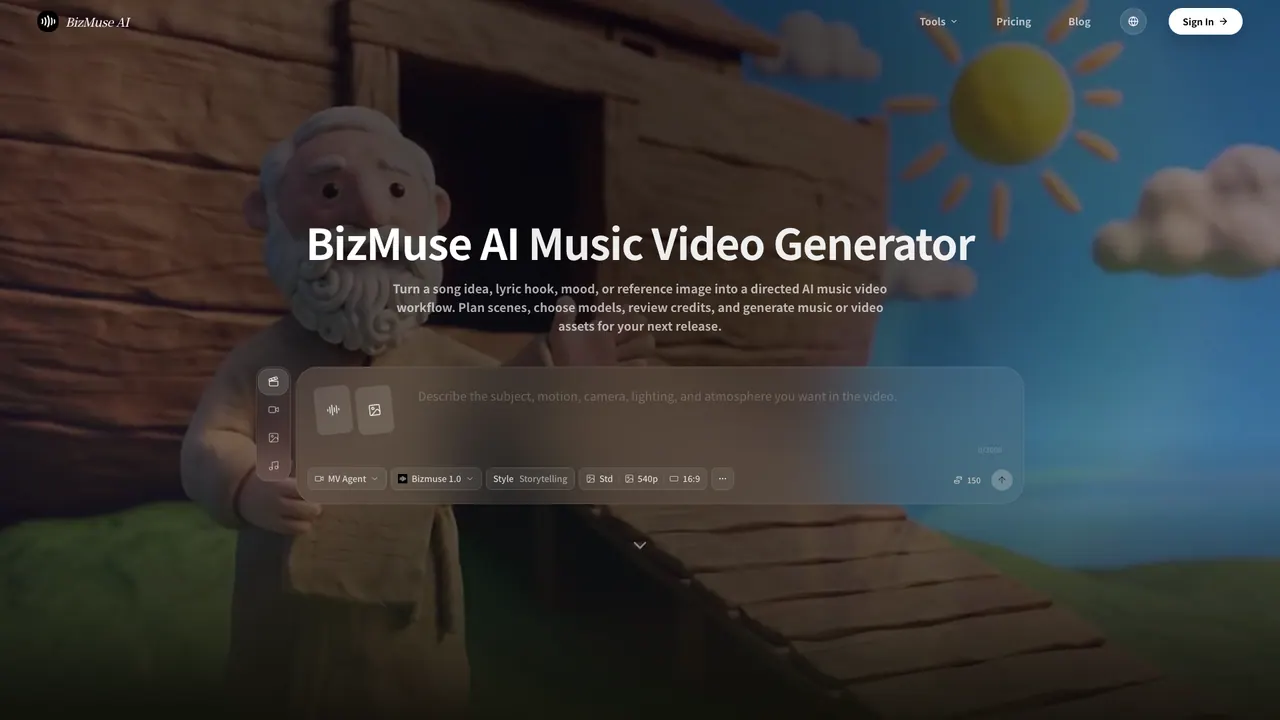
What does BizMuse AI do?
BizMuse AI is an AI music video generator and creative workspace for musicians, creators, marketing teams, and editors. It helps you turn a song idea—lyrics, a hook, mood, tempo, or a reference image—into a directed music-video plan with model choices, credit estimates, AI music, and AI video scenes.
Use MV Agent for a one-click directed first cut, or MV Workflow to break your music video into shots you can edit, replace, and compose. Upload reference portraits, music assets, or visual references, then write shot prompts that guide the subject, rhythm, scene, and camera intent so your verses, choruses, and hooks feel visually connected instead of like random clips.
You can generate music videos for supported audio lengths from 10 to 180 seconds, and choose output settings such as resolution (540p, 720, or 1080), quality (Standard or High), and lip sync behavior. Review what the model produces, refine selected scenes, and regenerate only the weak moments so you don’t have to redo the whole project.
Projects can range from lyric videos, visualizers, performance-style concepts, and short-form TikTok/Reels hooks to YouTube release assets, product launch soundtracks, and campaign mood pieces. Use media and rights you own, created, licensed, or have permission to process, and review model/account/platform output terms before commercial publishing.
What does BizMuse AI help me create?
You can generate AI music videos from supported audio (10–180 seconds) using a song prompt, lyrics or hook direction, and reference images to guide scenes, models, and composition for release formats.
Should I use MV Agent or MV Workflow?
Use MV Agent when you want a one-click directed first cut. Use MV Workflow when you want to manage individual shots—edit, replace, and compose the final music video yourself.
What inputs do I need to start a project?
Start with your song direction (song/lyrics/hook/mood/tempo or a reference image). Then upload reference portraits or other visual and music assets, and write shot prompts for subject, rhythm, scene, and camera intent.
Can I generate only part of a longer song?
Yes. Choose a section that fits the supported 10–180 second range, then plan your final edit around that selected audio.
What video output settings can I control?
You can choose resolution (540, 720, or 1080), quality (Standard or High), and decide whether lip sync should be enabled before the output is prepared.
Is it safe to use the outputs commercially?
Only use music, lyrics, images, videos, voices, or brand assets you own, created, licensed, or have permission to process. Commercial use depends on the active model, your account plan, and the output rules of the platform where you publish—check those terms before release.
This listing is claimed
Own BizMuse AI? Sign in with the email used to claim it to manage this listing, or upgrade to Pro for featured-first placement and a newsletter feature.