
Biveks
AI Video Maker Generators & Tools
Biveks is a mobile app that turns your photos into trending AI video and photo effects ready to share.
- Pricing
- Free
- Category
- Video
- Listed
- Sep 21, 2026
- Updated
- Oct 17, 2026
Promoted
 Sidrune AI85% off. Stable Claude API for agent developers. Pay as you go. Invoices & refunds available.
 Pixmax.aiPixmax.ai is an all-in-one AI workspace for videos, visual stories, and marketing content.
 AI Checker PlusAI detector that highlights which passages AI wrote. Free check, no sign-up. Plagiarism too.
 RewindType any X/Twitter handle. Get their year back as a narrated video story. Then ask it anything.
 KurodyneSell the tools from your AI side projects. Listing is free.
 SEOify - Improve your SEO & rankingsBuild links to rank in Google. Improve your DR with links you can start building now.Advertise here270,000+ people visit Dang.ai every month.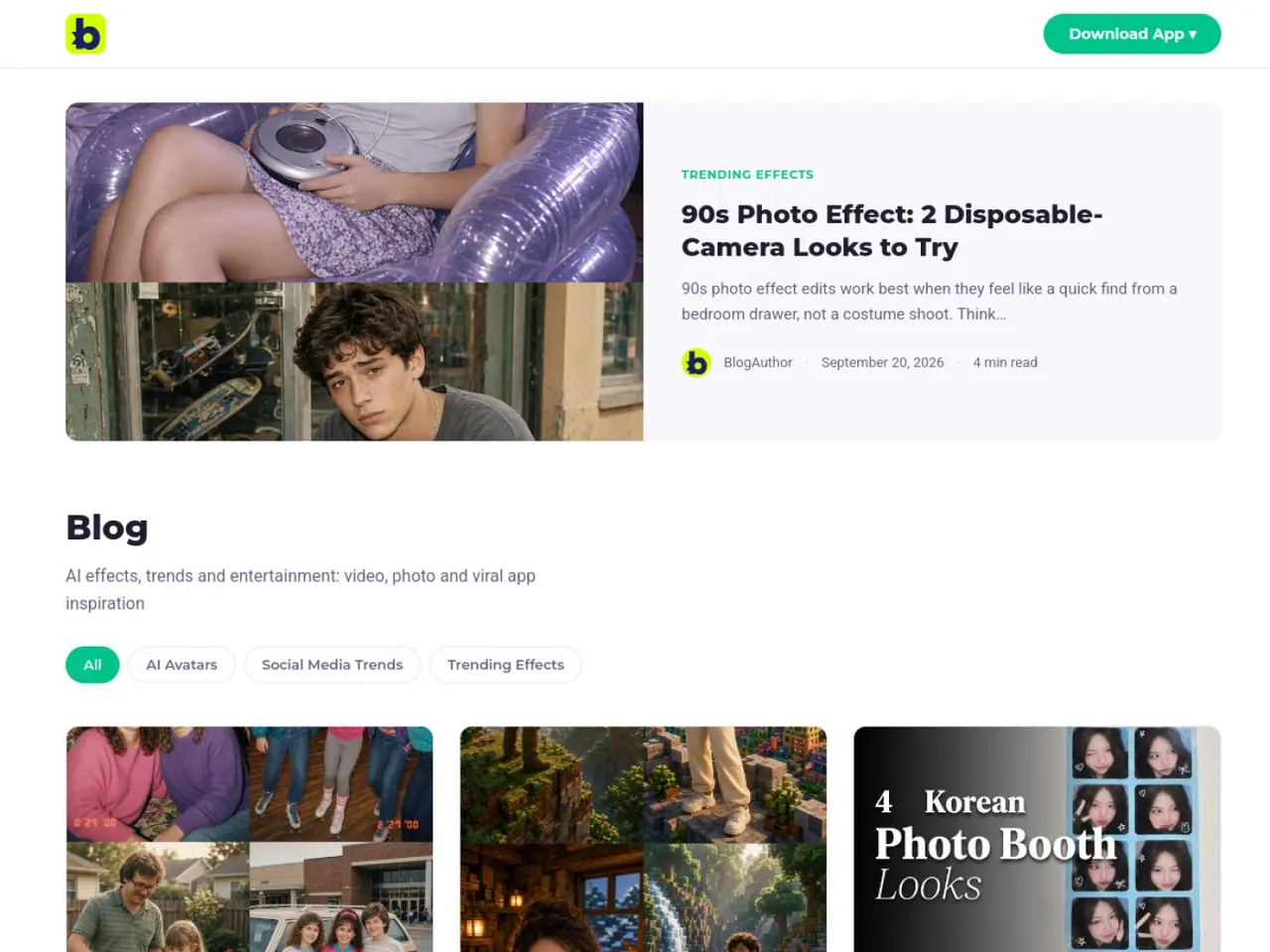
What does Biveks do?
Biveks is a curated AI effects app for people who want fast, scroll-ready photo and video edits. Browse what’s trending, choose an effect, add your photo, and get a finished clip back ready to post.
The app focuses on effects for both photos and short videos, including face and style transforms, animated portrait-style looks, and quick video edits. The lineup is built around what’s currently popular, so fresh effects are surfaced as trends change.
Because rendering happens in the cloud, you don’t need to install anything to start creating. Everything is handled inside the app flow—pick an effect, upload your image, and preview the result.
Biveks is available on iOS and Android. You can start free, with in-app credits available for continued use.
What does Biveks do?
Biveks lets you turn your photos into trending AI photo and short video effects. Choose an effect, upload your photo, and get the edited result ready to share.
What kinds of effects are available?
You’ll find a mix of photo and video effects, including face and style transforms, animated portrait-style looks, and short video edits. The catalog updates as trends change.
Do I need to install anything to use the effects?
No—rendering happens in the cloud, so you can use the effects from within the app without extra installations.
Which devices does Biveks support?
Biveks runs on iOS and Android.
Is Biveks free?
You can start free with in-app credits for use beyond the initial free start.
How do I create an effect?
Open the app, pick a trending effect, upload your photo, and wait for the processed result you can post.
This listing is claimed
Own Biveks? Sign in with the email used to claim it to manage this listing, or upgrade to Pro for featured-first placement and a newsletter feature.