
Bicep Heart AI
AI Video Maker Generators & Tools
Turn a clear adult portrait into a short bicep-heart trend MP4 using a fixed pose template.
Promoted
 Pixmax.aiPixmax.ai is an all-in-one AI workspace for videos, visual stories, and marketing content.
 AdsfieldPro ads from one product photo — $40/year
 MuzieCreate professional AI music videos starring you. Bring a song or make one, done in minutes.
 SEOify - Improve your SEO & rankingsBuild links to rank in Google. Improve your DR with links you can start building now.Advertise here330,000+ people visit Dang.ai every month.
What does Bicep Heart AI do?
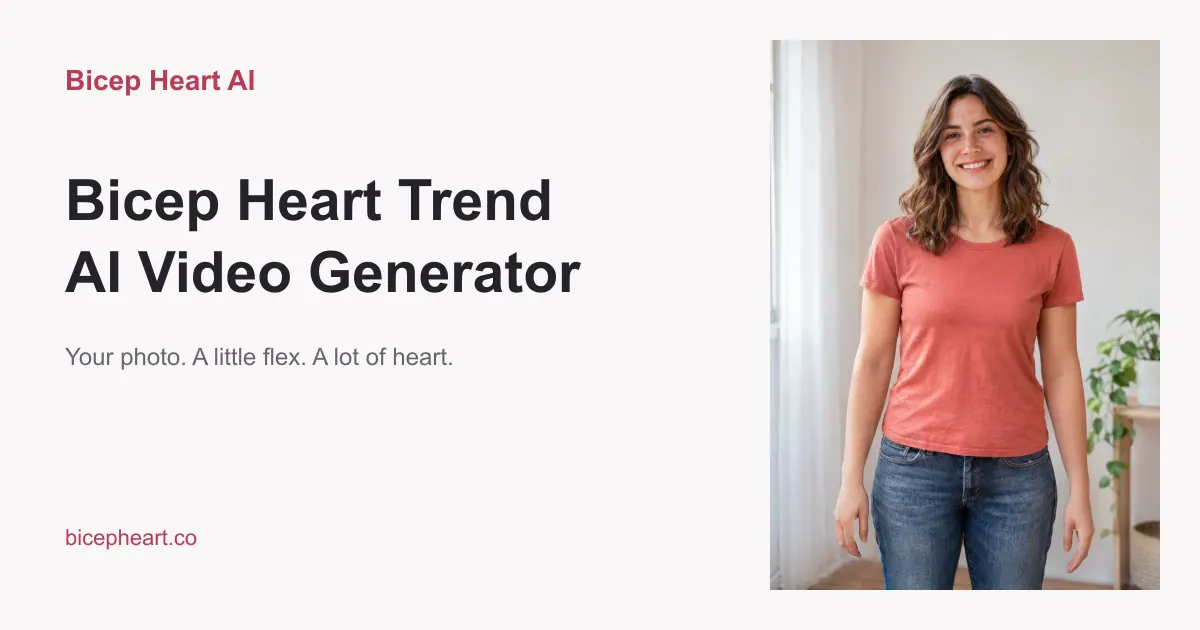
Bicep Heart AI animates a single adult portrait into a short “bicep heart” trend video. Upload one clear, waist-up photo with your face, shoulders, and both arms visible, then generate a preset 6-second bicep-heart motion and download the finished MP4.
The workflow is simple: choose a photo, preview it locally before generation, and then confirm Generate. There’s no prompt to write and no reference video to upload because the motion comes from a fixed pose guide/template. The result is a moving arm-and-hand gesture where the opposite hand curves to outline a heart shape beside the upper arm.
Key features include local photo preview, one-credit-per-generation-attempt credits, and a silent output (no audio track is provided). The heart shape, face, and hands can vary, so it’s important to review the completed clip—especially the full movement, the heart silhouette, and whether elbows or fingers were cropped.
For pricing, the service is pay-once with one generation attempt per credit pack: $9.99 for 1 attempt, $24.99 for 3 attempts, or $49.99 for 7 attempts. Purchased credits currently have no scheduled expiry, but you should review the terms and refund policy before buying.
What does Bicep Heart AI create from my photo?
It creates a short bicep-heart trend video (6-second target MP4) from one clear adult portrait, using a fixed bicep-heart pose motion.
Can I make a bicep-heart video from one photo without a prompt?
Yes. Upload a single photo and generate using the preset bicep-heart motion—there’s no prompt to write.
What photo should I upload for the best chance of a readable heart pose?
Use one clear waist-up portrait with your face, both shoulders, and both arms visible. Leave space beside the elbows and above the arms so the pose isn’t tightly cropped.
Will my face and hands stay exactly the same in the generated video?
No—AI output details can vary, including face, hands, and how clearly the heart shape appears. Always review the full completed clip before sharing.
How many credits do I need, and what does one attempt cost?
Each generation attempt uses one credit. The available packs are $9.99 (1 attempt), $24.99 (3 attempts), and $49.99 (7 attempts).
What happens if generation fails?
If a confirmed technical failure occurs (for example, a timed-out task), the reserved credit is returned once. An imperfect completed video isn’t automatically treated as a technical failure.
This listing is claimed
Own Bicep Heart AI? Sign in with the email used to claim it to manage this listing, or upgrade to Pro for featured-first placement and a newsletter feature.