
berniniai.org
AI Art Generator & Creator Tools
Bernini AI is ByteDance’s online video generator and editor—create from text, generate from reference images, or edit existing footage with prompts.
- Pricing
- Free
- Category
- Art
- Listed
- Jun 3, 2026
- Updated
- Jun 3, 2026
Promoted
 KurodyneSell the tools from your AI side projects. Listing is free.
 Sidrune AI85% off. Stable Claude API for agent developers. Pay as you go. Invoices & refunds available.
 Pixmax.aiPixmax.ai is an all-in-one AI workspace for videos, visual stories, and marketing content.
 RewindType any X/Twitter handle. Get their year back as a narrated video story. Then ask it anything.
 SEOify - Improve your SEO & rankingsBuild links to rank in Google. Improve your DR with links you can start building now.Advertise here270,000+ people visit Dang.ai every month.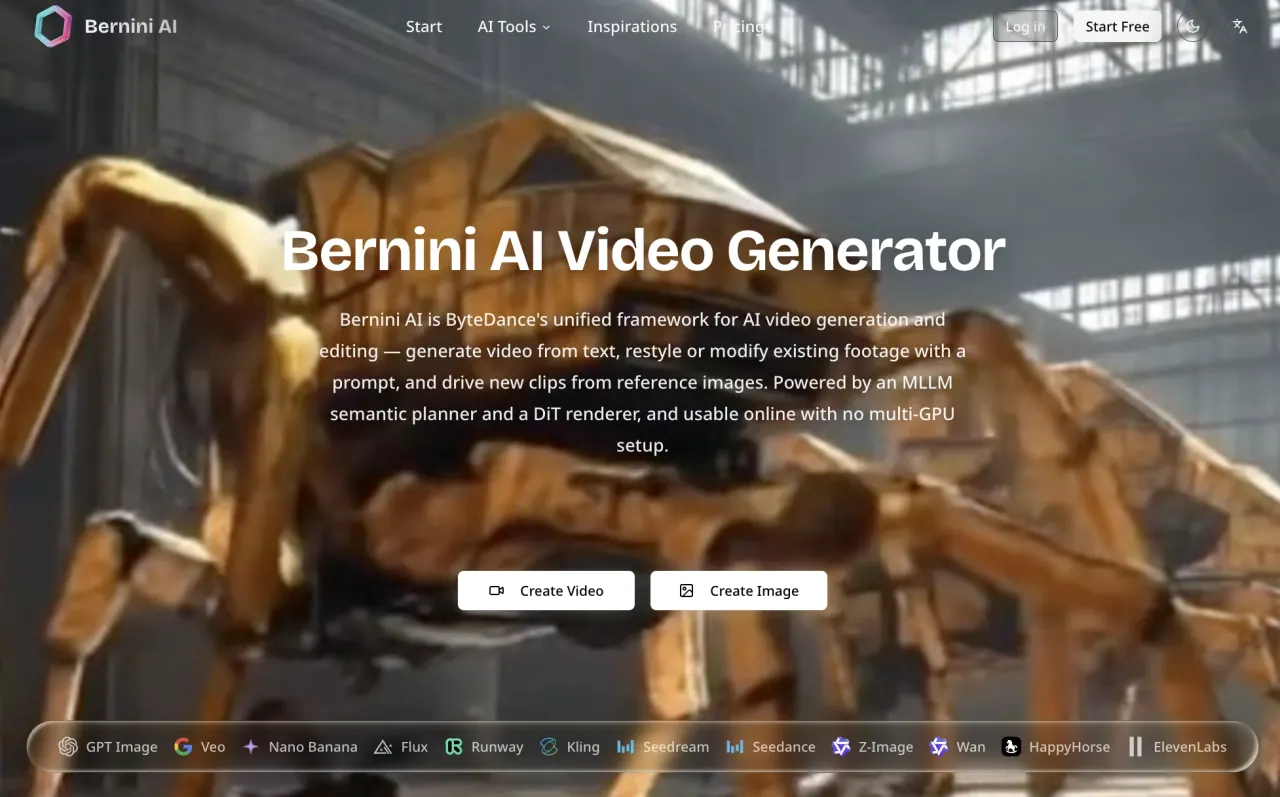
What does berniniai.org do?
Bernini AI is ByteDance’s unified framework for AI video generation and editing, running in your browser. Create video from a text prompt, generate new clips from reference images, or restyle and modify existing footage by describing the change in a prompt—without managing any multi-GPU setup.
The workflow keeps generation and editing in one place. Start from text, choose an input mode (text-to-video or reference-to-video), or upload a source clip for prompt-based editing. You can also add an end frame, set aspect ratio and duration, and generate audio as part of the process.
Behind the scenes, Bernini pairs an MLLM-based semantic planner with a DiT-based renderer to plan what the scene should become and then render frames. For editing tasks, it uses source-video features to preserve fine detail, making it well-suited for targeted edits where you want the rest of the clip to remain stable.
Whether you’re prototyping motion ideas with short drafts or iterating toward a polished clip, Bernini AI gives you an online, no-install way to generate and edit video while the platform also offers other AI engines alongside it in the same workspace.
What can Bernini AI do?
It can generate video from text prompts, create video from reference images, and edit existing footage using prompt-based instructions.
How do I use Bernini AI online?
Open the browser app, choose your task (text-to-video, reference-to-video, or editing), enter a prompt or upload reference media, generate, then download when the clip is ready.
What is reference-to-video (R2V) in Bernini AI?
Reference-to-video generates a new clip using reference images to anchor a subject, object, or style. You can use up to five reference images in that workflow.
Can Bernini AI edit existing video?
Yes. Upload a source clip and describe the change in a prompt—Bernini uses source-video features to help preserve detail outside the edited region.
What file types and limits apply when uploading images?
You can upload JPG, PNG, WEBP, GIF, or BMP images with a maximum size of 10MB per file.
Is Bernini AI open source?
Yes—Bernini is released under the Apache 2.0 license, while Bernini AI runs the workflow online so you don’t need to self-host GPUs.
This listing is claimed
Own berniniai.org? Sign in with the email used to claim it to manage this listing, or upgrade to Pro for featured-first placement and a newsletter feature.