
BeautyPlus
Verified
AI Art Generator & Creator Tools
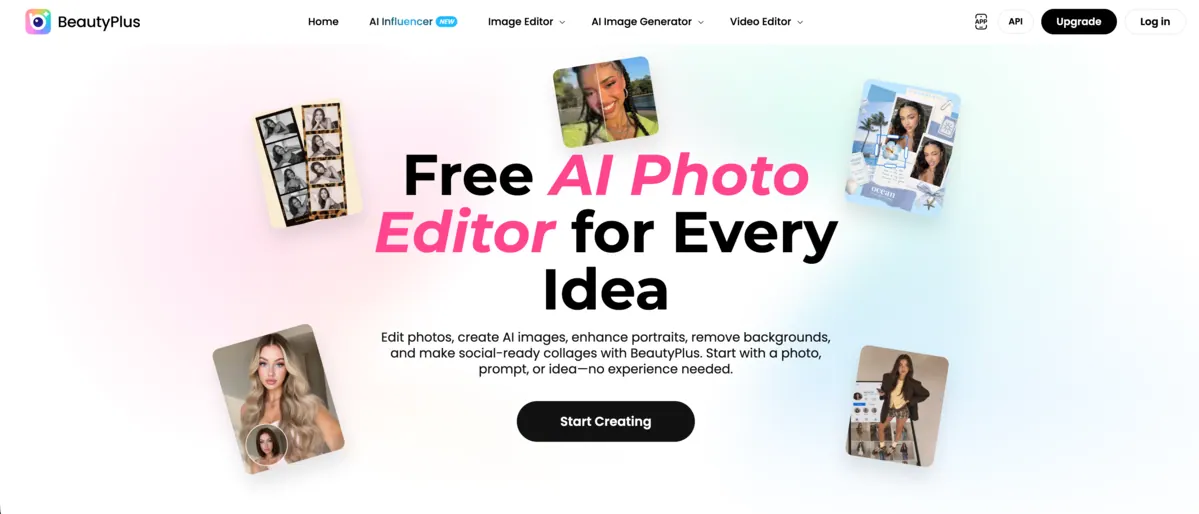
BeautyPlus is an online AI photo and video editor for enhancing portraits, trying makeup styles, removing backgrounds/objects, and creating social-ready collages.
- Category
- Art
- Listed
- Oct 23, 2026
- Updated
- Nov 6, 2026
Promoted
 AI Checker PlusAI detector that highlights which passages AI wrote. Free check, no sign-up. Plagiarism too.
 RewindType any X/Twitter handle. Get their year back as a narrated video story. Then ask it anything.
 KurodyneSell the tools from your AI side projects. Listing is free.
 Pixmax.aiPixmax.ai is an all-in-one AI workspace for videos, visual stories, and marketing content.
 SEOify - Improve your SEO & rankingsBuild links to rank in Google. Improve your DR with links you can start building now.Advertise here330,000+ people visit Dang.ai every month.
What does BeautyPlus do?
BeautyPlus is an online AI photo and video editor for turning everyday photos into social-ready visuals. Start with a photo, prompt, or idea and use one-tap tools to get fast, pro-style results without needing editing experience.
Enhance portraits with features like AI image enhancement, old photo restoration, and natural-looking retouching (face sculpt, skin tone & texture, posture & silhouette, smile polish, and makeup & glow). You can also explore new looks with style-focused tools such as AI hairstyle changer, AI hair color changer, and AI clothes changer—preview changes before you finalize.
For cleaner compositions, BeautyPlus includes AI object remover and tools to remove unwanted people, plus background remover and AI background changer. It can also create polished layouts through options like online photo booth experiences and collage makers, including Instagram Photo Collage and scrapbook-style grids with AI cutouts and styled borders.
BeautyPlus also supports video editing features such as AI video enhancement and removing video watermarks. Free to start with no download required, with an exclusive new-user promotion offering 17% off to unlock more advanced features.
Do I need editing experience to use BeautyPlus?
No. You can start with a photo, prompt, or idea and use one-tap, guided tools to create edits quickly.
What kinds of portrait retouching can I do?
Use pro-level retouch options like face sculpt, skin tone & texture improvements, posture & silhouette adjustments, smile polish, and makeup & glow for natural results.
Can BeautyPlus remove backgrounds or unwanted people?
Yes. Use background remover/background changer for clean cutouts or new scenes, and remove unwanted people or objects to simplify the final image.
Does BeautyPlus help restore older photos?
Yes. Old photo restoration can reduce common issues like faded colors, scratches, and water damage for a refreshed look.
What can I do for collages and social layouts?
Create social-ready grids with collage makers like Instagram Photo Collage and scrapbook-style layouts, including AI cutouts and styled borders sized for Stories and Reels.
Is there a free option and a promotion for new users?
You can start free with no download required. New users can also claim an exclusive 17% off offer to unlock more advanced features.
This listing is claimed
Own BeautyPlus? Sign in with the email used to claim it to manage this listing, or upgrade to Pro for featured-first placement and a newsletter feature.