
BeatMotion
AI Music Tools & Generators
BeatMotion turns a single prompt into an original song with vocals and lyrics, plus a cinematic, beat-synced music video you can download and share quickly.
Promoted
 MuzieCreate professional AI music videos starring you. Bring a song or make one, done in minutes.
 AI Checker PlusAI detector that highlights which passages AI wrote. Free check, no sign-up. Plagiarism too.
 Pixmax.aiPixmax.ai is an all-in-one AI workspace for videos, visual stories, and marketing content.
 SEOify - Improve your SEO & rankingsBuild links to rank in Google. Improve your DR with links you can start building now.Advertise here330,000+ people visit Dang.ai every month.
What does BeatMotion do?
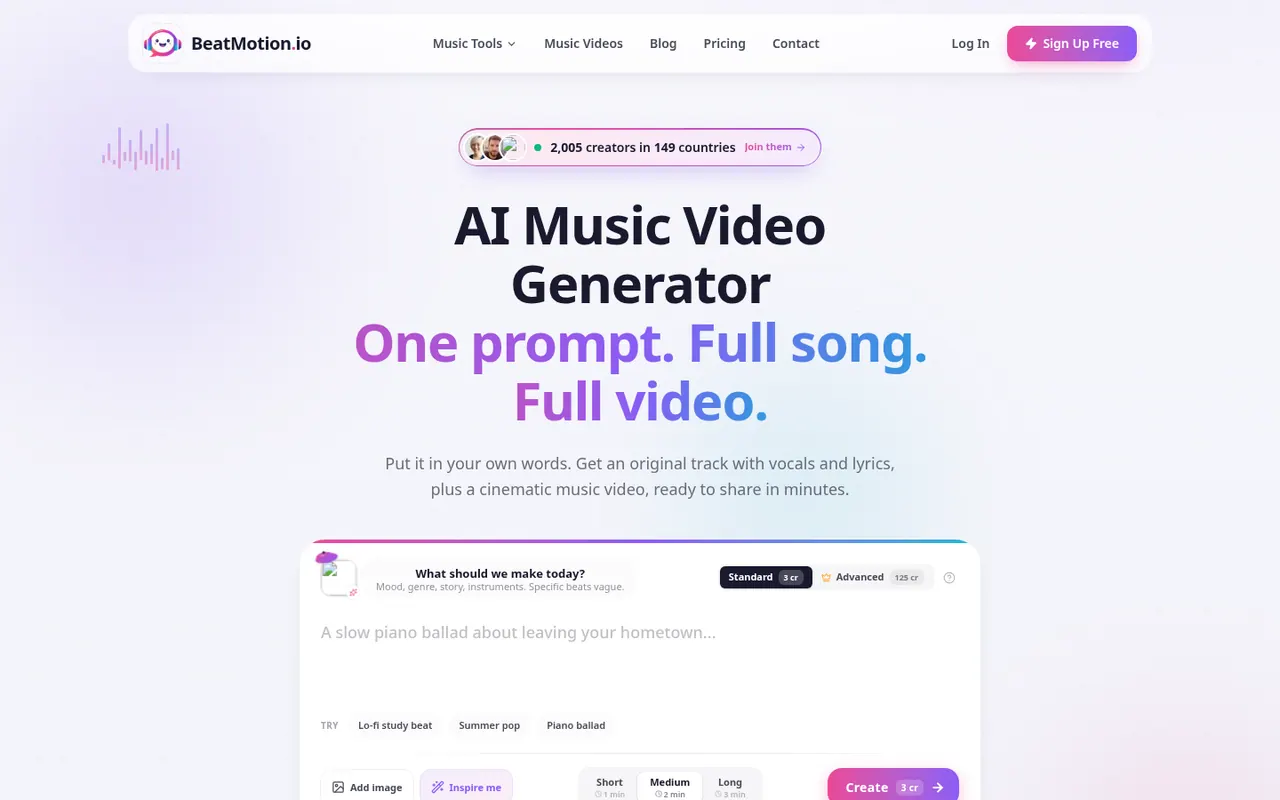
BeatMotion is an AI music video generator that helps you turn an idea into a ready-to-post music video in minutes. Describe the vibe you want—mood, genre, story, instruments—or paste in your own lyrics. You can also upload a photo to inspire direction. BeatMotion generates an original melody, writes vocals and lyrics that match your input, and builds a cinematic video with scenes synced to the beat.
The workflow stays simple: give your vision, watch the AI create the track and video, then preview and tweak before downloading in HD. Your final video is designed to be share-ready, with options for vertical or wide formats so it fits platforms like TikTok, YouTube, and Instagram.
BeatMotion supports different generation options to match your goals and budget. Create songs with short, medium, or long lengths (1, 2, or 3 minutes). Standard provides a lower-credit way to generate music and videos, while Advanced uses higher-quality models for richer sound and sharper visuals. Premium adds a singer on camera with lips synced to the track between Advanced-quality scenes.
Free and paid plans use monthly credits to create songs and render music videos. The free tier includes 3 credits, and paid subscriptions include Starter ($29/mo), Pro ($49/mo), and Ultra ($129/mo), each with a monthly credit allowance. Credits refill based on your plan, and video rendering costs depend on song length and the model you choose.
What can I create with BeatMotion?
You can generate an original song with vocals and lyrics from a prompt or your own lyrics, then automatically produce a cinematic music video with scenes synced to the beat.
Can I start from a prompt, custom lyrics, or a photo?
Yes. You can type a description of the song you want, paste your own lyrics, or upload a photo to guide the mood, style, and story.
Can I upload my own audio or music?
Yes. Upload your own audio tracks and BeatMotion will generate a music video that matches the song’s mood, tempo, and energy.
How do credits work for songs and music videos?
Credits are used to create songs and to render the music video. Making a song uses credits, and rendering the video uses additional credits that depend on video length and the quality/model selected.
How much do music videos cost in credits?
Credit cost depends on song length and the model. Examples: Standard video costs scale with base credits; Advanced uses higher multipliers; Premium includes a singer on camera with synced lips and uses the highest multiplier.
What’s the difference between Standard, Advanced, and Premium?
Standard is the lower-credit option for smooth results. Advanced uses higher-quality models for richer sound and sharper visuals. Premium adds a singer on camera with lips synced to the track between Advanced-quality scenes.
This listing is claimed
Own BeatMotion? Sign in with the email used to claim it to manage this listing, or upgrade to Pro for featured-first placement and a newsletter feature.