
Banana AI
AI Image Generators from Text Tools
Banana AI helps you create and edit AI images with Nano Banana, then turn prompts or key frames into Veo 3 video drafts.
- Pricing
- Free
- Category
- Image
- Listed
- Sep 6, 2026
- Updated
- Oct 19, 2026
Promoted
 AI Checker PlusAI detector that highlights which passages AI wrote. Free check, no sign-up. Plagiarism too.
 RewindType any X/Twitter handle. Get their year back as a narrated video story. Then ask it anything.
 KurodyneSell the tools from your AI side projects. Listing is free.
 Sidrune AI85% off. Stable Claude API for agent developers. Pay as you go. Invoices & refunds available.
 Pixmax.aiPixmax.ai is an all-in-one AI workspace for videos, visual stories, and marketing content.
 SEOify - Improve your SEO & rankingsBuild links to rank in Google. Improve your DR with links you can start building now.Advertise here270,000+ people visit Dang.ai every month.
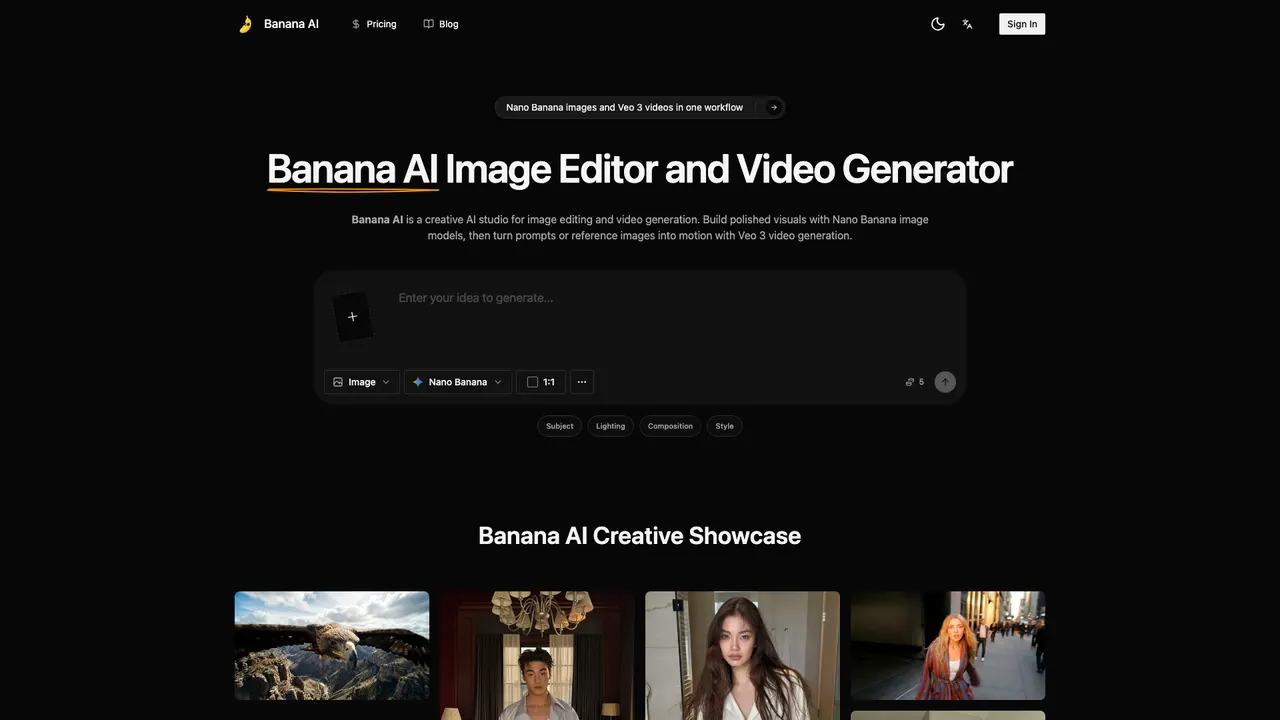
What does Banana AI do?
Banana AI is a creative AI studio for image editing and video generation, built for teams that need polished visuals quickly. It combines Nano Banana image models for creating and refining stills with Veo 3 video generation for turning strong frames into motion drafts.
Use Banana AI when you want prompt-first direction or reference-guided edits. Start with a text prompt to define the subject, lighting, composition, camera angle, aspect ratio, and style—useful for product visuals, campaign concepts, landing page images, and content production. When you already have a solid idea, upload an image and refine specific elements, such as changing backgrounds, removing or adding objects, adjusting lighting, and improving rough compositions while preserving the parts that matter.
Banana AI also supports image-to-image workflows that keep the scene anchored to a product shot, portrait, room photo, sketch, or brand mockup. This helps you keep products, characters, colors, and brand cues aligned across variations—making it easier to create cohesive ad sets, thumbnails, editorials, and storyboards.
When a still image is working, move it into Veo 3 workflows instead of starting over. Banana AI supports image-to-video handoff for motion drafts like product demos, explainers, social clips, cinematic tests, and other short-form concepts—keeping prompt writing, reference-based editing, and video drafting in one browser workflow.
What does Banana AI do?
Banana AI is an online image editor and video generator. You can create and refine images with Nano Banana, then turn prompts or key frames into motion drafts with Veo 3.
Can I generate images from a text prompt?
Yes. You can describe the subject, composition, lighting, camera angle, aspect ratio, and style so Nano Banana can produce cleaner first drafts for your visuals.
Can I edit an existing photo instead of generating from scratch?
Yes. Upload an image to change backgrounds, remove or add objects, adjust lighting, and refine styling while preserving useful parts of the original.
What does image-to-image control mean in Banana AI?
It means the new output stays anchored to your reference scene—such as a product shot, portrait, room photo, sketch, or brand mockup—so you can rework the look without losing the recognizable setup.
Can Banana AI turn an image into a video?
Yes. Once you have a still frame you like, you can move it into Veo 3 workflows to create motion drafts for things like product demos, explainers, and short social clips.
Who is Banana AI best for?
It’s designed for creators and teams—such as ecommerce, marketing, design, and creative teams—that want faster iteration, consistent visual direction across variations, and pre-production testing before full design or production.
This listing is claimed
Own Banana AI? Sign in with the email used to claim it to manage this listing, or upgrade to Pro for featured-first placement and a newsletter feature.