Avyn AI
AI Image Generators from Text Tools
Avyn AI is an all-in-one AI image generator and editor with multiple leading models and one shared credit balance.
- Pricing
- Free
- Category
- Image
- Listed
- Jul 16, 2026
- Updated
- Jul 17, 2026
Promoted
 Pixmax.aiPixmax.ai is an all-in-one AI workspace for videos, visual stories, and marketing content.
 RewindType any X/Twitter handle. Get their year back as a narrated video story. Then ask it anything.
 KurodyneSell the tools from your AI side projects. Listing is free.
 Sidrune AI85% off. Stable Claude API for agent developers. Pay as you go. Invoices & refunds available.
 SEOify - Improve your SEO & rankingsBuild links to rank in Google. Improve your DR with links you can start building now.Advertise here270,000+ people visit Dang.ai every month.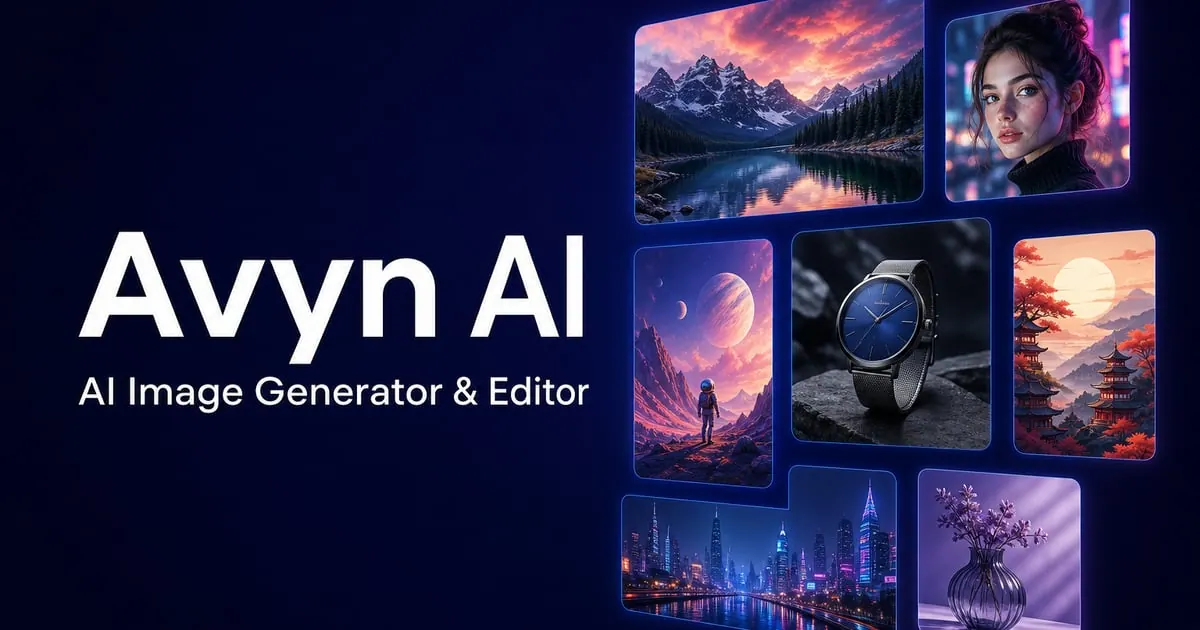
What does Avyn AI do?
Avyn AI is a unified online creative studio for generating and refining images for everything from drafts to product-ready visuals. Create images from text, edit photos with prompts, replace backgrounds, and produce clean, listing-style imagery—using one studio and one credit balance.
Choose from multiple AI image models, including GPT Image 2, Nano Banana Pro, Seedream 5.0, and others. The generator and editor tools are designed to work together so you can iterate quickly and switch styles as your creative direction evolves.
Beyond generation, Avyn AI includes a toolkit for common image workflows: uncropping to new aspect ratios, image upscaling to sharp 4K, photo restoration, and AI headshots. All image tools share your credits, so you can move between styles and tasks without juggling separate systems.
What can I do with Avyn AI?
Generate images from text, edit uploaded photos using prompts, replace backgrounds, and create product photo outputs. You can also upscale to 4K, restore damaged photos, and generate professional headshots.
Which AI image models are available?
Avyn AI offers multiple models under one balance, including GPT Image 2, Nano Banana Pro, Seedream 5.0, Seedream 4.5, Z-Image Turbo, and more (including Nano Banana and Nano Banana 2, plus GPT Image 1.5).
How do credits work across the tools?
Every tool shares the same credit balance. Generator, Editor, Background Replace, Product Photo, Upscaler, and related tools draw from the same credits so your plan applies across workflows.
Do generated images include a watermark?
Free downloads include a watermark. Upgrading removes watermarks and unlocks additional benefits like a commercial use license.
Can I use generated images commercially?
Commercial use is included on paid plans via the commercial use license. Free downloads are limited to personal use only.
Do I need prompting or design experience to get good results?
No specialized design skills are required—Avyn AI lets you describe edits and directions in plain language. You can also hover images to view the exact prompt used as a starting point.
This listing is claimed
Own Avyn AI? Sign in with the email used to claim it to manage this listing, or upgrade to Pro for featured-first placement and a newsletter feature.