
Anyvids
AI Video Maker Generators & Tools
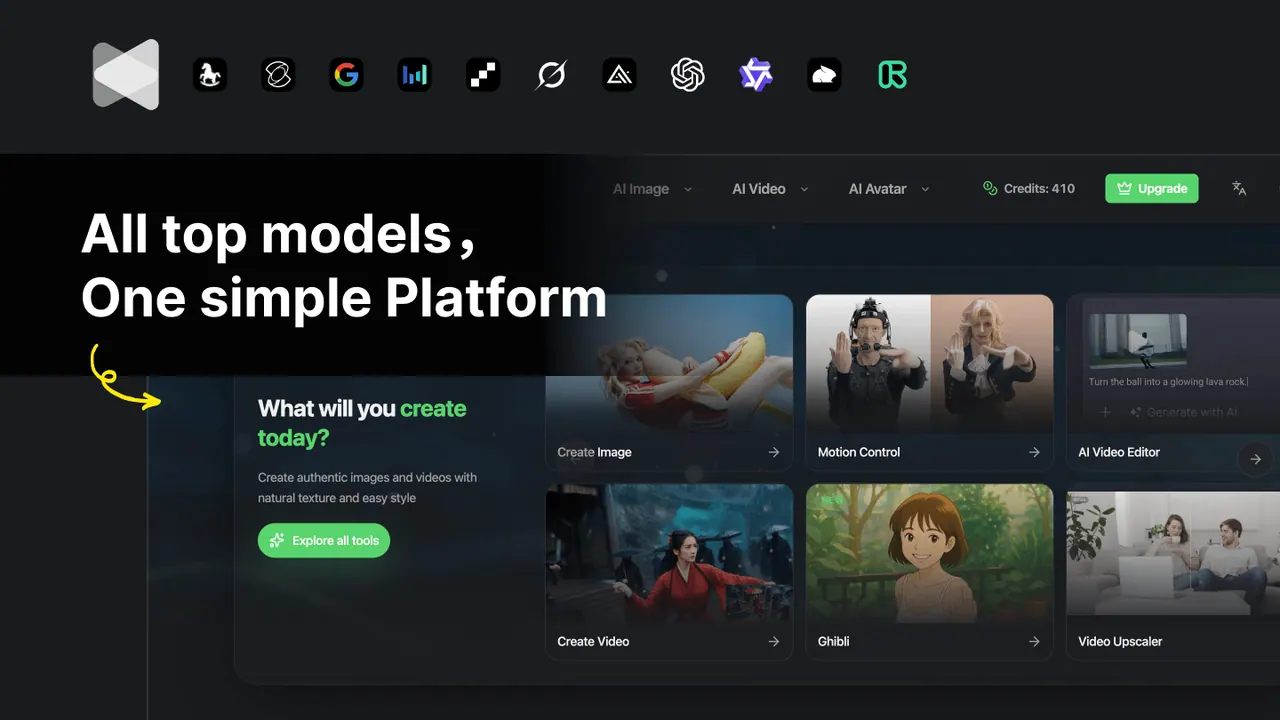
Anyvids is an all-in-one platform to generate, edit, and refine AI videos and images from multiple leading models in one place.

- Pricing
- Free
- Category
- Video
- Listed
- Jun 14, 2026
- Updated
- Jun 15, 2026
What does Anyvids do?
Anyvids brings top AI video and image models into a single creative workflow, so you can go from idea to finished HD content without hopping between tools. Use it for text-to-video, image-to-video, AI image generation, avatars, and more creative formats.
Create your video in a simple four-step flow: describe your concept with a detailed prompt (or upload an image), choose output settings (auto or a specific model), generate the video, then download and share your HD result.
Explore a library of models including Veo 3.1, Kling 3.0, Wan 2.7, Seedance 2.0, Happyhouse 1.0, and others, along with creative options like motion control, multi-shot storytelling, and reference-based workflows. It’s designed for creators and teams building social content, brand campaigns, and cinematic projects.
What can I create with Anyvids?
You can generate AI videos and AI images, including options like text-to-video and image-to-video, plus AI avatars and character/creative editing workflows.
How do I make an AI video on Anyvids?
Start by describing your video with a detailed text prompt (or upload an image), choose output settings and a model, generate the video, then download and share the HD result.
Do I need to use a specific model to start?
You can begin with auto settings or select a specific model, then fine-tune output settings to better match your creative vision.
What output quality can I download?
You can download an HD video for sharing.
Is Anyvids only for solo creators?
No. It’s built for both individual creators and enterprise teams needing a single ecosystem for video, imagery, and related creative tasks.
Is this your tool?
Upgrade Anyvids to Pro for featured-first placement, a newsletter feature and ongoing listing management.