Ankon AI
Verified
AI Video Maker Generators & Tools
Turn a topic, script, or PDF into a narrated whiteboard video with auto scenes, voiceover, captions, and publish-ready metadata.


Promoted
 Sidrune AI85% off. Stable Claude API for agent developers. Pay as you go. Invoices & refunds available.
 Pixmax.aiPixmax.ai is an all-in-one AI workspace for videos, visual stories, and marketing content.
 RewindType any X/Twitter handle. Get their year back as a narrated video story. Then ask it anything.
 KurodyneSell the tools from your AI side projects. Listing is free.
 SEOify - Improve your SEO & rankingsBuild links to rank in Google. Improve your DR with links you can start building now.Advertise here270,000+ people visit Dang.ai every month.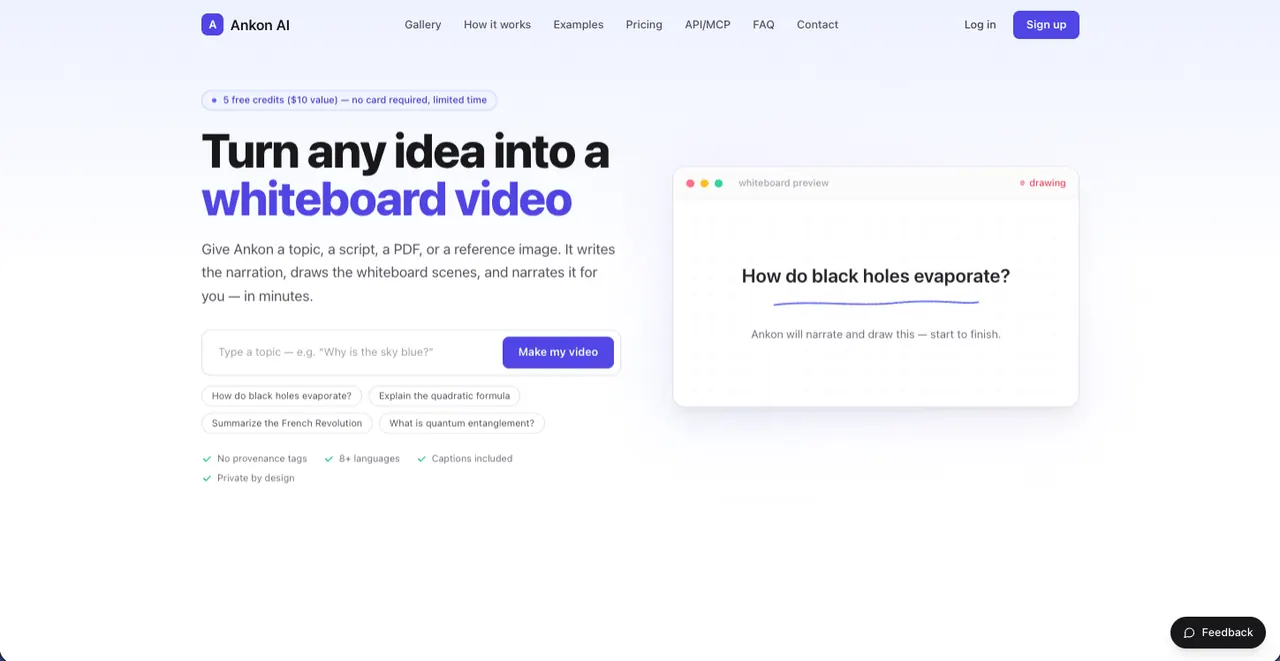
What does Ankon AI do?
Ankon AI is a whiteboard video generator that turns a topic, a script, or reference files (like PDFs, documents, blog text, images, or plain text) into a finished narrated explainer. You can optionally provide a script, or let Ankon generate narration for you, then it creates the drawn scenes, animates them in sync, and outputs captions and other publishing assets.
The workflow is designed to skip animation software and timeline editing. Choose vertical or landscape format, set the length (including short clips for social and longer landscape explainers), select an AI voice, and enable options like fact checking or enhancements. When you generate, you get a downloadable MP4 plus SRT subtitles and publish-ready metadata like a title, description, and chapter timestamps.
Videos are available in 8+ languages and include captions. Ankon also supports organization and discovery through collections and a community gallery, and it can integrate with Claude via OAuth. Creator credits and plan-based usage are available, with a free-credit start option for trying the tool.
What inputs can I use to generate a video in Ankon AI?
You can enter a topic, paste a script, or upload a PDF, document, blog post, reference image, or plain text. If you provide a source, Ankon uses it as the subject and drafts the narration from what you gave.
Can I generate videos with my own script or do I need to write one from scratch?
You can use your own script by pasting it in, or provide a topic/source file and let Ankon write the narration for you. Either way, the narration is synced with the whiteboard scenes.
What output files and publishing assets do I get after rendering?
You receive a downloadable MP4, plus word-by-word captions burned into the video and an SRT subtitle file. You also get publish-ready metadata such as an auto title, description, and chapter timestamps, along with a custom thumbnail.
What video formats are supported (vertical vs. landscape)?
You can create vertical videos suitable for Shorts/Reels/TikTok as well as longer landscape explainers for YouTube. Choose the format when generating.
Are captions included, and can I get subtitles for upload?
Yes—captions are included. You get burned-in captions in the video and an SRT file you can use for caption upload elsewhere.
How does Ankon AI integrate with Claude?
You can use it inside Claude with OAuth sign-in (no API key). If you prefer programmatic workflows, it also offers a REST API integration.
This listing is claimed
Own Ankon AI? Sign in with the email used to claim it to manage this listing, or upgrade to Pro for featured-first placement and a newsletter feature.