
animegenerator.org
AI Art Generator & Creator Tools
AnimeGenerator is an AI anime creation platform for generating anime images, videos, and motion comics with prompt-driven modes and exports.
- Pricing
- Free
- Category
- Art
- Listed
- Jun 3, 2026
- Updated
- Jun 4, 2026
Promoted
 Pixmax.aiPixmax.ai is an all-in-one AI workspace for videos, visual stories, and marketing content.
 Sidrune AI85% off. Stable Claude API for agent developers. Pay as you go. Invoices & refunds available.
 SEOify - Improve your SEO & rankingsBuild links to rank in Google. Improve your DR with links you can start building now.Advertise here270,000+ people visit Dang.ai every month.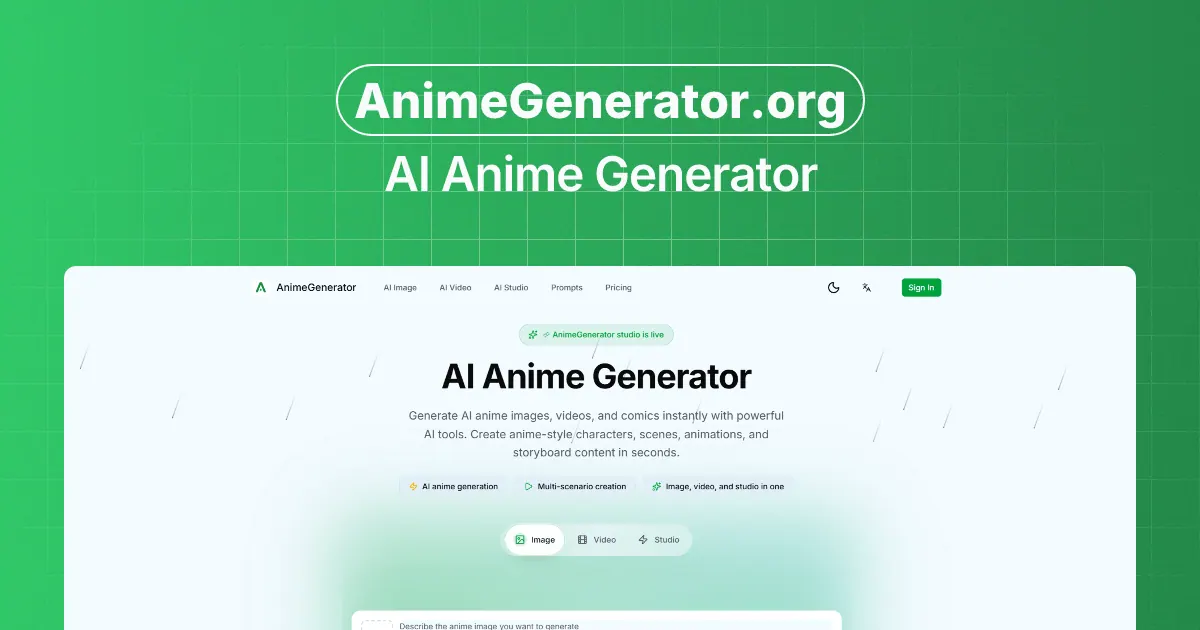
What does animegenerator.org do?
AnimeGenerator helps you turn anime ideas into production-ready visuals using dedicated creation modes. Generate characters, scenes, storyboards, and preview-ready content faster—whether you’re working on a single image, an anime clip, or motion comic scenes.
Choose the workflow that matches your project: prompt-to-image, image-to-image, multi-scenario creation, and studio-style production support. You can also use reference images when you need stronger style or character consistency, and iterate with quick prompt adjustments.
For sharing and publishing, AnimeGenerator supports multi-format export with vertical and landscape options—switch between formats instantly and export results for formats like Shorts/Reels/episodes and motion comic scenes. If you want to build series-level continuity, you can save reusable character cards to help keep faces, outfits, and expressions aligned across outputs.
What can I generate with AnimeGenerator?
Create anime images, anime videos, and motion comic scenes using prompt-driven workflows and dedicated creation modes.
Does AnimeGenerator support character consistency?
Yes—save character cards to keep faces, outfits, and expressions aligned across generations.
Can I generate both vertical and landscape outputs?
Yes. You can export in 9:16 vertical or 16:9 landscape with one-click format switching.
Do I need drawing or editing skills to use it?
No. Work through guided steps to describe the shot, choose a look/model and ratio, and generate and refine outputs.
When should I use reference images?
Use reference images when you need stronger style or character consistency beyond prompt-only generation.
Is there support for storyboarding and production workflows?
Yes. You can generate plot arcs and scenes from prompts and use storyboard/shot design features to create shot lists and composition guides.
This listing is claimed
Own animegenerator.org? Sign in with the email used to claim it to manage this listing, or upgrade to Pro for featured-first placement and a newsletter feature.