
AnimateCaptions
AI Video Maker Generators & Tools
Turn any MP4 or MOV into animated, word-by-word captions in your browser—export a captioned MP4 with a free watermark plan to start.
What does AnimateCaptions do?
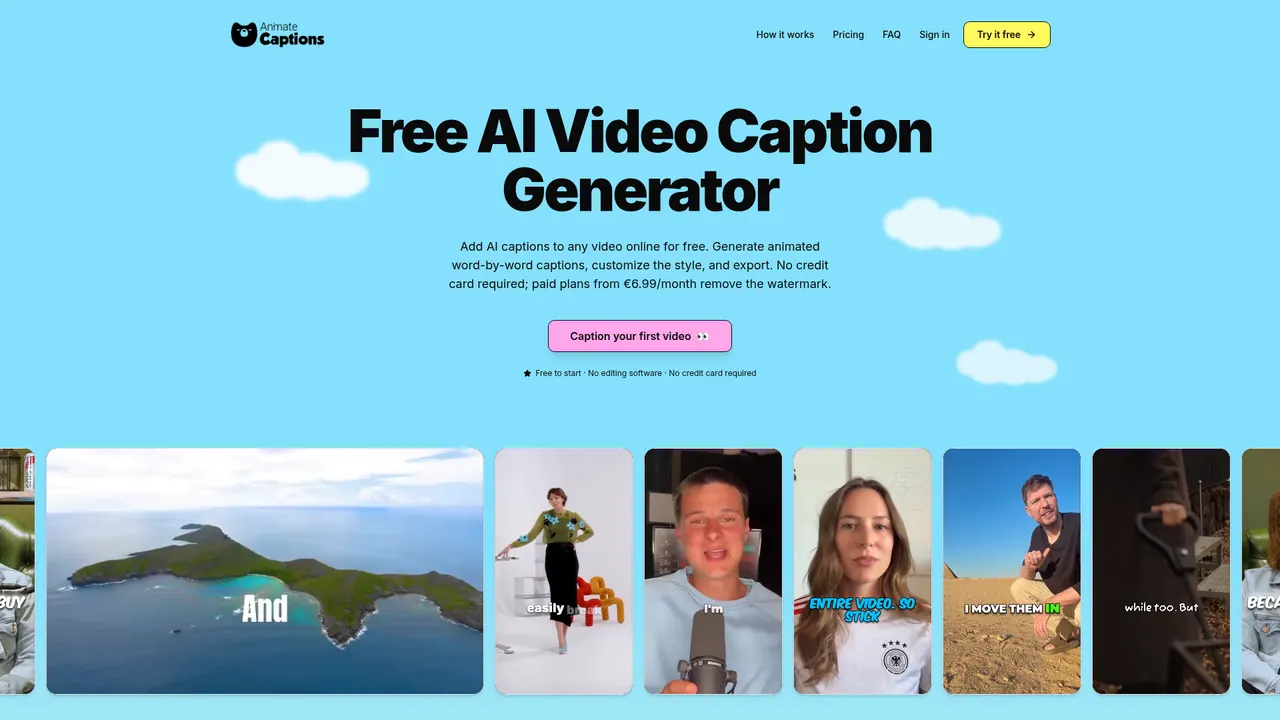
AnimateCaptions is a browser-based animated caption generator for short-form video. Upload an .mp4 or .mov file, auto-transcribe the audio, then generate motion captions that highlight word by word in sync with the speaker—ready for TikTok, Reels, and YouTube Shorts.
Start by choosing one of 32+ animated, creator-style presets such as Beast, Hormozi, Pulse, Lyric, and others. You can also customize the look, including font, base and highlight colors, stroke and shadow, background, and caption positioning. Want the style to match your brand or a specific video vibe? Save your tweaks as a reusable theme.
Before exporting, use the in-browser transcript editor to correct words, merge lines, hide segments, and reposition captions. A live preview helps you see the final “burned-in” result before you download.
Rendering happens on AnimateCaptions’ servers, so you don’t need heavy local software or a powerful machine. The free plan is available to start with a watermark, and paid plans begin at €6.99/month to remove the watermark.
What does AnimateCaptions create?
It generates animated, word-by-word caption overlays and exports them as a finished MP4 with the captions burned into the video.
What video formats can I upload?
You can upload .mp4 or .mov files.
Are the captions auto-generated or do I need to provide a transcript?
Captions are auto-generated from your uploaded video by transcription, then converted into animated, word-by-word captions.
Can I customize the caption style and placement?
Yes—choose from 32+ animated presets and adjust font, colors, stroke, shadow/background, and per-line positioning. You can also save changes as a reusable theme.
Can I edit the transcript before exporting?
Yes. The in-browser editor lets you correct words, merge lines, hide segments, and reposition captions with a preview of the burned-in output.
What are the free and paid options?
There’s a free plan to start (watermarked). Paid plans begin at €6.99/month, which removes the watermark.
This listing is claimed
Own AnimateCaptions? Sign in with the email used to claim it to manage this listing, or upgrade to Pro for featured-first placement and a newsletter feature.