AIRAP Video
AI Video Maker Generators & Tools
Turn portrait photos into themed AI rap or music video performances in your browser.
Promoted
 Pixmax.aiPixmax.ai is an all-in-one AI workspace for videos, visual stories, and marketing content.
 AI Checker PlusAI detector that highlights which passages AI wrote. Free check, no sign-up. Plagiarism too.
 SEOify - Improve your SEO & rankingsBuild links to rank in Google. Improve your DR with links you can start building now.Advertise here330,000+ people visit Dang.ai every month.
What does AIRAP Video do?
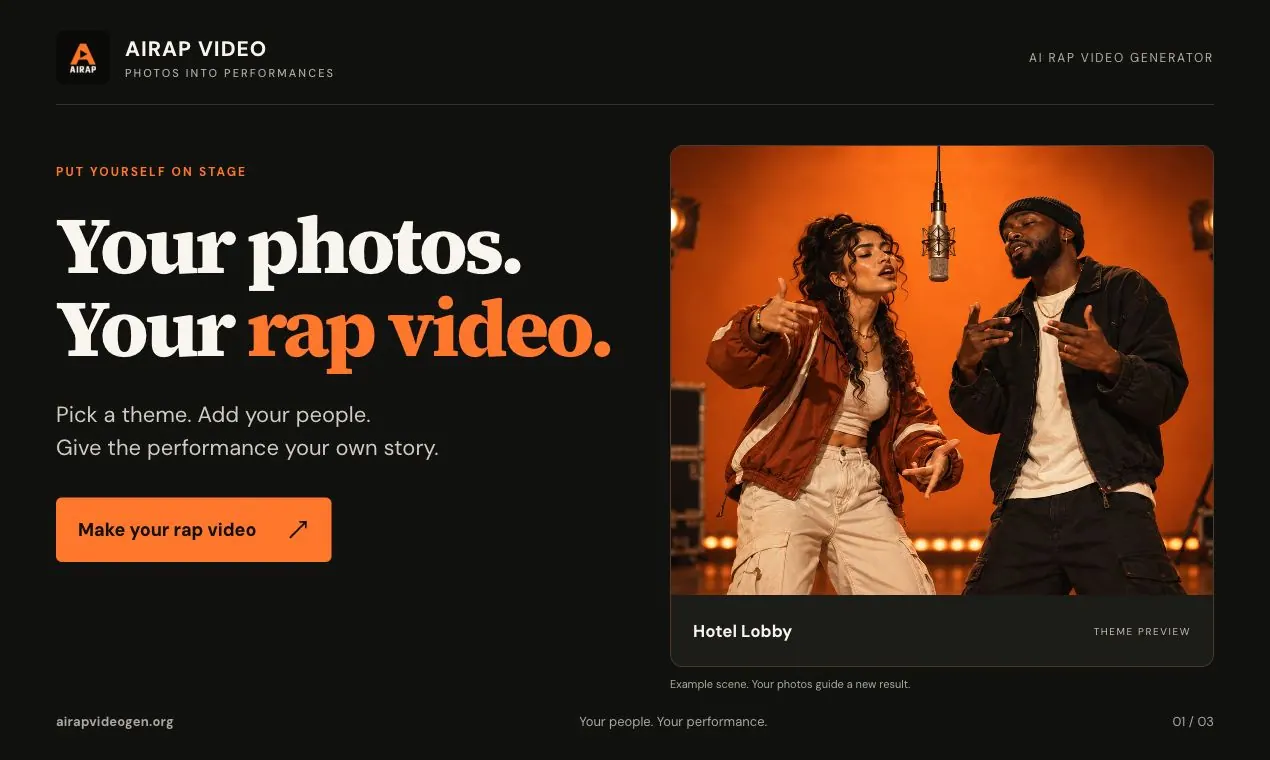
AIRAP Video is a browser-based AI rap and music video generator that transforms your portraits into short, personalized performances. Pick a theme (from scenes like hotel studio stages, live-session vibes, and party-style freestyles), then add the people you want featured to create a new video built around your images.
The workflow is theme-driven: each stage specifies how many photos you need, the photo format/size limits, and the supported performance length options. After you choose your theme, you can preview the creative direction and follow the required photo guide before generating. Many themes support solo, duet, or group-style setups depending on the stage you select.
You can also add optional audio by providing a topic—use it to suggest the mood, occasion, or a detail your performers share. AIRAP lets you select supported models, video length, resolution, and aspect ratio options available for your chosen theme, then review your settings and credit quote before creating your video. Once generated, you can track progress and download your finished video.
AIRAP is a good fit for birthday shout-outs, friendship clips, celebratory moments, and short-form content for TikTok, Instagram Reels, and YouTube Shorts—especially when you want a personal visual “stage” without installing a dedicated video editor. Eligible new accounts with a verified email can generate 2 videos free.
How does AIRAP Video turn photos into a rap or music video?
Choose a theme, upload the required portrait photos, optionally add an audio topic, then confirm generation after reviewing your settings and credit quote.
What photo requirements does AIRAP Video use?
You upload one clear portrait per person. Photos must be JPG, PNG, or WebP, with a maximum size of 2 MB each, and faces should face the camera in good light.
Can I create a duet if we’re in different locations?
Yes—use separate portraits for each person and pick a duet-compatible theme. The scene brings both performers together into the same staged video.
What audio options are available?
Audio can be turned on, and you can provide a topic to guide optional original audio. Some themes also support their own style direction (for example, live-session themes).
Can I choose the length, resolution, and format of the video?
Yes. Available video settings (model, resolution, length, and aspect ratio) depend on the theme you select.
Is there a free trial?
Eligible new accounts with a verified email can generate 2 videos free. Sign in to try.
This listing is claimed
Own AIRAP Video? Sign in with the email used to claim it to manage this listing, or upgrade to Pro for featured-first placement and a newsletter feature.