
Miniflow AI
AI Workflow Tool
Automate workflows by chaining multiple AI Tools.
Promoted
 Pixmax.aiPixmax.ai is an all-in-one AI workspace for videos, visual stories, and marketing content.
 AI Checker PlusAI detector that highlights which passages AI wrote. Free check, no sign-up. Plagiarism too.
 RewindType any X/Twitter handle. Get their year back as a narrated video story. Then ask it anything.
 KurodyneSell the tools from your AI side projects. Listing is free.
 Sidrune AI85% off. Stable Claude API for agent developers. Pay as you go. Invoices & refunds available.
 SEOify - Improve your SEO & rankingsBuild links to rank in Google. Improve your DR with links you can start building now.Advertise here270,000+ people visit Dang.ai every month.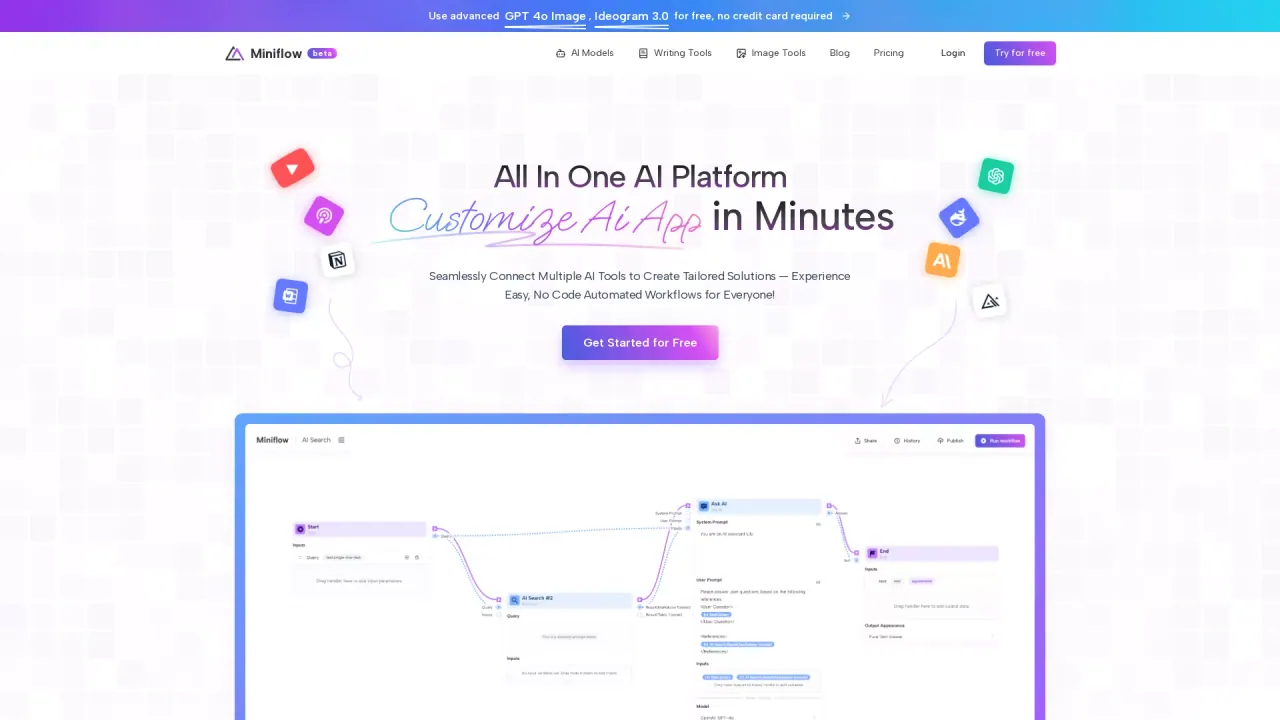
What does Miniflow AI do?
What is Miniflow.ai and what makes it different?
Miniflow.ai is a comprehensive, multi-modal AI platform that unifies 200+ AI tools for text, image, video, and audio generation in one place. It features a visual, no-code workflow builder that lets you connect multiple AI models through a drag-and-drop interface, making powerful automation accessible without coding. All of this is offered as an all-in-one plan for a single monthly price.
How much can I save by using Miniflow.ai vs paying for separate AI subscriptions?
Traditionally, subscribing to multiple AI services would cost around $340/month. Miniflow.ai includes everything for $14.9/month, delivering significant savings and eliminating the need to manage multiple subscriptions.
Do I need technical skills to use Miniflow.ai?
No. Miniflow.ai is designed to be no-code. Its visual workflow builder lets you drag, drop, and connect AI models and tools without writing code, so you can build complex automations with ease.
What AI models and tools are included?
Miniflow.ai provides access to multiple AI models across text, image, and video categories. Examples include:
- Text models: GPT-4o Mini, GPT-4o, Claude 3.5 Haiku, Claude 3.7 Sonnet, DeepSeek R1
- Image tools: Flux, GPT Image, Ideogram, Stable Diffusion (and related image processing tools)
- Video models: Veo 3, Kling, Runway, Luma, Hailuo, Wanx, Seedance
- AI Tools: AI Text Generator, AI Text Humanizer, AI Translator, AI Text Summarizer, Spell Checker
In addition, you can leverage features like AI Video Studio and the Deep Search capability for deeper research.
Does Miniflow.ai support video generation and what does it cost?
Yes, video generation is live. Video generation uses models such as Veo 3 (and other video models) and is showcased as a working feature. At least one option shown is Veo 3 Fast, priced at $0.46 per video.
Can I try Miniflow.ai for free, and how do free credits work?
Yes, new users can start with free AI credits to access models. The site promotes getting started for free and offers free AI credits to kickstart exploration, after which a paid plan is required for ongoing use.
What is the pricing and what’s included in the plan?
The plan is All-In-One for $14.9/month and includes:
- 200+ AI tools for text, image, video, and more
- Visual Workflow Builder (no-code)
- API Integration & Webhooks
- 30+ practical AI nodes
It’s marketed as replacing multiple separate subscriptions with one affordable package.
Is Miniflow.ai suitable for commercial use?
The site markets Miniflow.ai toward creative professionals, marketers, designers, and business owners, but it does not specify any usage restrictions. For definitive terms on commercial use, review the Terms of Use and related policies or contact support.
How can I get support or join the Miniflow.ai community?
You can reach support at support@miniflow.ai and join the community via Discord.
How do I build AI workflows visually and what is the Visual Workflow Builder?
The Visual Workflow Builder is a no-code, drag-and-drop interface that lets you connect multiple AI models and tools to automate tasks. It includes 30+ practical AI nodes to handle common tasks such as text processing, image handling, data extraction, API calls, and more.
What are the 30+ practical AI nodes and what can I do with them?
The platform offers a library of nodes to construct workflows without coding. Examples include:
- Text generation and processing (Text Generator, Text Splicer, Text Summarizer)
- Image processing (Background Remover, Upscaler, Image Analyzer)
- Data handling (Web Scraper, File to Text, Loop, Condition)
- API interactions (HTTP Request, API calls)
- AI Search and other utilities
These nodes can be connected to build complex, multi-model automations.
Can I connect external tools via API or webhooks?
Yes. Miniflow.ai includes API Integration & Webhooks, enabling you to connect and automate tasks across external tools and services.
This listing is claimed
Own Miniflow AI? Sign in with the email used to claim it to manage this listing, or upgrade to Pro for featured-first placement and a newsletter feature.