
Coolo AI
Verified
AI Vocal Remover Tool
Coolo AI separates vocals and instruments, cleans audio, reduces echo/noise, and helps you make karaoke tracks with key & BPM detection.
Promoted
 Pixmax.aiPixmax.ai is an all-in-one AI workspace for videos, visual stories, and marketing content.
 RewindType any X/Twitter handle. Get their year back as a narrated video story. Then ask it anything.
 KurodyneSell the tools from your AI side projects. Listing is free.
 Sidrune AI85% off. Stable Claude API for agent developers. Pay as you go. Invoices & refunds available.
 SEOify - Improve your SEO & rankingsBuild links to rank in Google. Improve your DR with links you can start building now.Advertise here270,000+ people visit Dang.ai every month.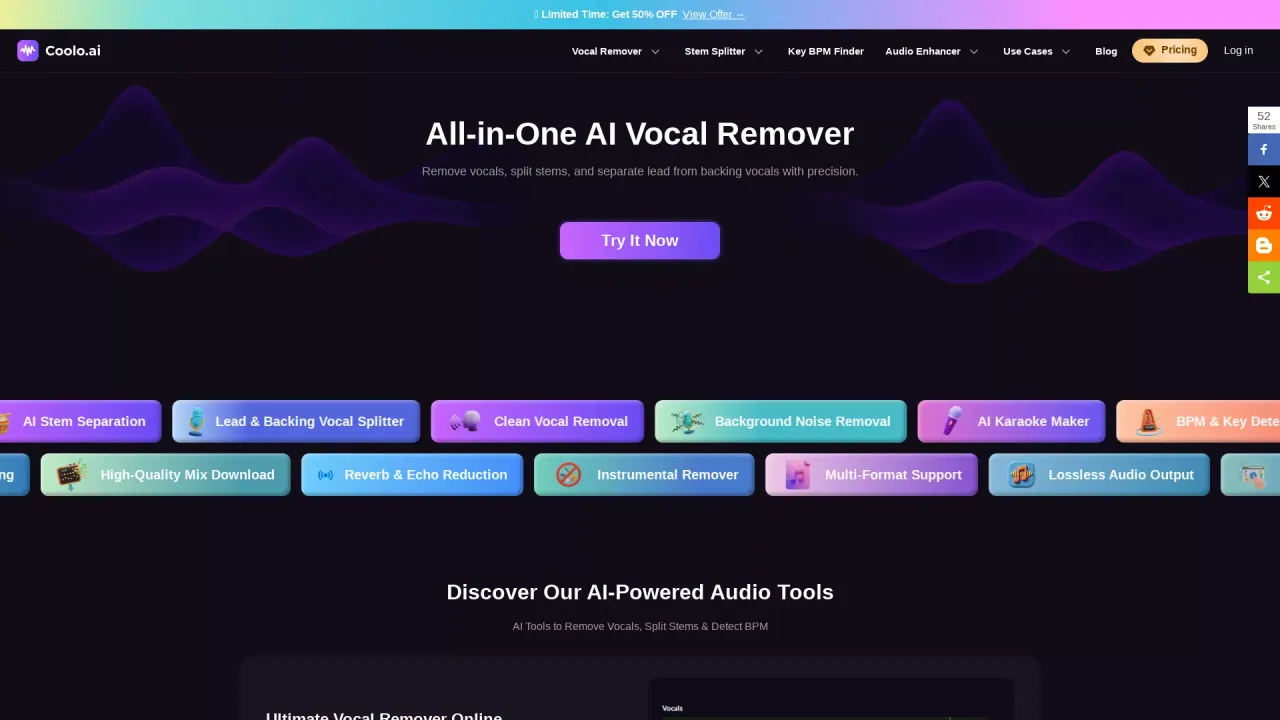
What does Coolo AI do?
Coolo AI is an all-in-one online audio toolkit that helps you separate vocals from a track, split stems, and enhance audio. Upload an MP3 or MP4 file to run AI processing that can remove vocals, isolate lead vs. backing vocals, and extract instrumentals.
Key capabilities include AI stem separation, a lead & backing vocal splitter, and tools to remove background noise and reduce echo/reverb. If you’re turning songs into karaoke versions, Coolo AI includes an AI Karaoke Maker workflow that keeps the original music while removing vocals so you can sing along. For musical context, it also provides song key and BPM detection, letting you analyze what you’re working with.
Designed for musicians, DJs, producers, singers, content creators, and educators, Coolo AI supports multiple workflows—practice prep, remixing, sampling, lesson materials, and faster editing. It’s also built to be simple: one-click processing and compatibility across devices support quick turnaround.
For audio quality, Coolo AI offers studio-quality WAV export in lossless 48kHz/24-bit format, aimed at DAW and professional mixing workflows. Coolo AI also offers free use for its AI-powered vocal remover and stem splitter, and it lists a limited-time 50% off offer under pricing.
What can I do with Coolo AI?
You can remove vocals, split stems (including lead vs. backing vocals), reduce echo/reverb, remove background noise, and detect song key and BPM—plus create karaoke-ready tracks.
How do I create karaoke tracks with Coolo AI?
Use the AI Karaoke Maker workflow to remove the vocals while keeping the original music, then download the resulting mix for singing practice or rehearsal.
Is there a free option?
Yes—Coolo AI offers free AI vocal remover access for quick vocal isolation and free AI stem splitter processing for separating key audio elements.
What audio quality can I export?
You can export high-quality, lossless WAV files in 48kHz/24-bit format (not limited to MP3).
Can it detect key and BPM?
Yes. You can upload an MP3 or MP4 and use the song key and BPM finder to get tempo and key information.
What types of problems can the noise/echo tools fix?
Coolo AI includes tools to remove unwanted background noise and reduce echo/reverb, helping you make dialogue, vocals, or recordings sound clearer.
This listing is claimed
Own Coolo AI? Sign in with the email used to claim it to manage this listing, or upgrade to Pro for featured-first placement and a newsletter feature.