
RemoveBgVideo
AI Video Background Removal
Remove video backgrounds automatically with AI—no green screen required—and export transparent videos.
Promoted
 Pixmax.aiPixmax.ai is an all-in-one AI workspace for videos, visual stories, and marketing content.
 AI Checker PlusAI detector that highlights which passages AI wrote. Free check, no sign-up. Plagiarism too.
 RewindType any X/Twitter handle. Get their year back as a narrated video story. Then ask it anything.
 KurodyneSell the tools from your AI side projects. Listing is free.
 Sidrune AI85% off. Stable Claude API for agent developers. Pay as you go. Invoices & refunds available.
 SEOify - Improve your SEO & rankingsBuild links to rank in Google. Improve your DR with links you can start building now.Advertise here270,000+ people visit Dang.ai every month.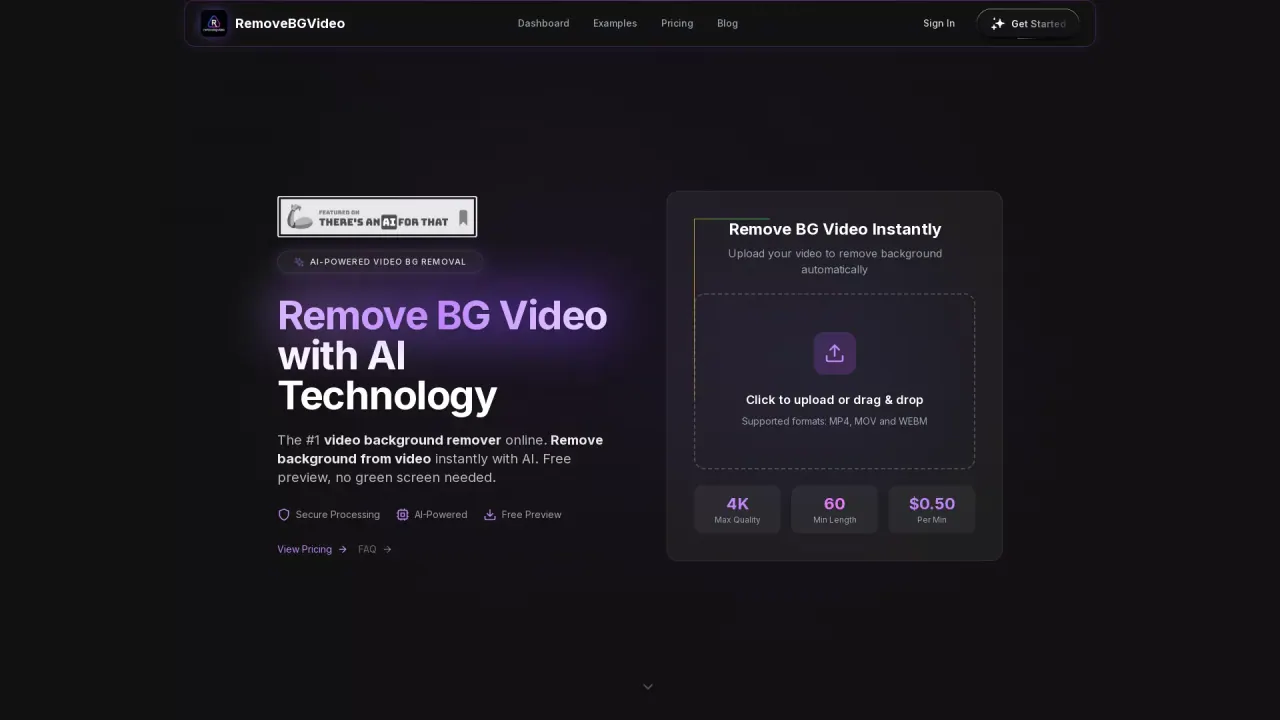
What does RemoveBgVideo do?
RemoveBGVideo is an online AI video background remover that lets you upload a clip and remove the background automatically. The workflow is simple: upload your video, preview the result, then export the processed transparent video—no green screen setup or manual editing required.
The tool uses AI to detect the subject in your footage and separate it from the background. It supports common formats like MP4, MOV, and WEBM, and is designed for clear subjects such as people, products, and pets. After background removal, you can preview what the final output will look like before you process your full video.
Quality and performance are built around creator use cases. You can export high-quality results up to 4K, and most videos are processed in minutes (optimized pipeline). The tool also supports flexible background options after removal, including solid colors and transparent outputs. If you already have footage with a green screen, you can still use the same workflow.
RemoveBGVideo uses pay-as-you-go credits with no subscriptions. Pricing ranges from $1.50–$4 per minute, with plans listed as Basic ($12), Standard ($35 with $40 shown), and Pro ($89 with $120 shown). Each plan includes up to 4K processing, transparent background exports (WebM/MOV/PNG/GIF/WebP), preview for all videos, and API access, with batch limits varying by plan.
Do I need a green screen to remove a video background?
No—background removal is done automatically with AI. You don’t need green screen setup to get transparent output.
What video formats are supported?
Upload videos in MP4, MOV, and WEBM. Exports are available as transparent outputs including WebM, MOV, PNGs, GIF, and WebP.
How does the background removal work?
The AI detects the subject in your clip and separates it from the background. You can preview results before processing the full video.
How long does it take to remove a video background?
Processing is designed to be fast, and most videos are processed in under 5 minutes with the optimized pipeline. Exact time depends on video length and the credits you use.
Can I change the background after removal?
Yes. After you remove the background, you can choose transparent output or use flexible background options like solid colors or custom images.
Is video background removal paid—and what pricing options are available?
Yes, it’s pay-as-you-go with credits. Pricing is listed as $1.50–$4 per minute, with plans such as Basic ($12), Standard ($35), and Pro ($89), depending on processing time and batch limits.
This listing is claimed
Own RemoveBgVideo? Sign in with the email used to claim it to manage this listing, or upgrade to Pro for featured-first placement and a newsletter feature.