Grok imagine
Verified
AI Video Tool
Grok Imagine helps you create photorealistic AI images and cinematic videos from prompts or photos, with synced audio and free daily credits.
- Pricing
- Free trial
- Category
- Video
- Listed
- Apr 19, 2026
- Updated
- Oct 16, 2026
Promoted
 AI Checker PlusAI detector that highlights which passages AI wrote. Free check, no sign-up. Plagiarism too.
 RewindType any X/Twitter handle. Get their year back as a narrated video story. Then ask it anything.
 KurodyneSell the tools from your AI side projects. Listing is free.
 Sidrune AI85% off. Stable Claude API for agent developers. Pay as you go. Invoices & refunds available.
 Pixmax.aiPixmax.ai is an all-in-one AI workspace for videos, visual stories, and marketing content.
 SEOify - Improve your SEO & rankingsBuild links to rank in Google. Improve your DR with links you can start building now.Advertise here330,000+ people visit Dang.ai every month.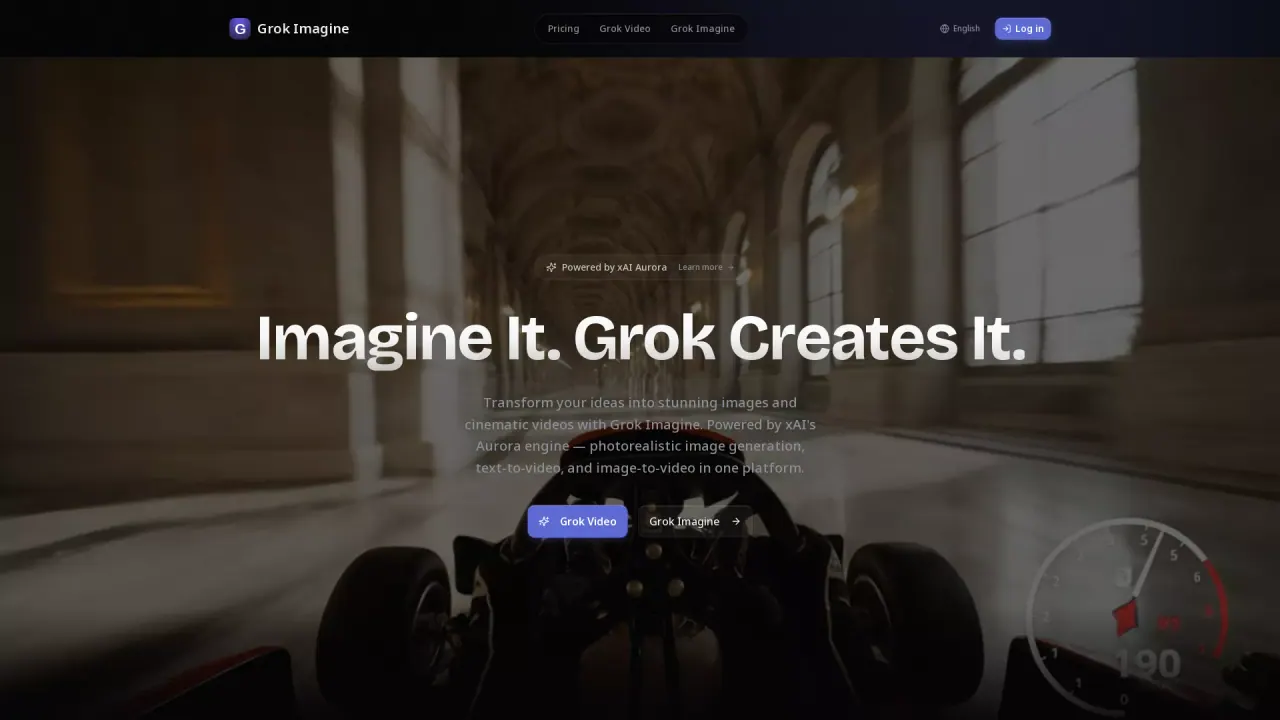
What does Grok imagine do?
Grok Imagine is a free AI image & video generator that turns your prompts—or your own images—into photorealistic visuals and cinematic video with audio synced to the content. With text-to-image, text-to-video, and image-to-video in one place, you can move from concept to production-ready creative assets quickly.
The tool supports multiple creation modes, including transforming text prompts into cinematic videos and animating still images into dynamic clips. It also offers multi-modal input, letting you upload up to 9 images, 3 videos, and 3 audio files, so you can combine references to better express your creative vision. For more control, you can reference motion, effects, camera movements, characters, and scenes using natural language.
Grok Imagine is designed to be especially useful for creators who need consistency across a sequence—maintaining consistent faces, clothing, text, scenes, and visual styles—along with precise motion replication and multi-shot storytelling. You can also extend existing videos, merge clips, or edit segments while preserving continuity, then generate built-in audio (sound effects and background music) synced to your final video.
You can sign up to get free credits each day. It also offers annual plans and currently shows a 50% off deal with a limited-time countdown, with an option to claim the deal.
What can I create with Grok Imagine?
You can generate photorealistic AI images and cinematic videos using text-to-image, text-to-video, and image-to-video in one place.
Can I generate videos with audio synced to the result?
Yes. Grok Imagine includes built-in audio generation that creates context-aware sound effects and background music synced to your video content.
Do I need to write a prompt, or can I upload reference media?
You can do either. Grok Imagine supports multi-modal input, including uploading images, videos, and audio, and you can also reference motion, effects, camera movements, characters, and scenes using natural language.
How long can the generated videos be?
Generated video duration ranges from 1 to 30 seconds.
Is Grok Imagine free to try?
Yes—free credits are available when you sign up, including some free credits each day.
Does Grok Imagine offer paid plans?
Yes. It offers annual plans, and there’s currently a 50% off deal available with a time limit and an option to claim the deal.
This listing is claimed
Own Grok imagine? Sign in with the email used to claim it to manage this listing, or upgrade to Pro for featured-first placement and a newsletter feature.