
MotionControlAI
AI Video Motion Control
Create cinematic AI videos with consistent character identity by mapping driving motion footage onto your reference image.
Promoted
 AI Checker PlusAI detector that highlights which passages AI wrote. Free check, no sign-up. Plagiarism too.
 RewindType any X/Twitter handle. Get their year back as a narrated video story. Then ask it anything.
 KurodyneSell the tools from your AI side projects. Listing is free.
 Sidrune AI85% off. Stable Claude API for agent developers. Pay as you go. Invoices & refunds available.
 Pixmax.aiPixmax.ai is an all-in-one AI workspace for videos, visual stories, and marketing content.
 SEOify - Improve your SEO & rankingsBuild links to rank in Google. Improve your DR with links you can start building now.Advertise here270,000+ people visit Dang.ai every month.
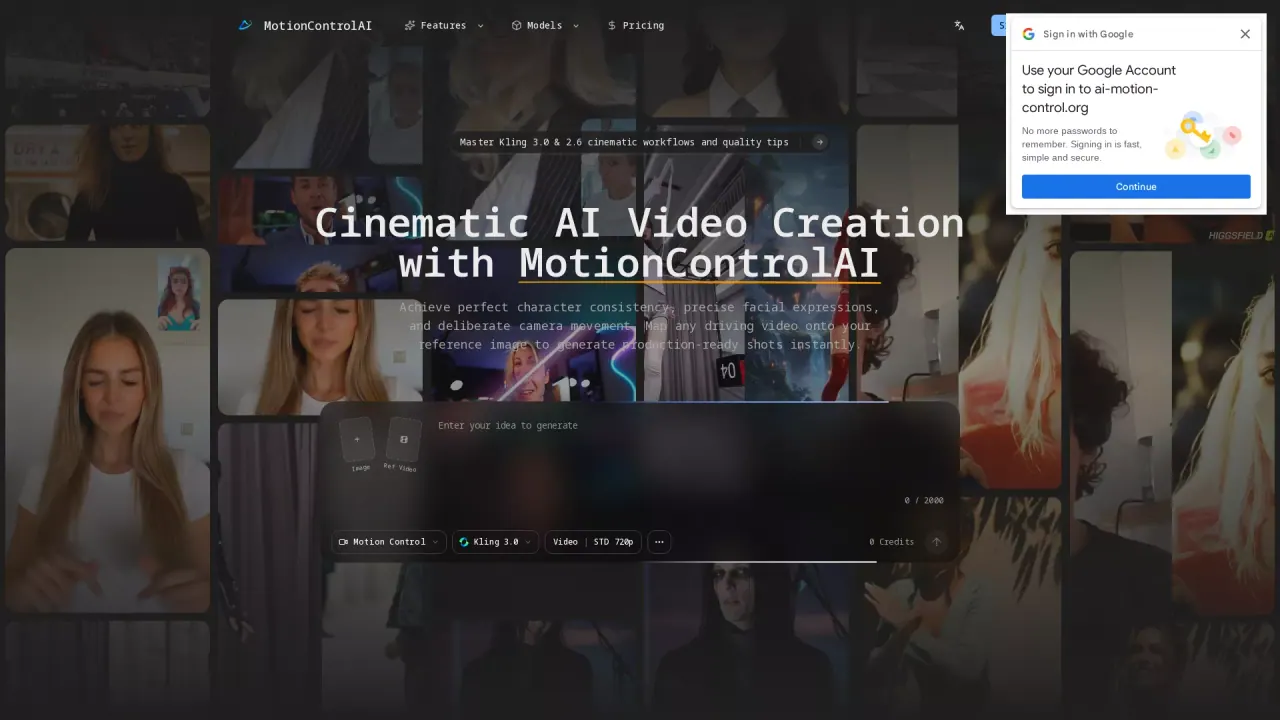
What does MotionControlAI do?
MotionControlAI helps creators generate cinematic AI video sequences where the character stays consistent and the camera movement feels deliberate. You anchor your shot with a high-fidelity reference portrait, then upload a driving motion video to transfer action, rhythm, and facial micro-expressions into your stylized subject.
The workflow is built around element binding and prompt-guided camera language. It locks core identity to reduce drift across severe angle shifts and longer sequences, while enabling predictable motion behavior. You can also apply pre-calibrated camera presets—zoom, tilt, and localized tracking logic—to keep every render aligned with your visual grammar.
MotionControlAI is for content creators, marketers, and AI enthusiasts who need repeatable results for content, ads, and storytelling. It’s especially useful when you care about nuanced facial performance (including blinks and micro-expressions), complex body movement, and preserving garments and accessories during spatial tracking.
Launch is free to start. For paid plans, pricing includes an “Annually Pro” package.
What can I create with MotionControlAI?
You can generate production-ready AI video shots with strict character consistency, precise facial expressions, and deliberate camera movement—driven by your uploaded motion footage.
How do I map motion from my driving video to my character?
Start with a reference image for identity, upload a clean driving motion video that shows the action you want, then use element binding with prompts to connect the motion to your anchored character.
What is element binding, and why does it matter?
Element binding locks core identity so your character’s face and overall character fidelity remain consistent during dynamic cinematic framing and changes over time.
What input should I use for best results?
Use a high-fidelity portrait with clean anatomy and unobstructed facial features, and pair it with a clean driving motion video that clearly shows the action and expressions you want transferred.
How do camera presets fit into the workflow?
You can embed deliberate camera logic—like zoom and tilt—into your recipe so outputs follow a consistent cinematic language across renders.
How much does MotionControlAI cost?
You can start for free. A paid option listed is “Annually Pro.”
This listing is claimed
Own MotionControlAI? Sign in with the email used to claim it to manage this listing, or upgrade to Pro for featured-first placement and a newsletter feature.