
RemoveFrom.Video
Verified
AI Video Text Remover Tool
RemoveFrom.Video uses AI to remove on-screen text, captions, watermarks, logos, and unwanted objects from videos—then download a cleaned result.
Promoted
 AI Checker PlusAI detector that highlights which passages AI wrote. Free check, no sign-up. Plagiarism too.
 RewindType any X/Twitter handle. Get their year back as a narrated video story. Then ask it anything.
 KurodyneSell the tools from your AI side projects. Listing is free.
 Sidrune AI85% off. Stable Claude API for agent developers. Pay as you go. Invoices & refunds available.
 Pixmax.aiPixmax.ai is an all-in-one AI workspace for videos, visual stories, and marketing content.
 SEOify - Improve your SEO & rankingsBuild links to rank in Google. Improve your DR with links you can start building now.Advertise here330,000+ people visit Dang.ai every month.
What does RemoveFrom.Video do?
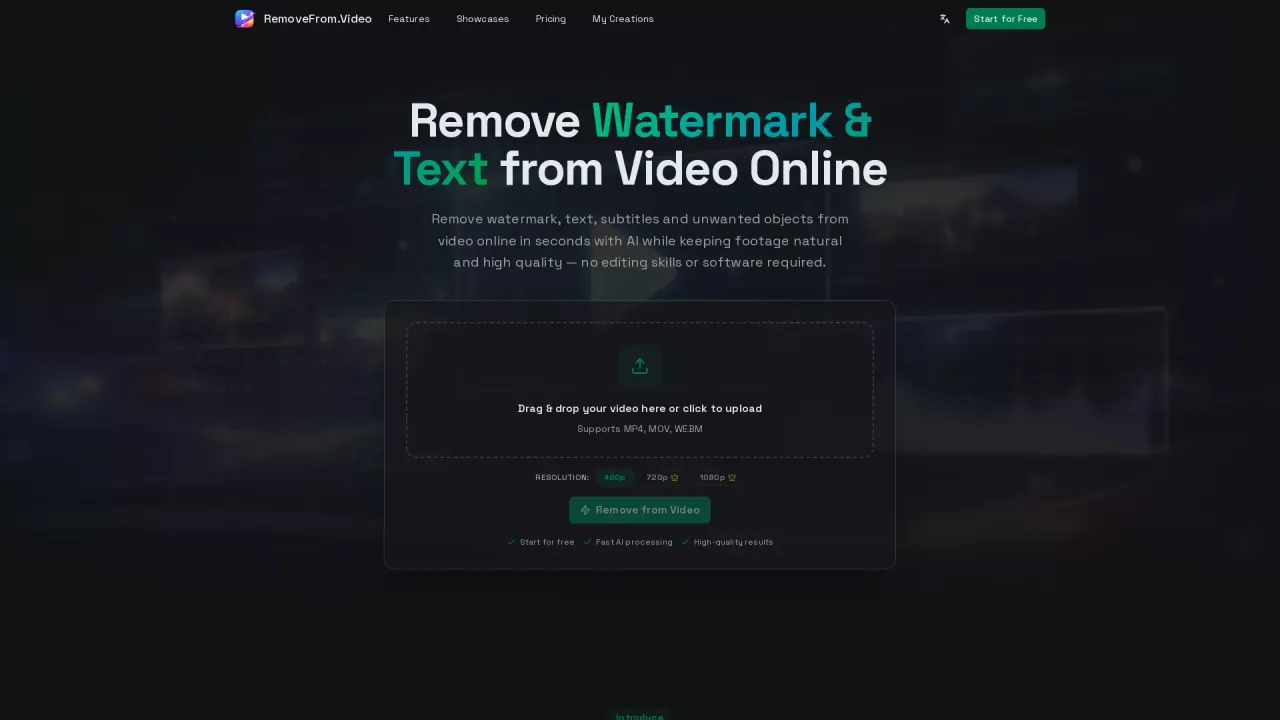
RemoveFrom.Video is an AI video cleanup tool that helps you remove distracting elements from your footage—like hardcoded text, captions/subtitles, watermarks, logos, and other unwanted overlays—so you can reuse clips with a cleaner, more professional look.
The text-removal workflow is built around natural-looking results. You upload an MP4, MOV, or WEBM video, select the text you want gone (either by letting AI detect visible text or by using precise area selection), and the tool reconstructs the covered area while preserving surrounding motion and visual detail. After processing, you can preview the result and download the finished video.
RemoveFrom.Video is designed for creators and teams who update existing videos for new channels, localize content, refresh marketing materials, or clean archived footage. It can be especially useful for burned-in captions, promotional overlays and lower-thirds, timestamps/labels/date stamps, and other fixed on-screen text that would otherwise require tedious frame-by-frame editing.
New users get 30 free credits at first sign-in. Every completed text removal also includes 2 free adjustments with no extra credits.
What can RemoveFrom.Video remove from a video?
You can remove on-screen text such as titles, captions, subtitles, timestamps, labels, and other overlays. It also offers dedicated tools for watermarks, logos, objects, backgrounds, and audio.
How do I remove text from a video online?
Upload an MP4, MOV, or WEBM video, choose the text to remove (AI detection or precise area selection), run the cleanup so the area behind the text is reconstructed, then preview and download the finished result.
Can I remove captions or burned-in subtitles?
Yes. The tool is made to clean embedded captions and hardcoded subtitles, helping you reuse the footage without the original burned-in text.
Will removing text reduce video quality?
RemoveFrom.Video focuses on natural-looking results by rebuilding the covered area and preserving surrounding motion and detail, rather than simply blurring the region.
What video formats are supported?
RemoveFrom.Video supports MP4, MOV, and WEBM.
Is there a free option or trial credits?
Yes—new users receive 30 free credits at first sign-in. Text removal jobs also include 2 free adjustments per completed removal without spending additional credits.
This listing is claimed
Own RemoveFrom.Video? Sign in with the email used to claim it to manage this listing, or upgrade to Pro for featured-first placement and a newsletter feature.