
AutoSubbed
Video Subtitle Generator
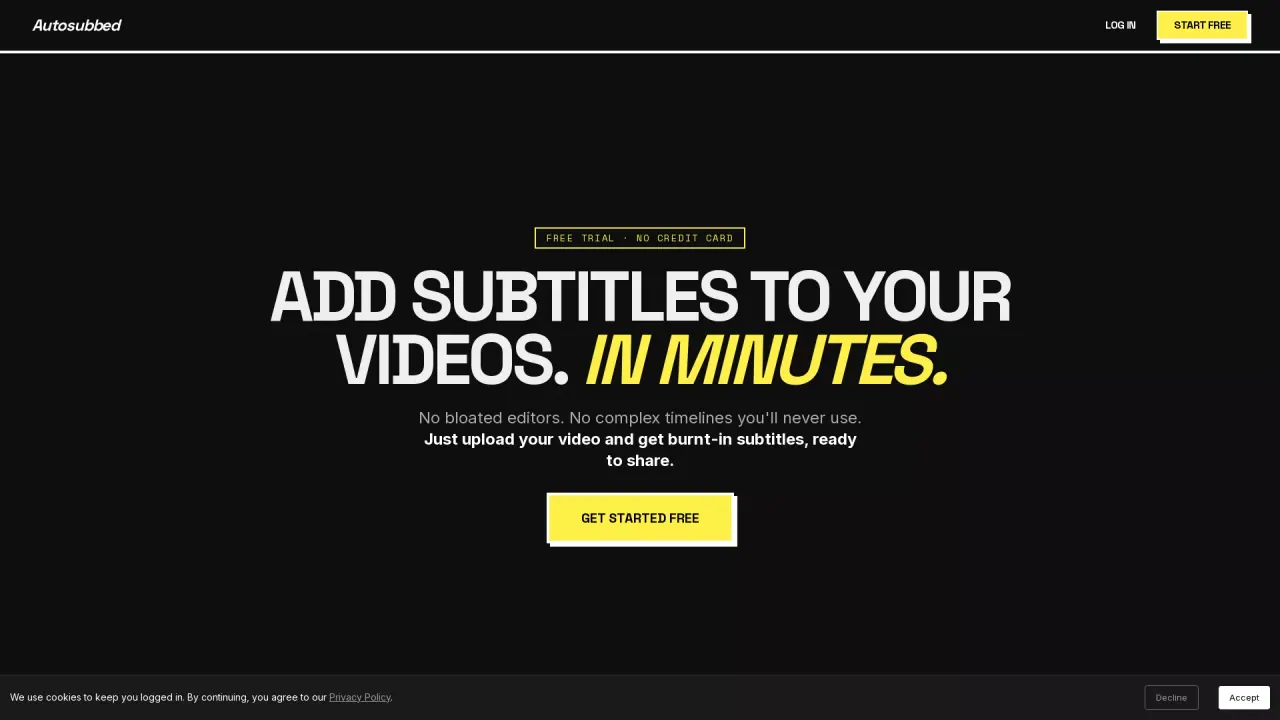
Upload a video and get permanently hard-burned subtitles in minutes—no timeline editing required.
Promoted
 AI Checker PlusAI detector that highlights which passages AI wrote. Free check, no sign-up. Plagiarism too.
 RewindType any X/Twitter handle. Get their year back as a narrated video story. Then ask it anything.
 KurodyneSell the tools from your AI side projects. Listing is free.
 Sidrune AI85% off. Stable Claude API for agent developers. Pay as you go. Invoices & refunds available.
 Pixmax.aiPixmax.ai is an all-in-one AI workspace for videos, visual stories, and marketing content.
 SEOify - Improve your SEO & rankingsBuild links to rank in Google. Improve your DR with links you can start building now.Advertise here330,000+ people visit Dang.ai every month.
What does AutoSubbed do?
AutoSubbed adds burned-in subtitles to your videos using AI transcription, so you can upload a raw MP4 or MOV file and receive a subtitle-ready video back without manual editing. The workflow is simple: upload, the audio is transcribed, and subtitles are rendered directly into the video pixels for maximum compatibility.
Key features include AI transcription powered by Whisper with support for 50+ languages, plus multi-pass analysis that helps with context, technical jargon, and slang. Processing is designed for speed with GPU-accelerated rendering—so a typical 10-minute video can be subbed and ready for download in under 60 seconds. Subtitles are hardcoded using FFmpeg, meaning they stay part of the video rather than living as a separate caption file.
AutoSubbed is built for creators and YouTubers who want captions that work across platforms, educators and course creators aiming to improve accessibility, marketers and social media teams producing videos that get watched without sound, and businesses that need professional video captioning at scale while keeping brand styling consistent. You can also customize subtitle styling, including fonts, weights, and colors.
Pricing is organized into Trial (free, 1 free video with a 7-minute maximum, transcription included, no download), Starter ($5/month with 60 minutes per month and a 30-minute per-video limit), Pro ($9/month with 200 minutes/month and priority processing), and Business ($18/month with 600 minutes/month and priority processing). Annual billing is listed for Starter at approximately $4.16/month billed annually.
What video formats does AutoSubbed accept?
AutoSubbed accepts MP4 and MOV files for adding hard-burned subtitles.
How does processing work once I upload a video?
You upload the video, Whisper transcribes the audio, and AutoSubbed burns the subtitles directly into the video pixels using FFmpeg.
How long does it take to get a subtitled video back?
GPU-accelerated rendering is designed to be fast—an example given is a 10-minute video subbed and ready for download in under 60 seconds.
Can I customize the subtitle appearance?
Yes. You can choose fonts, weights, and colors to match your branding, and those styles are applied across the hard-burned captions.
Are the subtitles permanently burned into the video?
Yes. The subtitles are permanently hardcoded into the video, unlike standalone caption files that can be lost or require platform support.
What are the available plans and limits?
You can start with a free trial (1 free video, 7-minute max, transcription included, no download). Paid plans include Starter ($5/month, 60 minutes/month, with a 30-minute per-video limit), Pro ($9/month, 200 minutes/month with priority processing), and Business ($18/month, 600 minutes/month with priority processing).
This listing is claimed
Own AutoSubbed? Sign in with the email used to claim it to manage this listing, or upgrade to Pro for featured-first placement and a newsletter feature.