
VMagic
AI Video Style Enhancer and Face Swapper
AI video generation platform that includes video style conversion, video face swap, photo dancing.
- Pricing
- Free trial
- Category
- Video
- Listed
- Aug 23, 2024
- Updated
- May 25, 2026
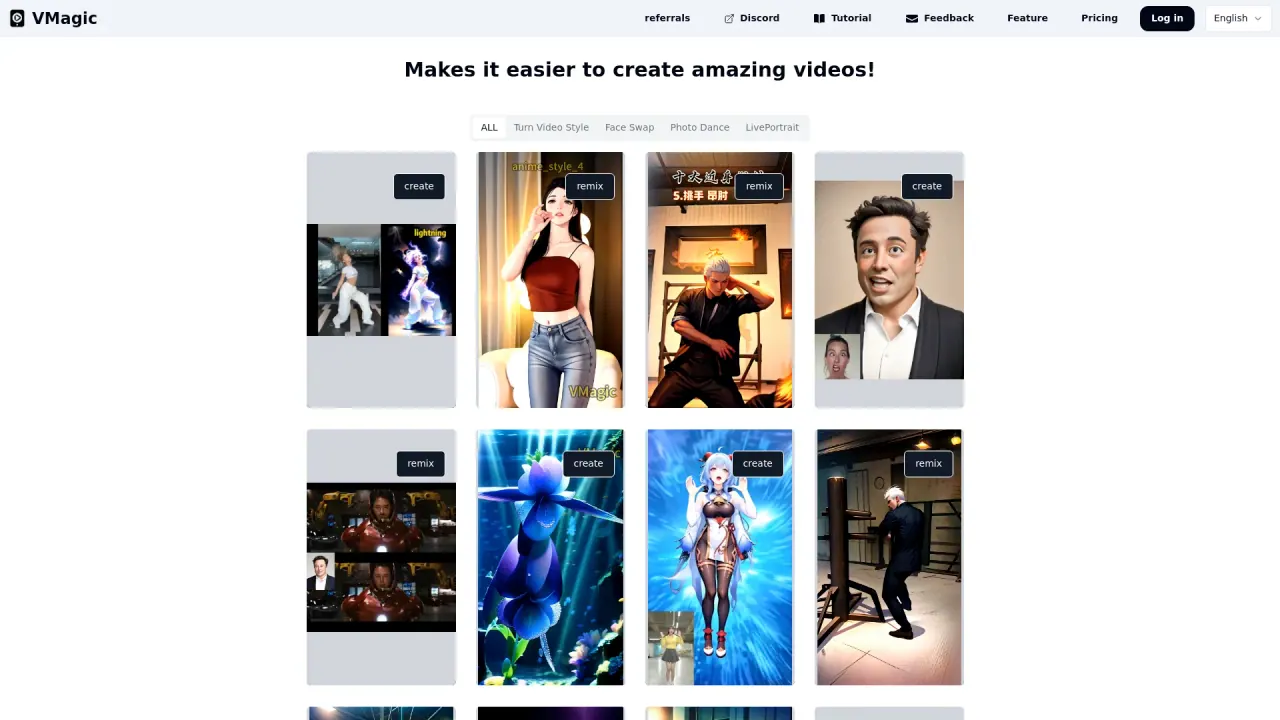
What does VMagic do?
What features does VMagic offer for video creators?
VMagic offers a variety of features for video creators, including Turn Video Style to convert videos to different styles, a Face Swap tool for replacing faces in photos and videos, Photo Dance to animate characters in an image, and LivePortrait for converting still photos into live videos with controlled facial expressions. Additionally, the tool provides a text-to-video generator and an image-to-video generator to transform static content into dynamic videos.
How does VMagic's text-to-video generator work?
VMagic's AI-powered text-to-video generator transforms text prompts into vivid, dynamic videos. Ideal for storytelling, marketing, or creative projects, it creates smooth and visually rich 5 or 10-second videos from simple text descriptions. The text-to-video generator adds visually appealing elements to bring the story written in the text to life.
Does VMagic offer any community support or tutorials?
Yes, VMagic offers multiple channels for community support and tutorials. Users can connect through platforms such as Discord, YouTube, and others. Additionally, there are tutorials available to help users make the most out of VMagic features and create amazing videos effectively.
Does VMagic offer a free plan, and what pricing options exist?
Yes—VMagic has a free tier and paid subscriptions with additional benefits. For specifics on plan details and benefits, please refer to the Pricing page.
How many video styles are available in Turn Video Style?
There are around 20 styles available, including caricature, real, and abstract art such as dancing plants.
What is LivePortrait?
LivePortrait converts still photos into live videos with controlled facial expressions.
Is this your tool?
Claim VMagic to manage this listing, or upgrade to Pro for featured-first placement and a newsletter feature.