
VideoAI
Verified
AI Video Generator
Turn text and images into videos with multiple AI models, plus tools for extending clips, music, motion control, and upscaling.
Promoted
 AI Checker PlusAI detector that highlights which passages AI wrote. Free check, no sign-up. Plagiarism too.
 RewindType any X/Twitter handle. Get their year back as a narrated video story. Then ask it anything.
 KurodyneSell the tools from your AI side projects. Listing is free.
 Sidrune AI85% off. Stable Claude API for agent developers. Pay as you go. Invoices & refunds available.
 Pixmax.aiPixmax.ai is an all-in-one AI workspace for videos, visual stories, and marketing content.
 SEOify - Improve your SEO & rankingsBuild links to rank in Google. Improve your DR with links you can start building now.Advertise here330,000+ people visit Dang.ai every month.
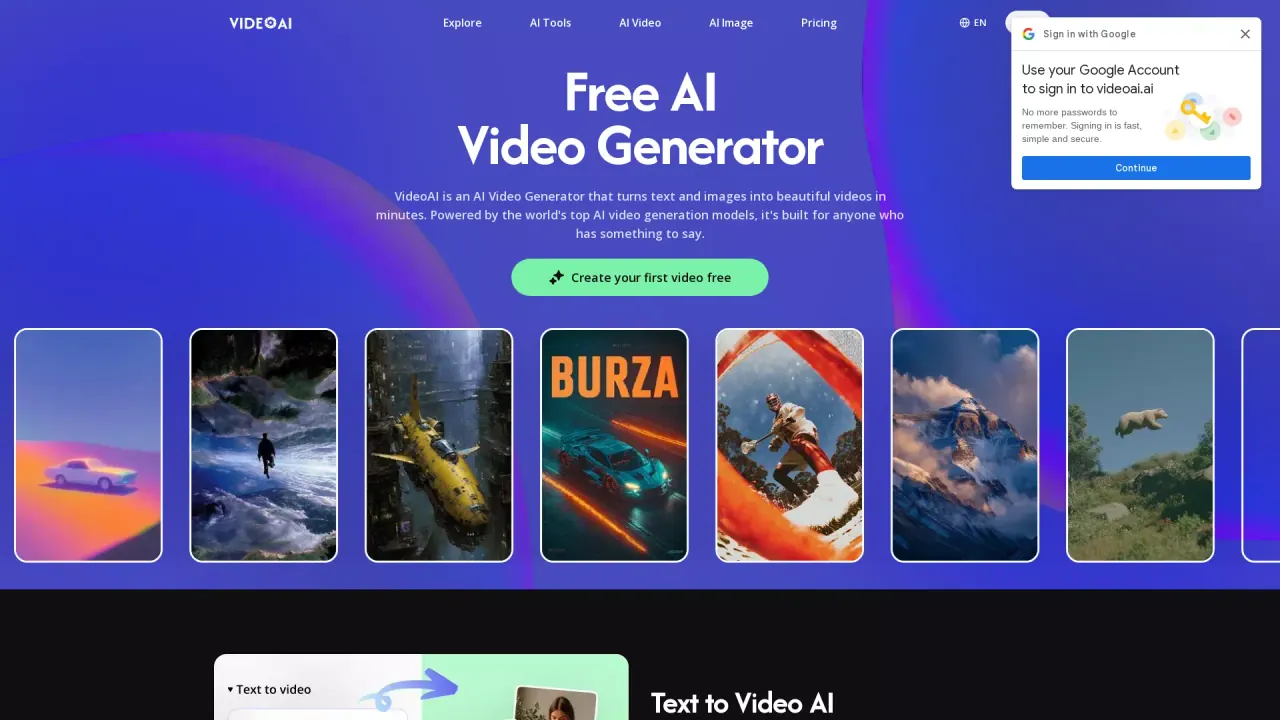
What does VideoAI do?
VideoAI is an AI video generator that turns your text and still images into video clips in minutes. Describe what you want to see, upload a photo or illustration, and VideoAI generates motion that follows your prompt—without requiring technical setup or video editing experience.
You can start with text-to-video to pick a model that matches the look you’re going for, and iterate until you get something you like. For image-to-video, VideoAI uses your reference image to keep the motion grounded in what’s already in your visual, generating a clip where the scene feels like it was meant to move that way.
VideoAI also includes features to help you go beyond one-off generations. Extend Videos lets you continue an AI-generated clip without restarting, keeping the scene going with smooth, consistent motion. Motion Control lets you specify how things move—such as camera direction, speed, and subject behavior—so your output matches your intended direction. You can also upscale images before generating for sharper detail in the final frames.
For creative finishing, VideoAI supports creating music that matches the mood, genre, or scene of your video, making it useful for intros, ads, social clips, and cinematic edits. VideoAI offers a free plan with no credit card required and no time limits, and higher-resolution exports and some advanced models are available on paid plans.
Is VideoAI actually free to use?
Yes. The free plan provides access to the core AI video generator and image-to-video tools with no credit card required and no time limits. You can create videos and explore most features at no cost.
How does image to video work in VideoAI?
Upload a still image (photo or illustration) and write what you want to happen. VideoAI reads both your image and prompt, then generates a video clip where motion matches your description.
Which AI video generation models are available?
VideoAI includes multiple models, including Wan, Kling, Seedance, and Veo for video generation, plus image models like Nano Banana and Flux. You can switch models freely within the same project.
Can I extend an AI-generated video instead of starting over?
Yes. Use Extend Videos to continue a clip that cuts off too soon, keeping motion smooth and consistent as the scene continues.
What is Motion Control in VideoAI?
Motion Control lets you tell the AI how elements should move before generation. Set things like camera direction, speed, and subject behavior to guide the output more precisely.
Do I need video editing experience to use VideoAI?
No. VideoAI uses a chat-based interface so you can describe what you want in plain language, with built-in templates and preset effects to help you get results quickly.
This listing is claimed
Own VideoAI? Sign in with the email used to claim it to manage this listing, or upgrade to Pro for featured-first placement and a newsletter feature.