OmniFlash
AI Video Generator
OmniFlash is a free AI video maker and editor that creates and refines videos from text, images, audio, and video through conversation.
Promoted
 Sidrune AI85% off. Stable Claude API for agent developers. Pay as you go. Invoices & refunds available.
 Pixmax.aiPixmax.ai is an all-in-one AI workspace for videos, visual stories, and marketing content.
 SEOify - Improve your SEO & rankingsBuild links to rank in Google. Improve your DR with links you can start building now.Advertise here270,000+ people visit Dang.ai every month.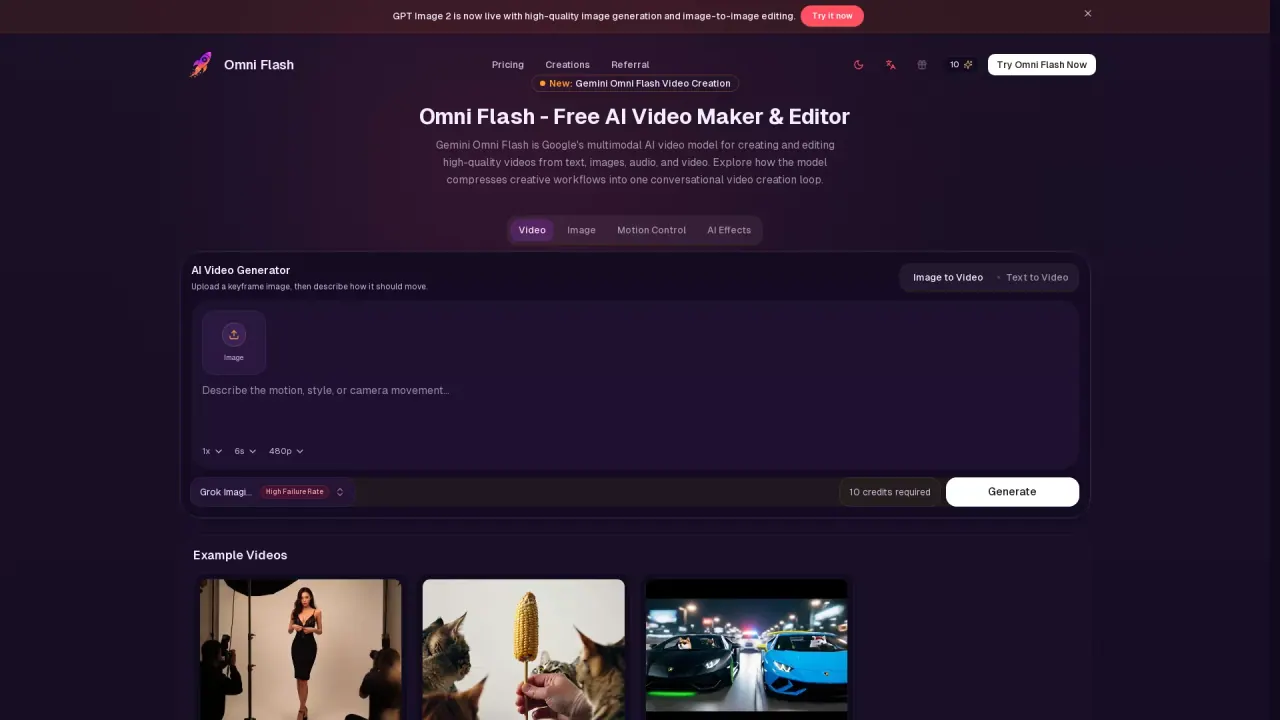
What does OmniFlash do?
OmniFlash (Gemini Omni Flash) is a multimodal AI video maker and editor for creating high-quality videos from inputs like text, images, audio, and existing video. It turns creative work into a simple, conversational loop—generate a video draft, then refine it by describing what you want to change next.
You can start with any input, including a reference image or an existing clip. Describe the subject, camera motion, audio mood, style, and story using natural language, and keep iterating through follow-up instructions. This makes it well-suited for fast creative exploration, where you want motion and edits quickly without rewriting the entire brief each time.
Key capabilities include text-to-video and image-to-video workflows, plus motion control using keyframe images. OmniFlash also supports planning videos with sound, dialogue direction, and mood from the start, which can help with short-form social clips, product stories, educational explainers, ad concepts, and storyboard drafts.
Pricing is credit-based with a free option: there’s no subscription needed, and you can start free without a card. The site also offers one-time credit packages that don’t expire, with unlimited downloads for generated results. Enterprise options are available for teams needing higher limits or tailored workflows.
What can I make with OmniFlash?
Create and edit high-quality videos using text, images, audio, and video. You can use it for short-form social clips, product videos, educational explainers, ad concepts, and storyboard drafts.
How does the conversational editing workflow work?
Generate a draft video, then refine it by sending follow-up instructions in natural language (for example: adjust the camera motion, swap a detail, improve pacing, or reshape the edit).
Can I use reference images or keyframes to control motion?
Yes. Upload a keyframe image and describe how it should move, then iterate by continuing to describe changes you want.
Does OmniFlash support image-to-video and text-to-video?
Yes. You can generate videos from an image (image-to-video) or from a prompt (text-to-video), and refine the result through conversation.
How much does OmniFlash cost?
You can start free with free credits and no card required. For more usage, you can buy one-time credit packages that don’t expire, with unlimited downloads for generated results.
Is there an option for teams or higher limits?
Yes. Enterprise plans are available for teams that need higher limits, shared billing, tailored workflows, and priority support/SLA options.
This listing is claimed
Own OmniFlash? Sign in with the email used to claim it to manage this listing, or upgrade to Pro for featured-first placement and a newsletter feature.