
Cliprise
AI Video Maker Generators & Tools
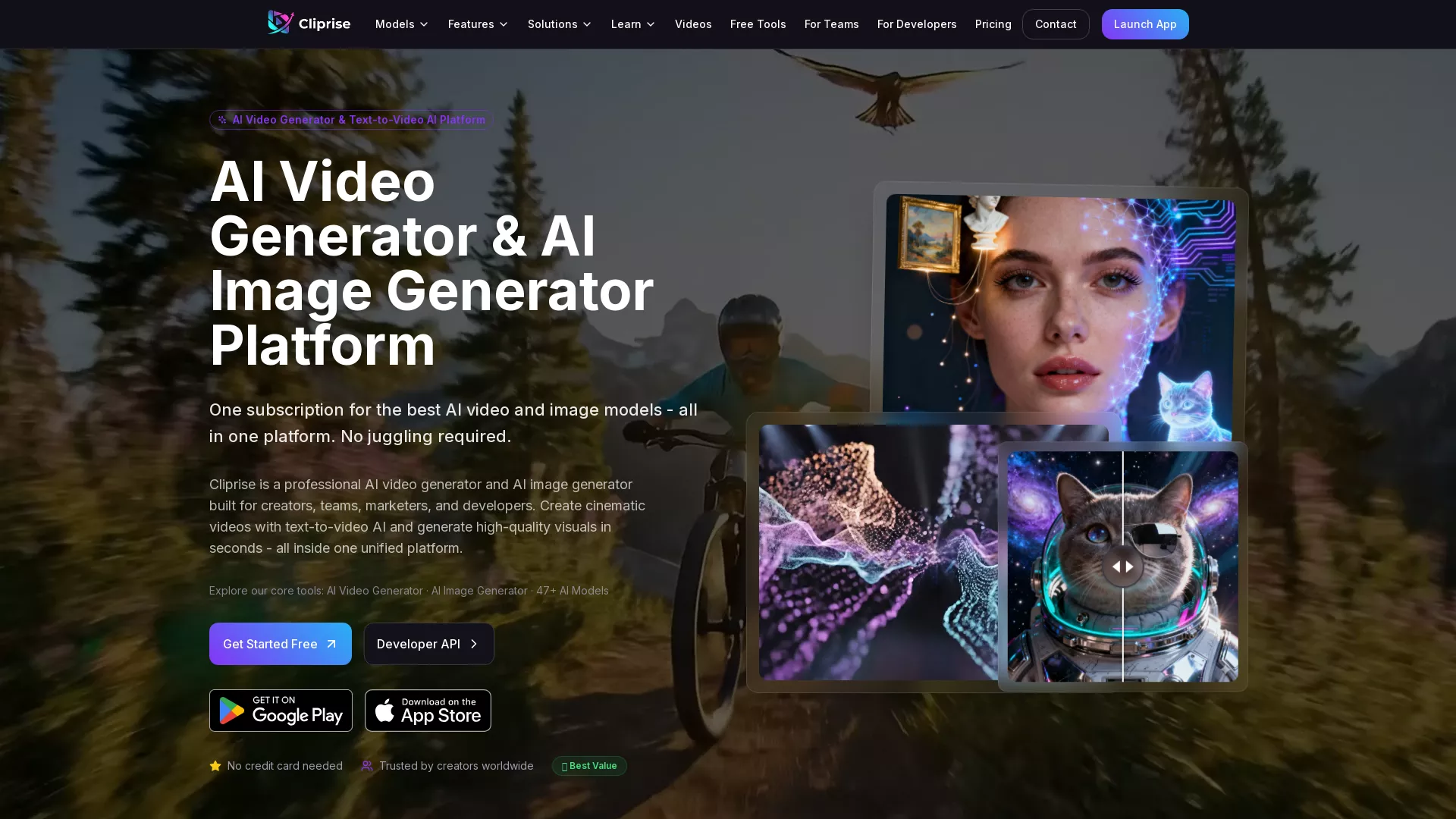
Cliprise is a unified AI video and image generator that turns prompts into cinematic visuals using 47+ models from one platform.
Promoted
 Sidrune AI85% off. Stable Claude API for agent developers. Pay as you go. Invoices & refunds available.
 Pixmax.aiPixmax.ai is an all-in-one AI workspace for videos, visual stories, and marketing content.
 AI Checker PlusAI detector that highlights which passages AI wrote. Free check, no sign-up. Plagiarism too.
 RewindType any X/Twitter handle. Get their year back as a narrated video story. Then ask it anything.
 KurodyneSell the tools from your AI side projects. Listing is free.
 SEOify - Improve your SEO & rankingsBuild links to rank in Google. Improve your DR with links you can start building now.Advertise here270,000+ people visit Dang.ai every month.
What does Cliprise do?
Cliprise is an AI video generator and AI image generator built for creators, teams, marketers, and developers who want to move from concept to output quickly. It helps you generate cinematic text-to-video and high-quality images in seconds, all in one unified workspace.
A key advantage is multi-model access: you can choose from 47+ AI models for video and image generation without juggling separate tools or subscriptions. Cliprise also supports a streamlined generation flow—prompt, choose a model, generate, then export—so you can iterate faster and compare results. For more polished results, the platform includes integrated editing tools such as background removal and upscaling.
Cliprise is designed for short-form and marketing content workflows (including ads, digital art, and YouTube-style creatives), and it also supports team collaboration for scaling production with more predictable quality. If you’re a developer, Cliprise offers a Developer API to integrate AI video and image generation into your own product or workflow.
Pricing uses a subscription credit approach, with free credits to start, plus subscription and booster credits. Optional top-ups are available, and you can see a clear credit cost preview before each creation. No credit card is required to get started.
What can I create with Cliprise?
Cliprise helps you generate AI images and AI videos from prompts. You can also export results and use integrated tools like background removal and upscaling for finishing touches.
How does multi-model access work in Cliprise?
You can select different AI models for image and video generation from one dashboard. This lets you compare outputs and choose the best engine for each creative task without switching platforms.
What is the typical workflow in Cliprise?
Start with a prompt, choose a model, generate the content, and then export (including options like download and sharing). The platform keeps the process simple so you can iterate quickly.
Is Cliprise only for creators, or can teams and developers use it too?
It’s built for creators, teams, marketers, and developers. Teams can use Cliprise as a centralized visual generation engine, and developers can use the Cliprise API to build scalable creative workflows.
Do I need a credit card to start?
No—there are free credits available to start creating without a credit card. You can then use subscription/booster credits and optional top-ups as needed.
Can I preview generation costs before I create?
Yes. Cliprise provides a credit cost preview before every creation so you can understand the cost impact before generating.
This listing is claimed
Own Cliprise? Sign in with the email used to claim it to manage this listing, or upgrade to Pro for featured-first placement and a newsletter feature.